Client workspace · Studios of 2 to 6
Pitch. Sign. Deliver. Invoice.
Small studios rarely lose money on the pitch. They lose it after the yes: a scope nobody can find, one more quick change, a client asking where things stand. Waco3 keeps the proposal, the signed scope and the client's view of the project in one place.
7 days · no card
-
Pitch
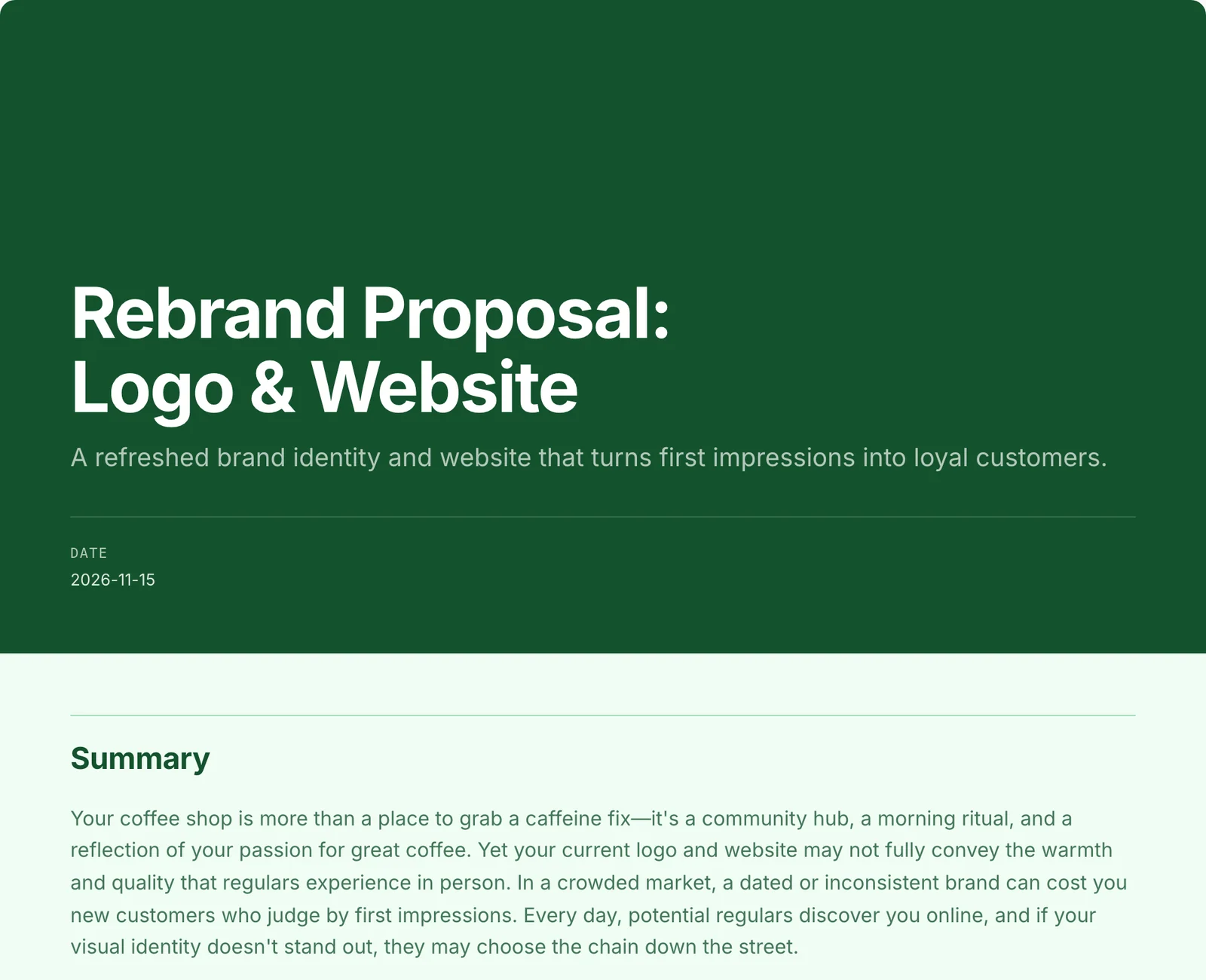
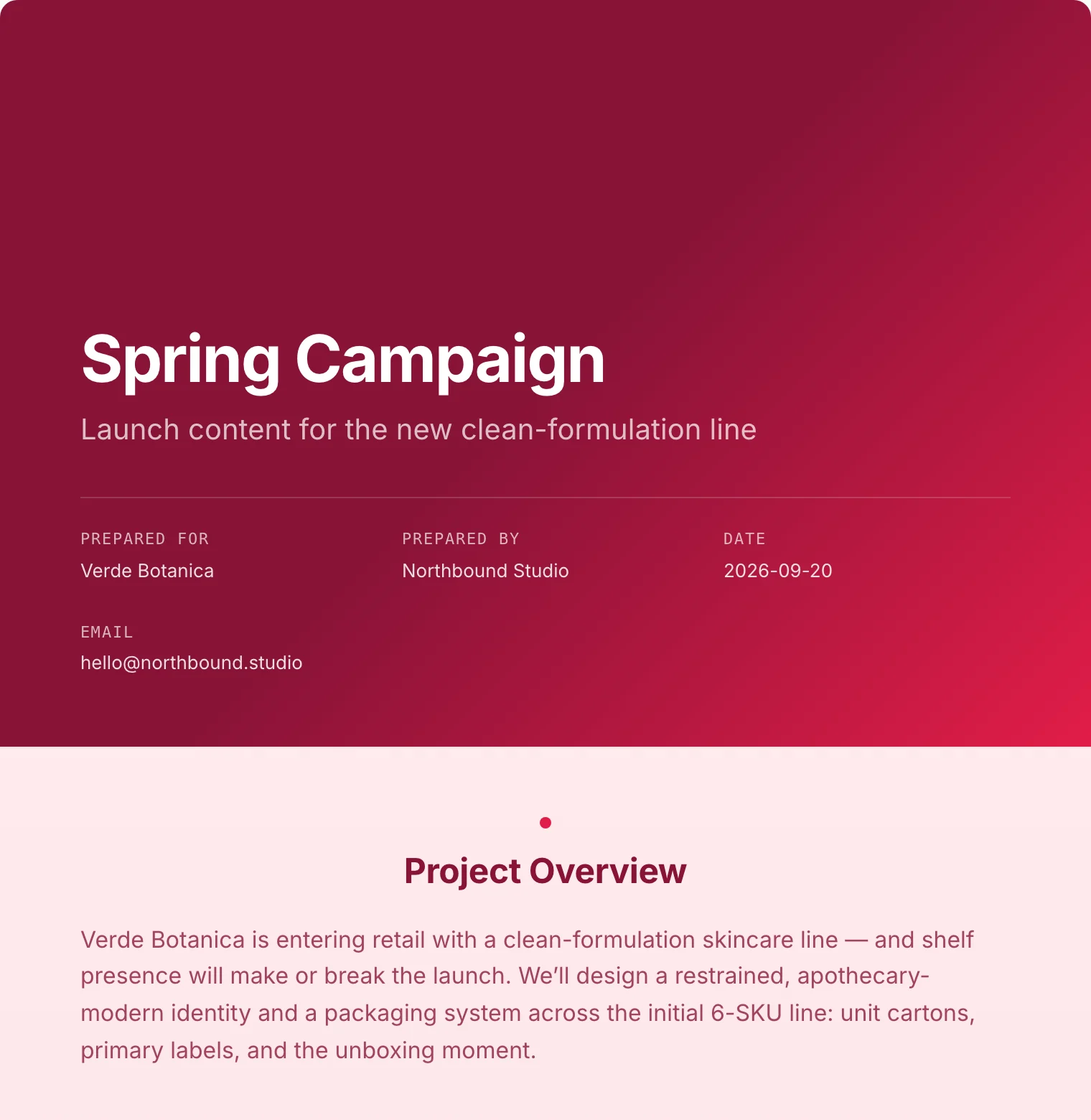
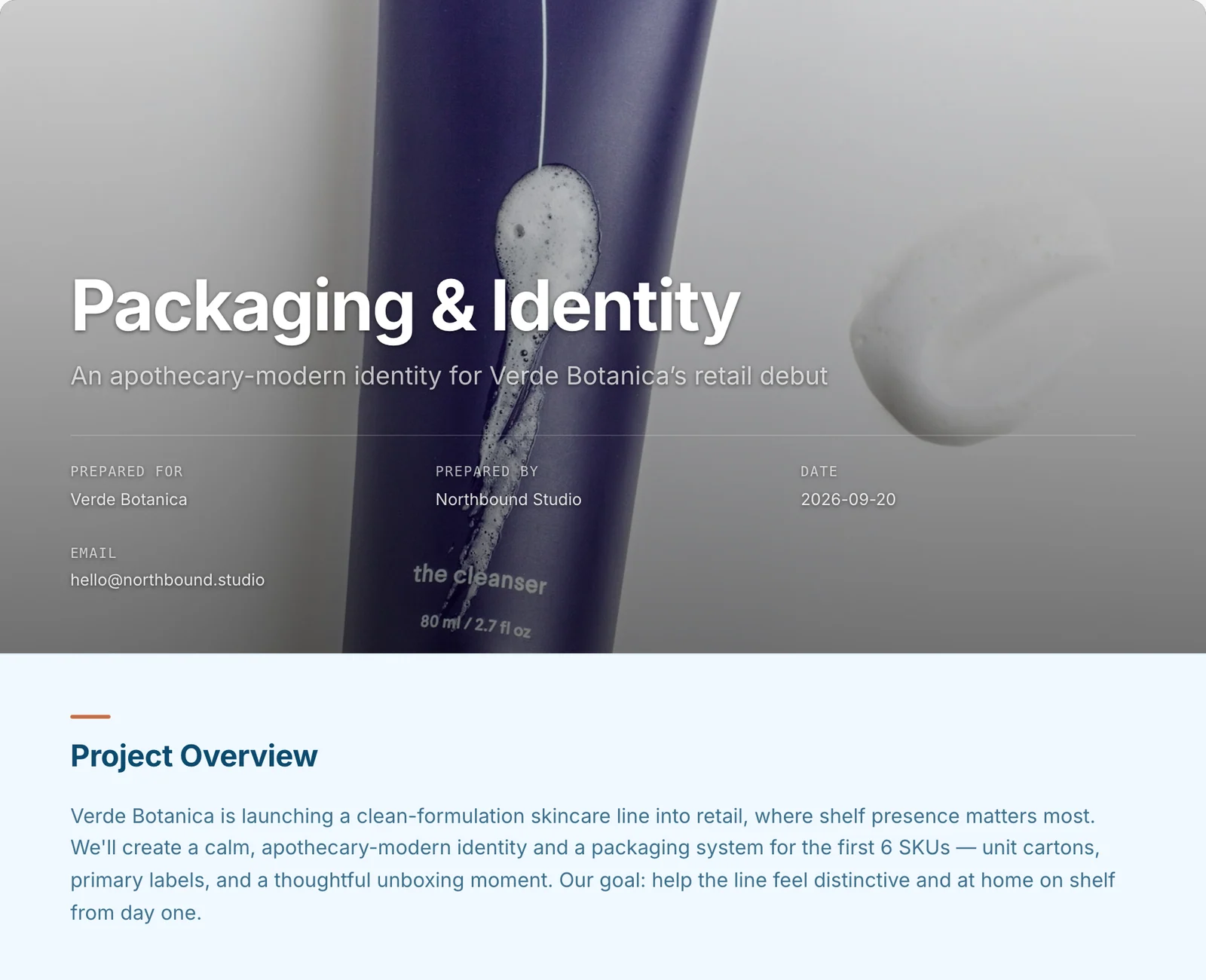
Proposals and quotes in your brand, drafted from a short brief.
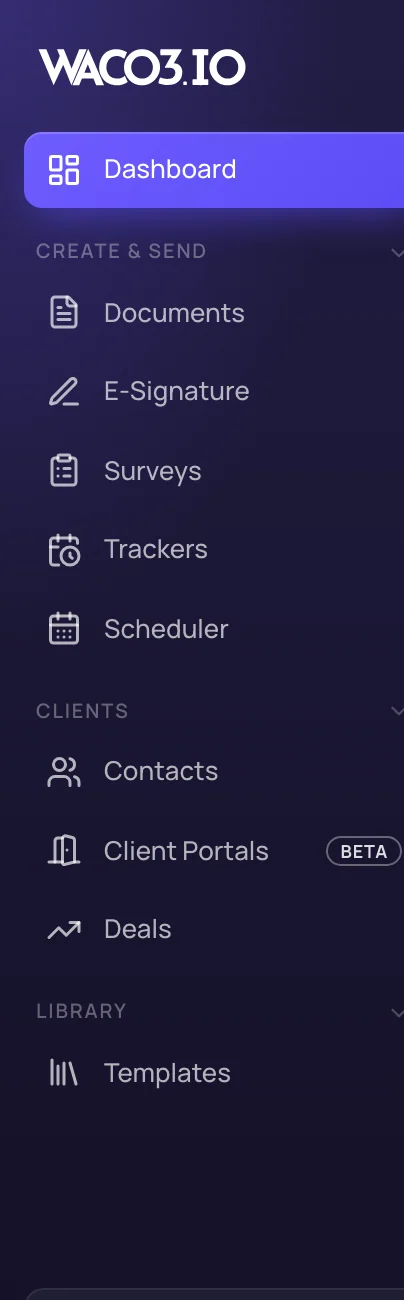
Documents · Templates · Pipeline
-
Sign
E-signature in the same link, with an audit trail.
E-Signature
-
Deliver
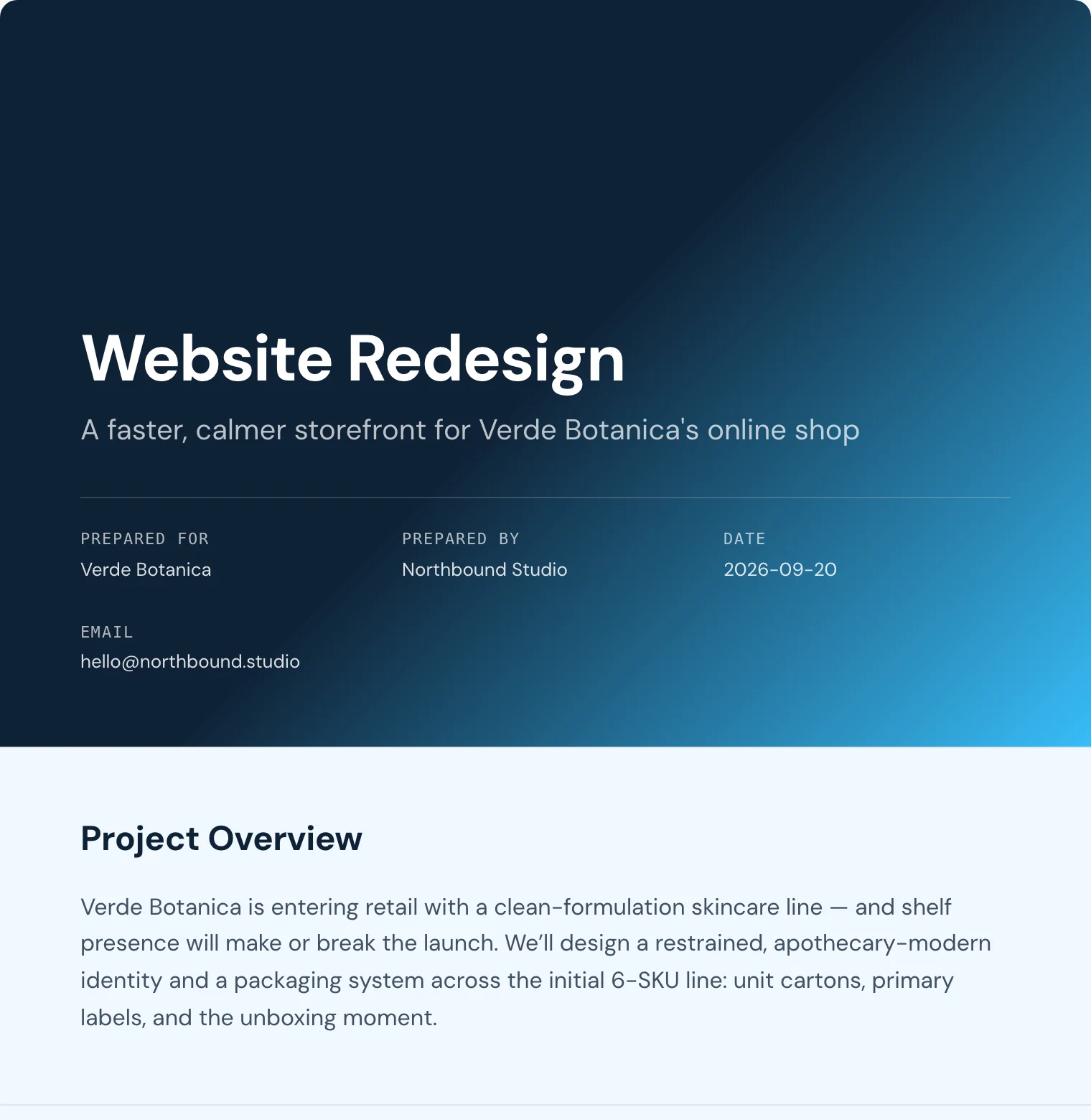
A private portal where the client follows the project.
Client Portals (beta) · Trackers
-
Invoice
Invoices from the work you already scoped.
Documents
The problem
Sound familiar?
- Nine hours on a proposal. Then silence.
- Round three became round seven.
- “Where are we at?” By email. Again.
- Five tools to run one client.
Pitch and sign
Send a proposal that looks like your studio made it.
Write a short brief. Waco3 asks two to four questions, then drafts the proposal in your brand. You edit, you send one link.
Two lines in. A proposal out.
Describe the job, answer what matters, read the draft.
-
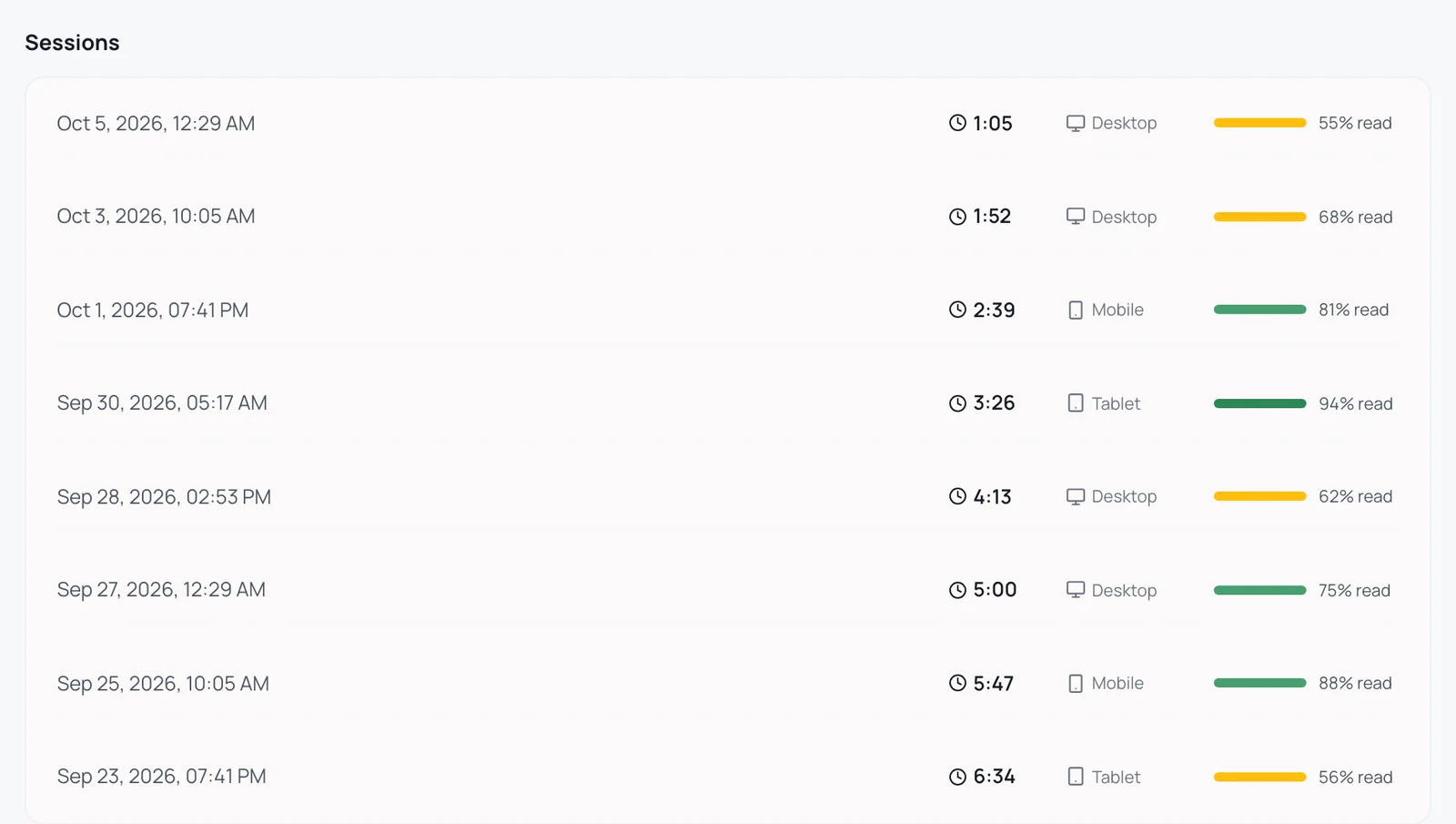
See what they read.
Time on each section, per person, before you make the call.
-
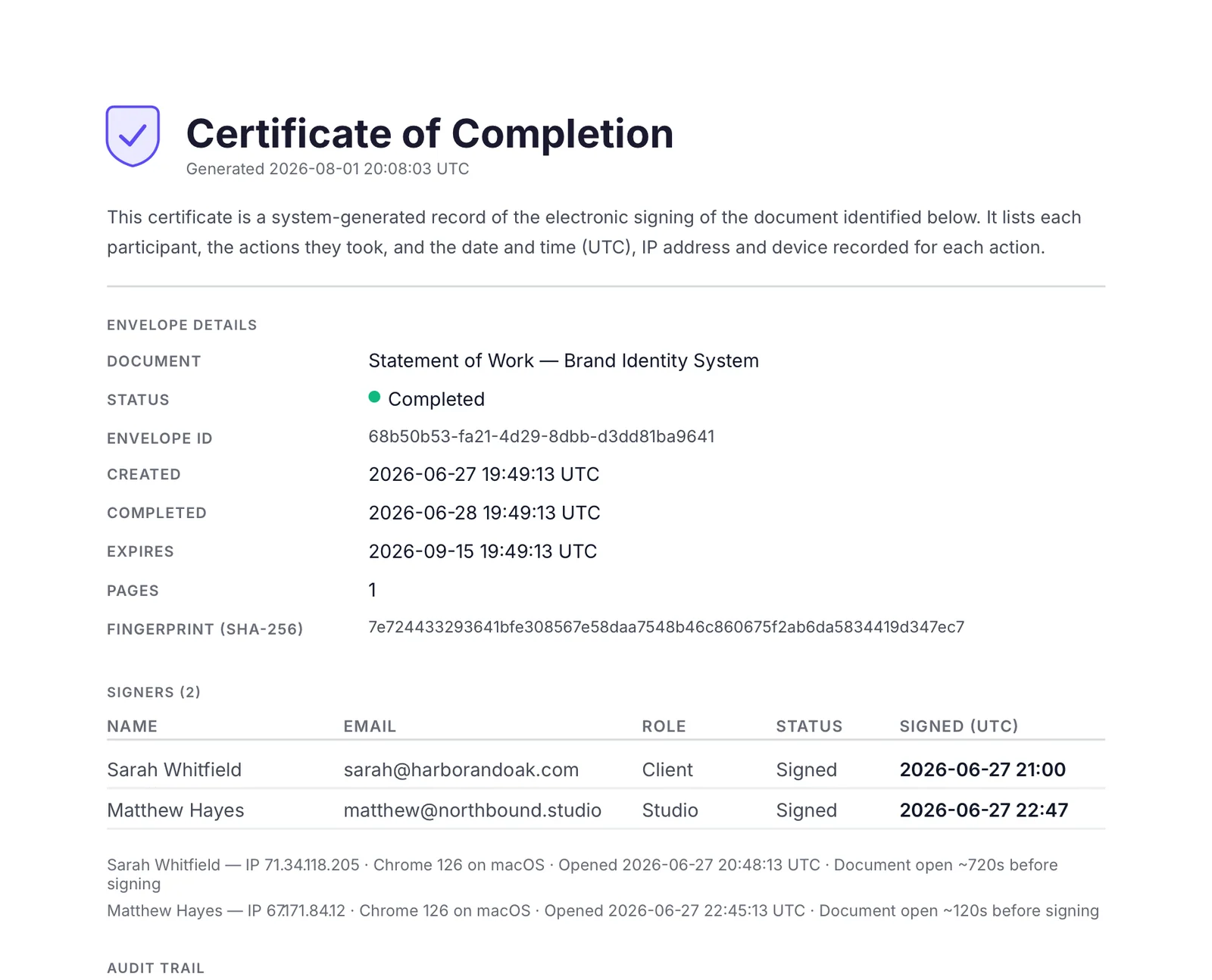
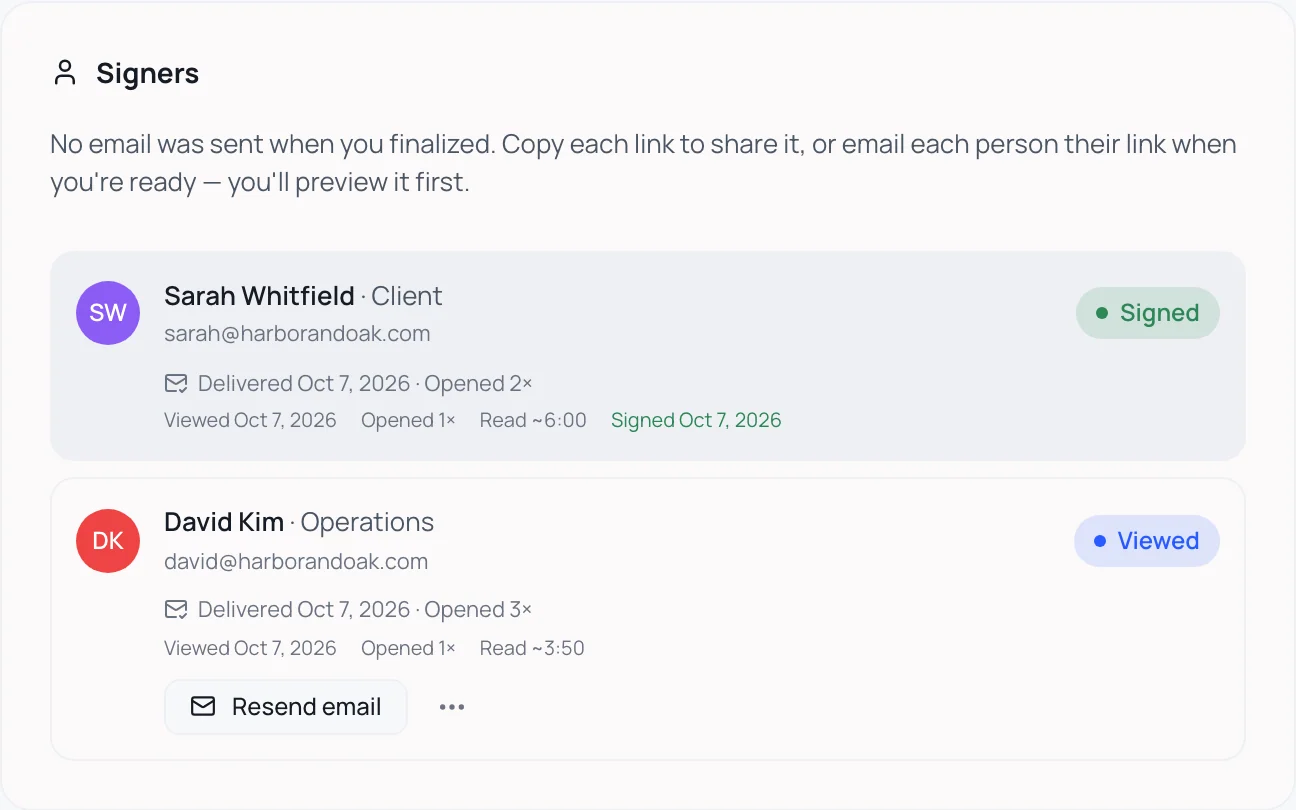
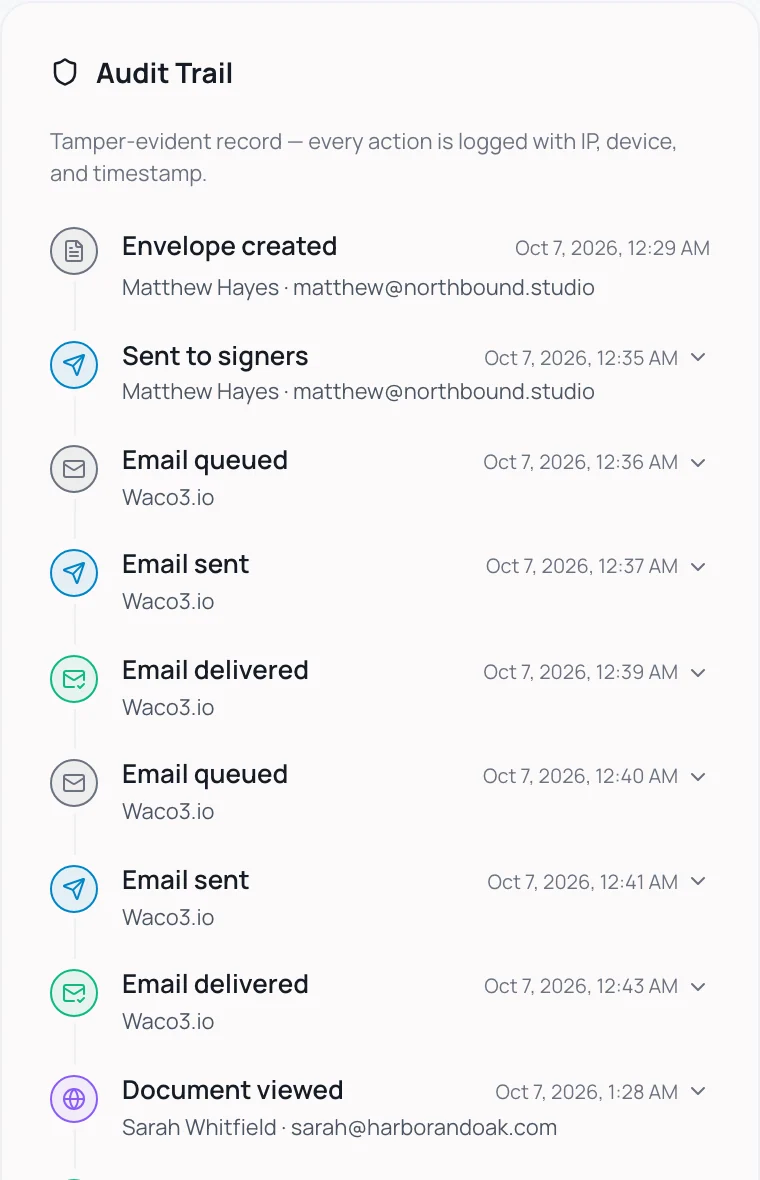
Signed in the same link.
E-signature with delivery tracking, an audit trail and a certificate of completion.
-
Start from a kit.
Proposal, agreement, intake survey and emails for branding, web and video studios.

Scope
“Is that included?” has an answer.
The signed proposal and agreement stay attached to the client and the project. When a new request arrives, the scope is one click away, for your team and for the client.
One more change, in writing.
The client asks on the document. You answer and mark it resolved.
Deliver
Run the project where the client can see it.
Each client gets a private portal with the plan, the files, the to-dos and the messages. One status per project: on track, delayed, blocked, on hold, done.
The project, where the client can see it.
Client Portal (beta): to-dos, the roadmap, documents and messages.
One status per project
- On track
- Delayed
- Blocked
- On hold
- Done
-
Intake before kickoff.
Send the questionnaire with the contract, not after it.
-
Booking links.
The client picks a time in their own timezone. Google Meet link included.
-
Fewer “any update?” emails.
The answer is already in the portal.
BetaClient Portals are in beta and included in Pro and Studio.
The client's side
What your client sees.
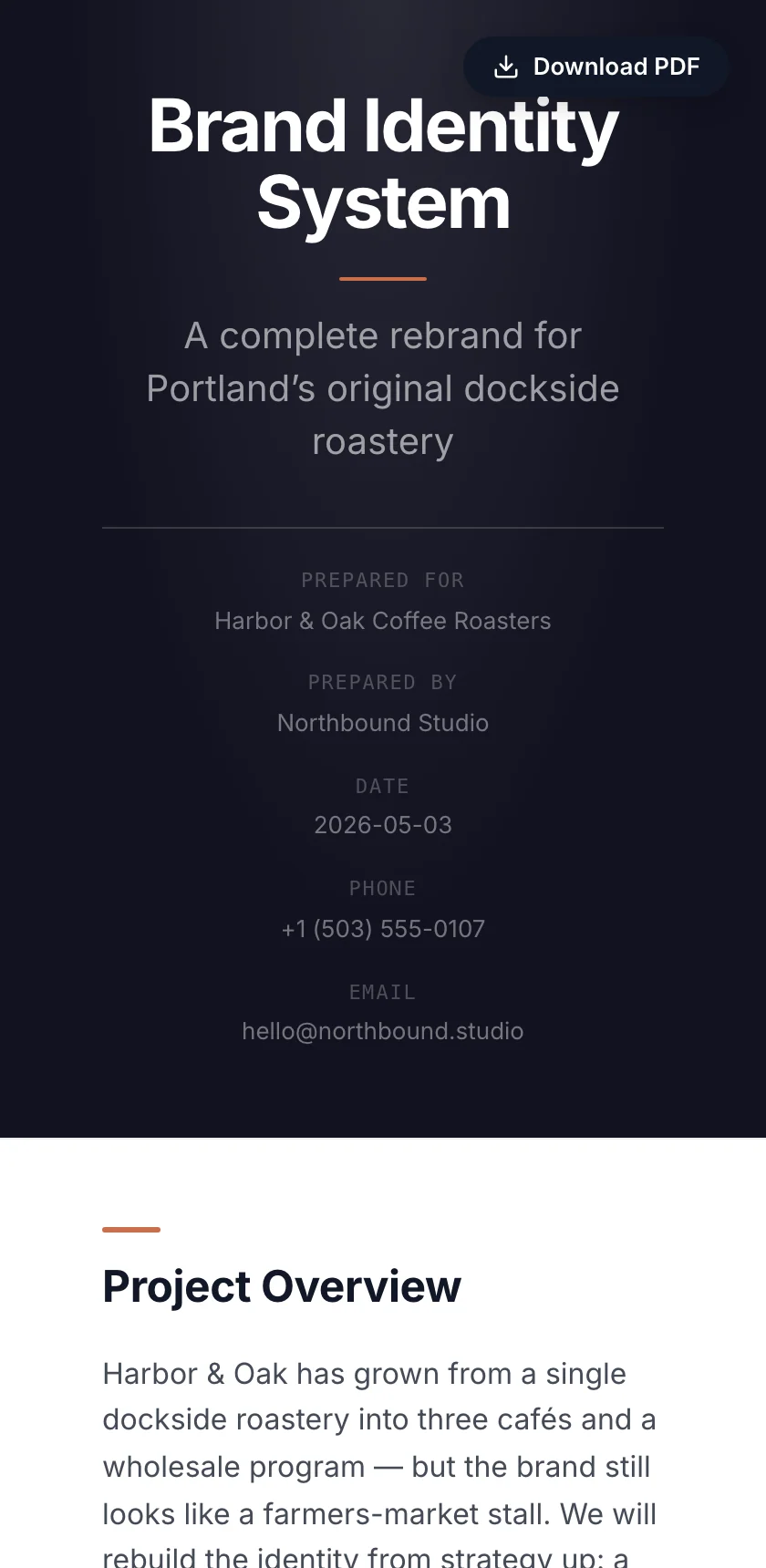
Their proposal, their signature, their project. On a phone, with nothing to install. They sign in with a code sent to their email.
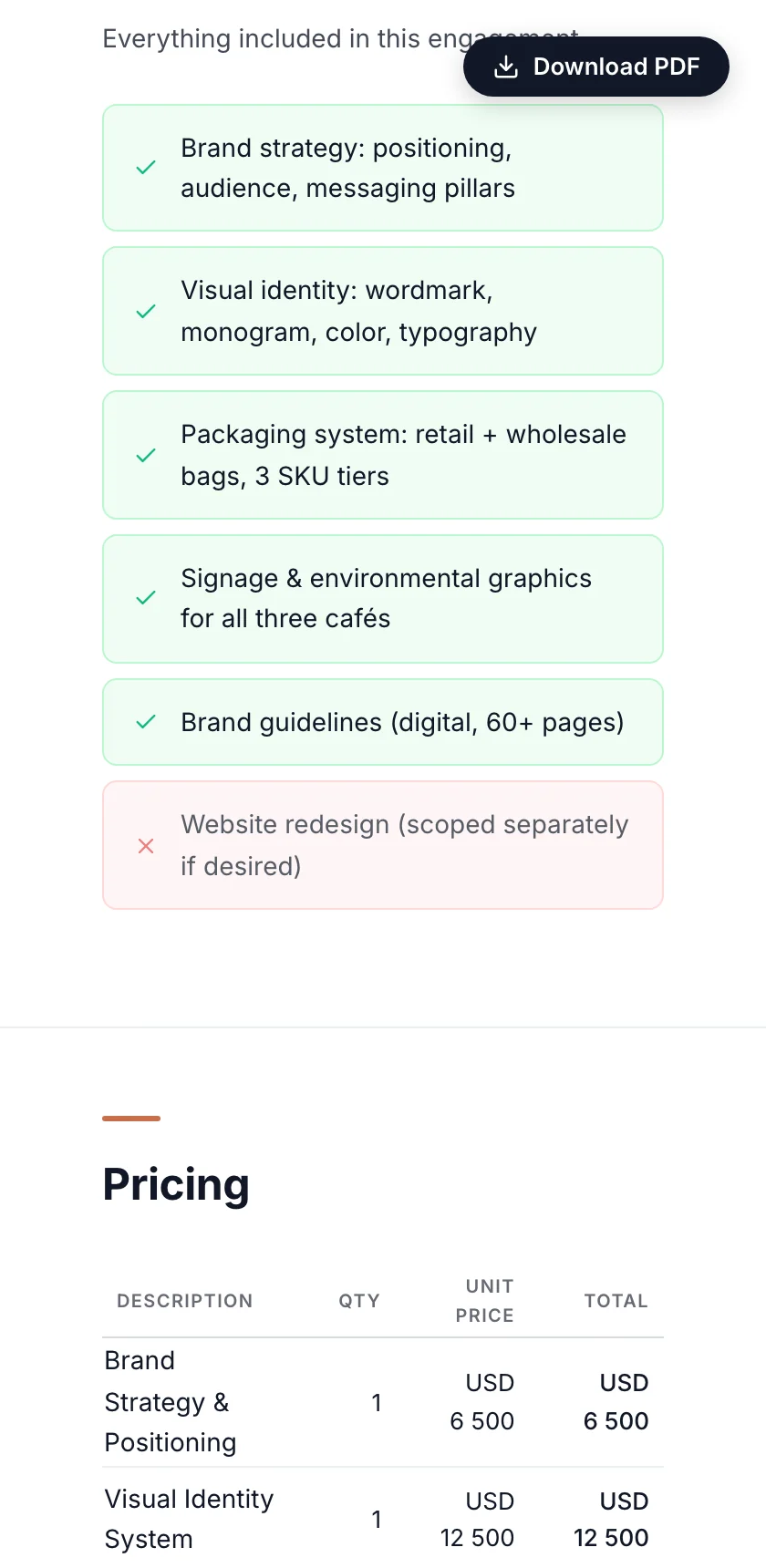
No account, no app. The client draws and submits.
Price
$60 a month for a studio of up to six.
A flat price, not a price per person. Pro is $30 a month for two people.
What four people pay elsewhere, per month
- Waco3 Studio $60
- HoneyBook (opens in a new tab) Premium $129
- Bonsai (opens in a new tab) Premium $156
- Qwilr (opens in a new tab) $196
- Proposify (opens in a new tab) $196
- Ignition (opens in a new tab) Pro $239
- PandaDoc (opens in a new tab) Business $260
Monthly billing, in US dollars, checked November 2026. Each name links to the vendor's pricing page.
What Waco3 doesn't do
- Card payments. You send the invoice and get paid by bank transfer or your own processor. Waco3 never holds your money.
- Calendar sync. Booking links don't read your Google Calendar yet.
Founder
Built by a designer.
I built Waco3 out of frustration. As a designer, I spent hours crafting proposals, only to get ghosted or left guessing if they were even read. The guessing never stops at the proposal: it follows the contract, the kickoff, the delivery and the invoice. So I built the modules I kept paying other people for and put them in one place.
Luis V · Founder, Waco3
Questions
Questions
Do my clients need an account?
No account to create. They open a link, and for the portal they sign in with a code sent to their email.
Can clients pay through Waco3?
No. Waco3 creates and tracks the invoice. Payment happens through your bank or processor.
What happens when the trial ends?
You move to the Free plan. Nothing is deleted.
Is it only for studios?
No. Freelancers use it too. It is built around a team of two to six.
Does it work in Spanish?
Yes. The app, your documents and the client emails, in English and Spanish.
Can I use it from Claude or ChatGPT?
Yes. AI connectors are free on every plan. Anything that sends or publishes waits for your approval.
7 days · no card