CMOs get 40-80 cold emails per day. They have seen every subject line, every “hope you’re well,” every fake personalization that mentions their company name in sentence one. Breaking through requires a coordinated presence across multiple channels, not louder, but more strategically distributed.
Why 14 Touches Isn’t Spam
The word “touches” sounds aggressive until you spread them across 28 days and five channels. What you are building is a professional presence, not a harassment pattern. Each touch is brief, value-forward, and designed to make the next touch land better.
The goal of touch 1 is not to book a meeting. It is to make touch 2 slightly less cold. The goal of touch 7 is not to close a deal. It is to create enough accumulated familiarity that “I’ve been hearing from this person for a while and they seem legitimate” replaces “who is this?”
Senior executives respond to persistence calibrated with patience. They do not respond to desperation.
The Full 14-Touch Map
Day 1, Email (Research-Based Hook) Subject line references something specific you found about their business in the past 30 days: a product launch, a hiring trend, a content shift, a quarterly report signal. One paragraph. One ask: a 20-minute conversation.
Day 2, LinkedIn Connection Request No message in the connection request. Just the request. Let them see your profile before you speak. If your profile is positioned for their world, the connection itself is a warm signal.
Day 4, LinkedIn Message (After Connection) Send a message only after they accept. Reference the email. Add one new piece of value: a relevant data point, a link to a piece of your work that maps to their situation, or a brief observation about a trend in their category.
Day 6, Email Follow-Up (Different Angle) Do not repeat the first email. Approach the same problem from a different entry point. If email 1 was about a specific opportunity you noticed, email 2 is about the cost of the status quo. Keep it to 4 sentences.
Day 9, Voicemail Under 25 seconds. Name, specialty, one specific observation, curiosity gap, callback number. Do not pitch. Do not summarize the emails. Open a new information loop.
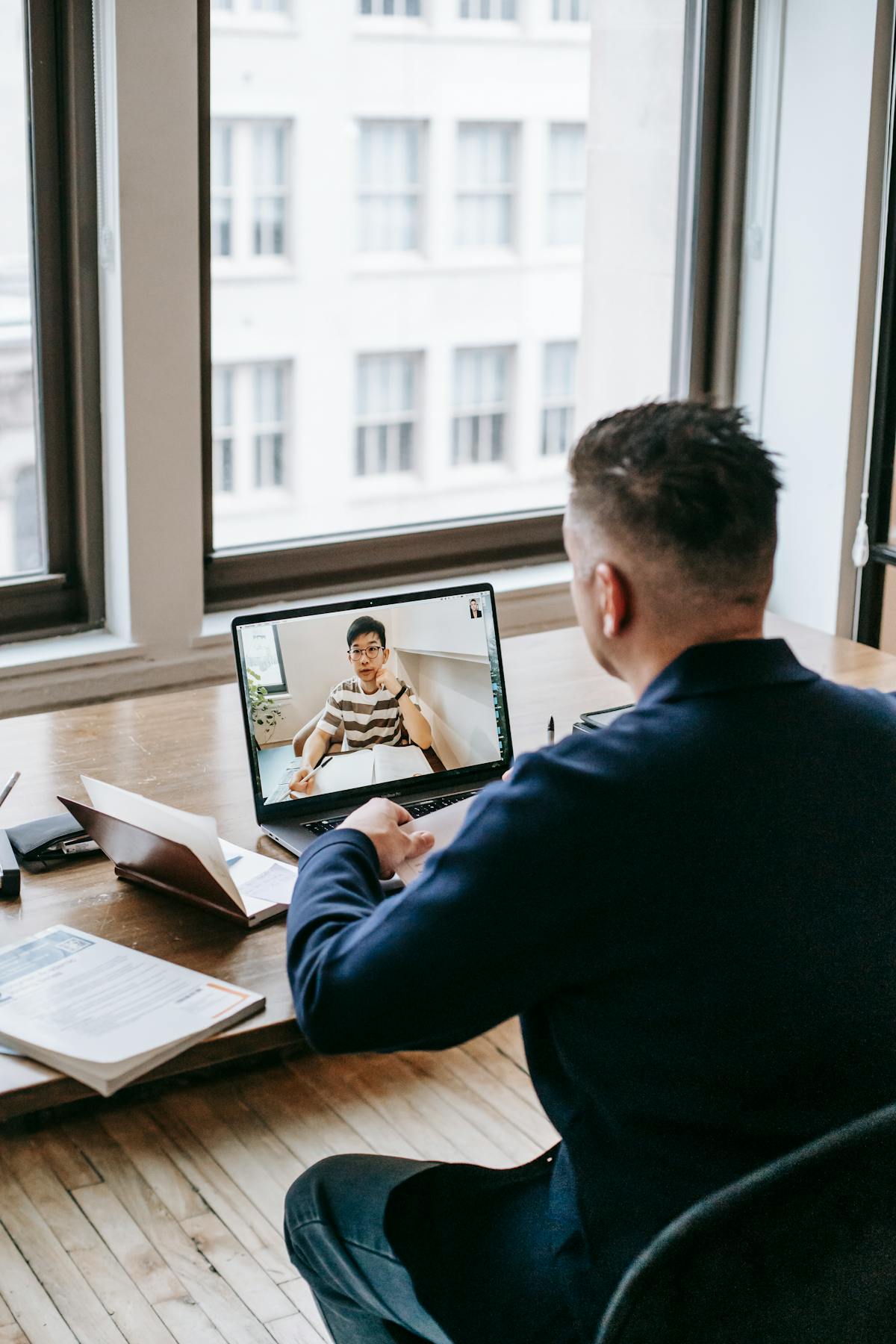
Day 11, Video (Loom, 90 Seconds) Record a screen-share showing something specific about their business, a content gap, a competitive keyword they’re missing, a UX friction point you noticed. Send via email with a thumbnail screenshot. This touch generates the highest reply rate of any single touch in the sequence.
Day 13, LinkedIn Post Engagement Like or comment on a recent post of theirs with a substantive observation, not “great point!” but a genuine 1-2 sentence extension of their idea. Visibility without a direct ask.
Day 15, Email (Social Proof Angle) Share a one-paragraph result from a client in their industry or role. Make it specific: “Helped a SaaS content team at a Series B company reduce their content production cost by 35% while doubling MQL attribution.” Do not attach a case study. Offer to share it on a call.
Day 17, Voicemail 2 (Reference the Video) “Hi [Name], sent you a quick video last week about [specific observation], not sure if it reached you. 90 seconds if you want to take a look. Happy to walk through it live if that’s easier. [Phone number].”
Day 19, LinkedIn Direct Message (Last Attempt) “Hey [Name], I’ve sent a few notes your way over the past few weeks. I won’t keep pinging if the timing is off. But I do think there’s something worth a conversation about [specific angle]. Happy to send the two-pager if easier than a call.” This message has a break-up energy that reactivates dormant prospects.
Day 21, Handwritten Card Three sentences. What you noticed. Why you reached out. One sentence on what you can offer. Personal signature. No sales language. This arrives physically when everything else has been digital.
Day 24, Final Email (Break-Up Frame) “I’ll stop reaching out after this, I don’t want to clog your inbox. But I’d be remiss not to send one last note because [specific reason]. If the timing ever changes, I’ll be here.” Include your calendar link in the signature only.
Day 26, LinkedIn Voicemail Feature (If Available) Use LinkedIn’s native voice message in the connection. Different format, different sensory channel, different psychological trigger.
Day 28, Referral Ask (If Connection) If you have any mutual connection with this person, reach out to that mutual and ask for a warm introduction now. The referral ask at the end of a failed direct cadence has a surprisingly high success rate because you are leveraging accumulated context.
The video touch on day 11 is the single highest-converting action in the entire sequence. A 90-second Loom showing something specific about the prospect’s business, a gap, an opportunity, a competitive insight, generates reply rates 4-6x higher than a text email with equivalent content. Make it once per prospect. It takes 10 minutes. It works.
Where 70% of Replies Come From
The data is consistent across agency campaigns: 70% of replies arrive between touches 7 and 11, which corresponds to days 13-21. This is the phase most freelancers never reach.
The average cold outreach sequence in use by freelancers is 2-3 touches over 5-7 days. That means the majority of the available reply surface is never activated. The 14-touch cadence is not about being aggressive, it is about being present through the phase where buyers actually decide to respond.
Customizing by Buyer Type
CMOs break into roughly two response profiles:
The Data-Driven CMO responds to specifics: numbers, benchmarks, comparisons. Lead with metrics in your opening hook. Your video should show data. Your social proof should include percentages.
The Strategy-Oriented CMO responds to problems they recognize: inefficiencies, missed opportunities, competitive risks. Lead with an observation about their situation. Your video should frame a decision they’re facing. Your social proof should describe a transformation.
You can usually determine which type from their LinkedIn activity. Lots of sharing of reports and research = data-driven. Lots of longer-form posts about strategy and culture = narrative-oriented.
The Technology Stack
For a 14-touch cadence to run without burning hours of manual time, you need three tools:
- CRM with sequence tracking, know exactly where every prospect is in the cadence at all times
- Loom, for the video touch; free tier handles everything you need
- LinkedIn Sales Navigator (optional but helpful), for finding the right contacts and monitoring their activity
Waco3’s built-in sequence manager handles the cadence scheduling, tracks opens and replies, and surfaces which prospects are most engaged, so you know where to focus your manual effort on the high-priority personal touches like the card and the video.
One Cadence, Adjusted for Scale
If you have 10 priority accounts per month, run the full 14-touch version for each. If you have 50 accounts, use a 7-touch version for the majority and reserve the full cadence for your top 10. The video and handwritten card are the two highest-converting touches, protect those for accounts where the deal size justifies the extra investment.
The math is straightforward: 10 fully executed 14-touch cadences per month, even at modest conversion rates, reliably produce 2-4 discovery calls with CMO-level buyers. That is a pipeline most freelancers would trade anything for.