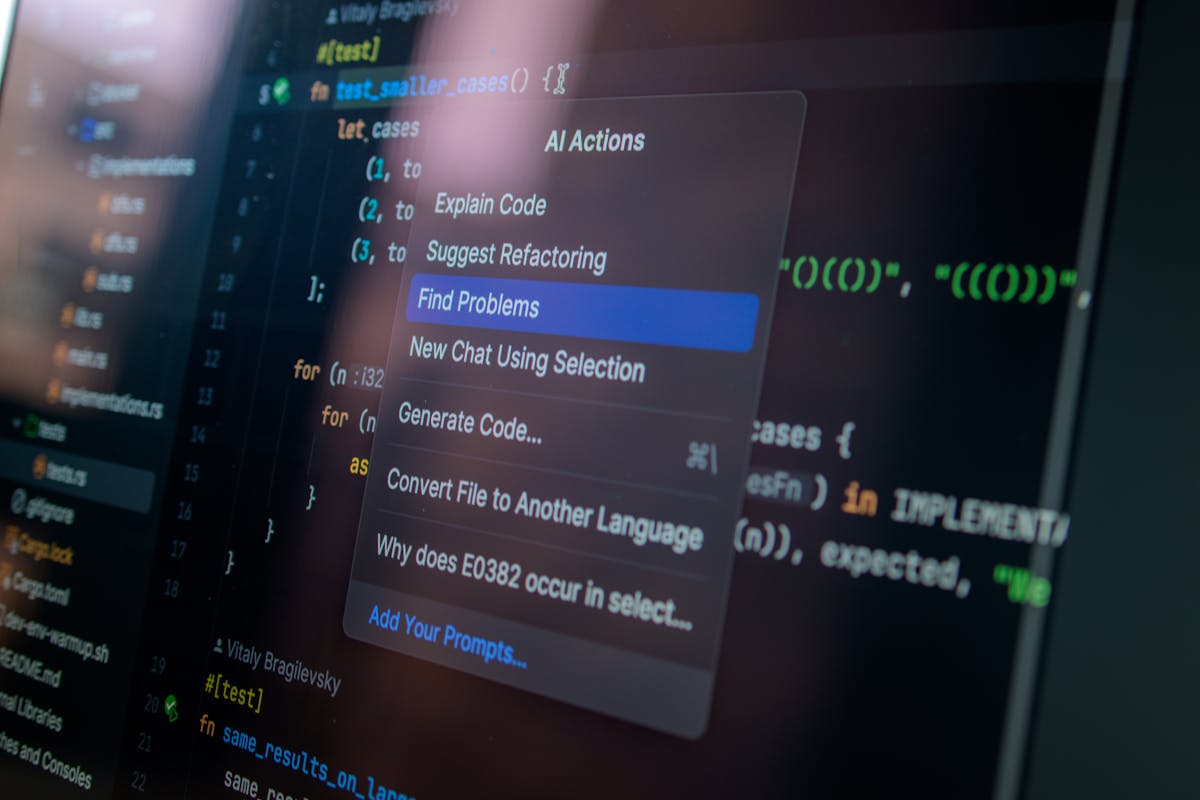
An AI proposal maker can save time on draft creation, but the time savings disappear if you spend 20 minutes customizing and fact-checking each output. The real win is combining AI drafting with tracking software that remembers your proposal terms and client history, so the AI output is already mostly correct.
What AI Proposal Makers Actually Do
AI tools like ChatGPT, Claude, and specialized proposal generators create business proposal templates and fill in basic information. You provide client name, project scope, and rates. The AI generates a formatted document with sections like project overview, deliverables, timeline, pricing, and terms. The output looks professional. Clients won’t know it was AI-drafted.
The speed is the main value. A proposal that takes 45 minutes to write from scratch takes ChatGPT 3 minutes to draft. Even with heavy customization, you save 30 minutes per proposal. At 10 proposals monthly, that’s 5 hours saved.
Quality depends on what you provide. Give the AI clear scope, rates, and context, and the output is mostly usable. Give vague instructions and the output is generic and requires extensive rework.
The Customization Problem
This is where most freelancers get stuck. An AI-drafted proposal has structure and some content, but it’s generic. It uses standard language, standard terms, and standard structure. Clients don’t remember standard. They remember specifics: your unique value proposition, their specific pain point, the custom approach you developed.
Customizing an AI draft to add these details takes time. You read the draft, identify generic sections, and rewrite them with real substance. Customization taking 20 minutes means you’ve only saved 25 minutes compared to writing from scratch. The payoff shrinks.
The deeper issue is accuracy. AI doesn’t know if your payment terms include holdbacks, whether you charge rush fees, or what your standard timeline is for projects like this. It generates reasonable-sounding terms that might not match your actual practice. You must fact-check every number and clause.
AI Proposal Makers vs. Proposal Tracking Software
A dedicated proposal software like Waco3 combines drafting with tracking. You send a proposal and see when clients open it, how long they spend on each page, whether they share it, and when they accept or decline. This intelligence informs follow-up strategy.
The drafting advantage is that proposal software remembers your standard terms, pricing, and client history. After your first proposal to a client, the software pre-fills their info. After 10 proposals, it learns your typical scope and pricing. The AI output is more accurate because it’s built on your actual history, not generic templates.
Pure AI tools (ChatGPT, Claude) have no memory of your past proposals or business rules. Each draft starts from zero context. You’re re-explaining your rates, terms, and approach every time.
This is why specialized proposal software outpaces general AI. The software understands your business logic. General AI only understands English.
AI drafts proposals faster. Proposal software drafts proposals faster and tracks whether clients actually read them.
When AI Proposal Makers Make Sense
Send fewer than 3 proposals monthly? AI drafting with manual customization is overkill. Write them yourself or use a simple template.
Send 5-20 proposals monthly and they vary significantly (different clients, different scopes)? General AI (ChatGPT or Claude) plus a clean template saves time. Build a prompt template: “Write a proposal for [CLIENT], a [INDUSTRY], for [PROJECT TYPE]. Scope: [SCOPE]. Timeline: [TIMELINE]. Rate: [RATE]. Include [CUSTOM DETAIL].” Reuse this prompt, swap variables, customize the output.
Send 20+ proposals monthly with many similar clients or repeat projects? Proposal software with AI (Waco3) is worth the monthly cost. The learning from past proposals compounds. Follow-up tracking adds value beyond drafting.
What AI Cannot Do in Proposals
AI can’t understand contract law. If your proposals include legal terms or payment structures tied to regulations, AI might generate something that sounds right but is legally vague or incorrect. Have a lawyer review AI-drafted contracts before using them as templates.
AI can’t know your business rules. Complex pricing like tiered rates, volume discounts, or project-based holdbacks exceed AI pattern matching. Simple pricing (hourly or fixed)? AI handles it. Nuanced pricing? You’re writing those sections yourself.
AI can’t read the room. A startup proposal sounds different than a large company proposal. AI adjusts tone if you instruct it, but it won’t automatically sense client personality or expectations. You need to guide it.
AI can’t verify scope accuracy. If the client mentioned specific requirements in your first conversation and you forget to mention them in the AI prompt, the proposal misses them. AI won’t know something was omitted.
The Verification Checklist
Before sending any AI-drafted proposal:
- Fact-check rates and pricing. Does it match what you quoted?
- Verify timeline. Is the proposed schedule realistic given your capacity?
- Check deliverables. Does it cover everything discussed with the client?
- Read for tone. Does it sound like you or like AI?
- Verify payment terms. Are the terms and schedule correct?
- Add specificity. Replace generic language with details about this client’s specific situation.
- Review legal language. If it includes terms or conditions, have someone review it.
This checklist takes 10-15 minutes per proposal. If the AI draft is 70 percent correct, the verification is faster than writing from scratch. If the draft is 30 percent correct, you’re rewriting it anyway.
Better Approach: Template Plus AI Plus Tracking
Build a single solid proposal template in your preferred format (Google Docs, Waco3, or specialized software). Include your standard sections, terms, and language. Use this template as your baseline.
For each new proposal, use AI to draft customized sections (project approach, why you’re a good fit, value proposition). Paste these into your template. This hybrid approach is faster than pure AI drafting and more personalized than template-only.
Then send it through tracking software. Monitor opens, engagement, and response. Use this data to inform follow-ups and improve future proposals.
The combination (custom template plus AI customization plus tracking) is faster and more effective than any single tool alone.
Ready to send stronger proposals?
Build, send, and track proposals in one place so follow-up is easier.
Start your free trial →