Creative agencies thrive in chaos by design. Multiple teams, multiple clients, multiple deliverables in motion at once. The right tools don’t eliminate chaos, but they prevent it from leaking into client relationships or missed deadlines. Here’s what works for creative teams.
The Four Core Problems Creative Agencies Face
Problem one is visibility. You have designers, strategists, writers, and sometimes developers working on the same project. You need to know at any moment who’s blocked, what’s due Friday, and why the client hasn’t seen round two. If status is scattered across five Slack channels and email threads, you have no visibility.
Problem two is approval workflows. Creative work circles back on itself. Client feedback comes in, your team revises, feedback circles again. You need to track which round you’re on, who approved what, and when the client last saw something. Missing this means either lost feedback or wasted hours recreating old work.
Problem three is file chaos. Designers share assets across Google Drive, Slack, and email. Writers paste copy in email threads. By project end, nobody knows which file is final. You’re hunting for “the latest version” instead of moving forward.
Problem four is capacity and resource planning. You can’t promise a new client a start date if you don’t know when your team is free. Overcommitting kills timelines, which damages reputation and team morale.
The Software Layer for Visibility
Start with a project management tool built for teams. Asana, Monday, or Wiz work well. What matters is that every task lives there. Every single one. Not some tasks. Every task. This tool becomes your single source of truth for what’s happening on each project.
Set up clear status columns. Not started, in progress, waiting for client feedback, revision in progress, final. Make deadlines visible. Give clients read-only access so they see progress without asking.
Setup takes time. Budget 20 hours to get your team using it consistently. That’s 20 hours upfront to save 100 hours per month later. The math works.

The File Management Layer
Creative work creates files. Many files. You need one place with the latest version, old versions archived, and clients seeing what you’re working on. Google Drive, Dropbox, or Figma all work.
Move old files out of the active folder. Create an archive structure by project and year. Name files with round and date: “logo-round-2-march-15.psd” beats “logo-FINAL-v3-FINAL.psd.”
Your design tool should have version history built in. Figma, Adobe Cloud, and Sketch all do. This saves hours of “what did round one look like?” conversations.
The Communication Layer
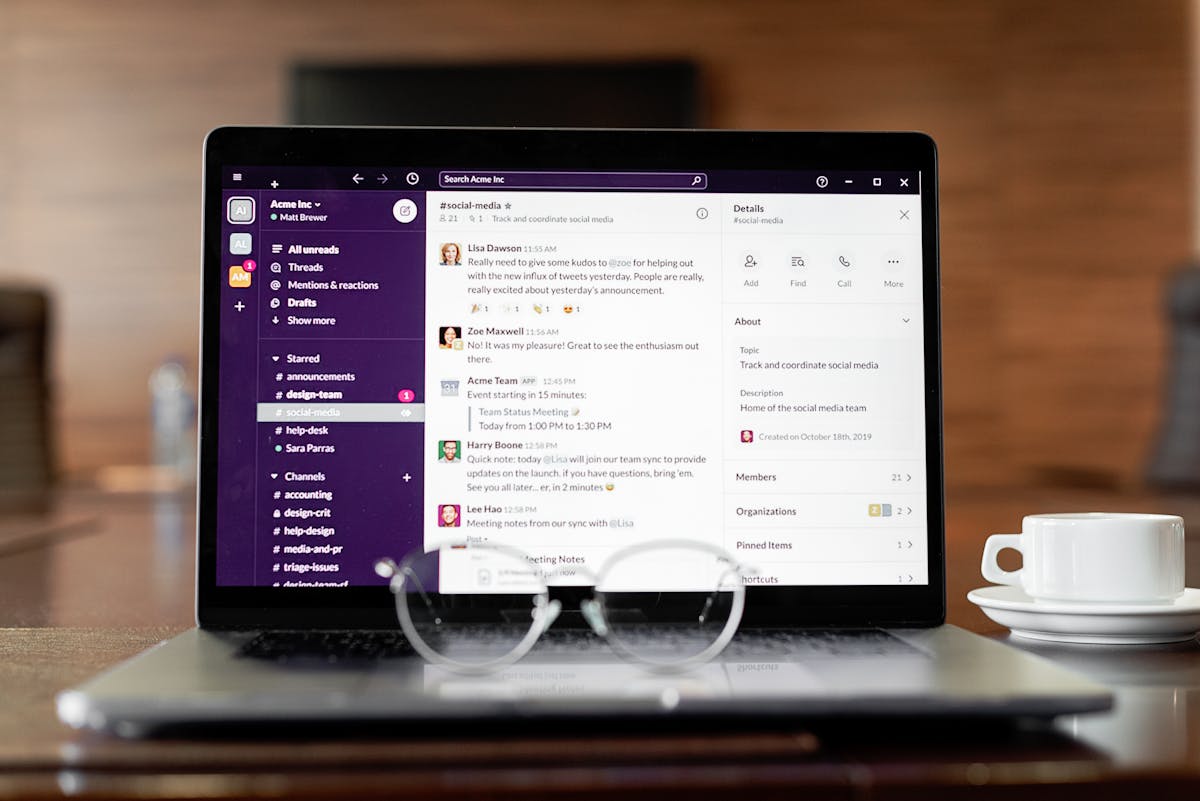
Slack is standard for agencies. Use it for quick questions and updates, not status tracking. The worst use of Slack is turning project channels into status threads. That information belongs in your project management tool, not in chat.
For formal client communication, use email or a shared doc. Clients see progress in the project tool. Big updates and milestone announcements go via email. This separation keeps internal team collaboration in Slack and client updates in the channels where they expect them.
The Invoicing and Revenue Layer
Most creative agencies undercharge because they don’t track actual time on projects. You scope work, deliver it, invoice a flat fee. But if you’re spending 200 hours on a $15k project because your process has gaps, you’re making $75 per hour.
An invoicing tool connected to your project management system shows revenue per project type. A proposal tool tracking what you quoted versus what you delivered tells you if your estimates are realistic. Over time, this data improves profitability.
The best creative agencies use tools to reduce meeting time, not increase it. If you’re in more status meetings after implementing new software, you chose the wrong tools.
What to Avoid
Don’t oversell your team on the tool. A new project management system doesn’t make planning easier. It makes invisible work visible. Uncomfortable at first. Resistance is normal.
Don’t create elaborate workflows. Most agencies that fail over-engineered their processes. Keep it simple. One board per client, standard columns, daily standups pull status from the board and nothing else.
Don’t force essential tools. If you love Notion for operations docs, use it. But don’t force your design team to log time in Notion if it’s not their tool. Let them use what they use and sync the data to your actual source of truth.
Three integrations maximum. More than that creates fragile dependencies.
The Agency Stack That Works
One project management tool holding everything. One file sharing tool with version history. One invoice tool connected to the project tool. Slack for internal chat. Email for client communication. That’s the list.
Setup takes time. Once it’s live, status meetings shrink because everyone reads the board beforehand. Your team stops firefighting because bottlenecks are visible. Clients stop asking for updates because they see progress happen in real time.
Related: Client Status Update Email: Templates That Build Trust
Ready to send stronger proposals?
Build, send, and track proposals in one place so follow-up is easier.
Start your free trial →