The invoice date is the foundation of Net 30 payment terms. Get it wrong, and your payment timeline shifts by days or weeks — which means your rent, software subscriptions, and subcontractor payments shift too. Here’s exactly how invoice dates work with Net 30, shown through a single billing month so you can see all the moving parts at once.
The Invoice Date Defined
The invoice date is the date printed on the invoice when you send it. Not the date you finished the work. Not the date the client received it. The date it was created and sent.
If you wrap up a branding project on May 20 but don’t get the invoice out until May 28, the net 30 invoice date is May 28. That’s day zero. The 30-day clock starts there.
This distinction matters more than most freelancers realize. A five-day delay in sending an invoice is a five-day delay in getting paid — and if you’re running Net 30 terms, that pushes your deposit into a completely different month.
How Net 30 Calculation Actually Works
The math is: Invoice Date + 30 calendar days = Due Date. No exceptions for weekends, no shortcuts for short months, no adjustments unless you explicitly wrote “Net 30 Business Days” on the invoice.
Let’s use real numbers. Say you invoice on May 28, 2026:
- May has 31 days, so you have 3 days left in May (the 29th, 30th, and 31st)
- That leaves 27 more days to count into June
- 3 + 27 = 30, landing on June 27
Your payment is due June 27, 2026.
Here’s a quick reference for the dates that trip people up most often:
| Invoice Date | Net 30 Due Date |
|---|---|
| May 1 | May 31 |
| May 28 | June 27 |
| June 15 | July 15 |
| December 15 | January 14 |
| January 31 | March 2 (non-leap year) |
The December/January and January/February crossings are the ones that catch people. December has 31 days, so 30 days after December 15 lands on January 14. January 31 plus 30 days hits March 2 because February only has 28 days.
A Full Billing Month in Practice
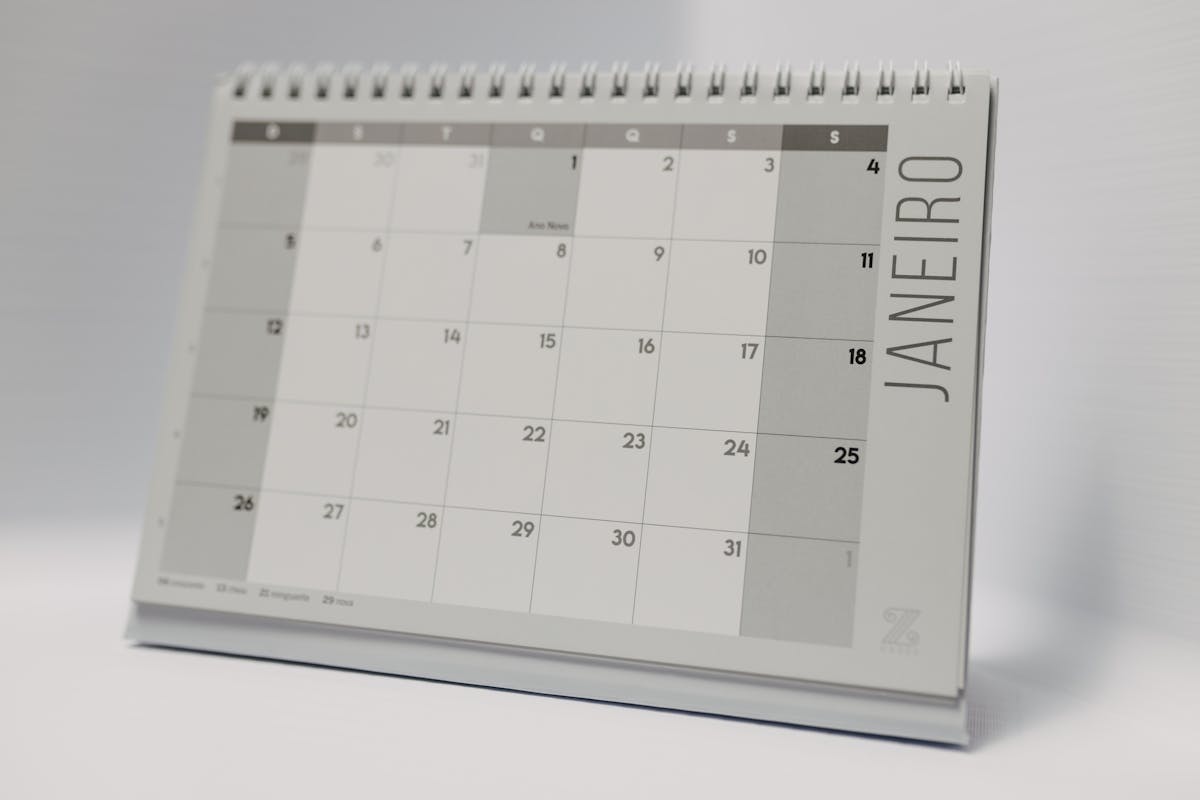
Walking through one realistic month is worth more than ten bullet points. Here’s how net 30 invoice dates play out for a freelance designer with three active clients in May 2026.
The setup:
- Client A (ongoing retainer, $2,400/month): invoice sent May 1
- Client B (website project, $3,750 milestone): project delivered May 14, invoice sent May 14
- Client C (brand refresh, $1,800): project wrapped May 28, invoice sent May 28
The due dates:
- Client A, invoiced May 1 → due May 31
- Client B, invoiced May 14 → due June 13
- Client C, invoiced May 28 → due June 27
Now look at the cash flow problem hiding in plain sight. Client C finished on May 20 — the designer spent two extra weeks waiting to send the invoice and sent it May 28. That pushed a $1,800 payment from June 19 to June 27. Eight days difference, but it’s the difference between catching a June 20 rent payment and not.
If the designer had invoiced immediately on May 20:
- Client C invoiced May 20 → due June 19
That’s the real cost of a late invoice: not the inconvenience, but the cash flow gap it creates downstream.
What Goes on the Invoice Itself
The most common mistake with net 30 payment terms is writing only the terms and not the actual due date. Clients use both fields. Some clients’ AP systems require a stated due date to process payment — “Net 30” alone isn’t enough.
Your invoice should include all three of these:
Invoice Date: May 28, 2026
Payment Terms: Net 30
Due Date: June 27, 2026
Listing the due date explicitly removes any ambiguity. The client doesn’t have to calculate it. Their accounting department doesn’t have to guess. And if there’s ever a dispute about when payment was expected, you have a document that states it plainly.
Invoice Date vs. Sent Date
These should be the same. If you create an invoice but sit on it for three days before sending, update the date before you hit send. An invoice dated May 25 that arrives in the client’s inbox on May 28 creates a subtle problem: the client may record receipt as May 28 and calculate their net 30 invoice date from there, not from May 25. Now you’re expecting payment on June 24 and they’re planning on June 27.
That’s a three-day gap that can spark a pointless back-and-forth in late June.
The fix: always send the invoice the same day you create it, or update the date to match the actual send date.
The net 30 invoice date is day zero. Use the actual date you send the invoice, add 30 calendar days, and that’s your deadline. List both the invoice date and the specific due date on every invoice — don’t make clients do the math.
Tracking Multiple Net 30 Invoices
Once you have three or more active clients, tracking due dates in your head stops working. A simple spreadsheet or invoicing tool solves this. At minimum, track:
- Invoice number
- Invoice date
- Client name
- Amount
- Due date (calculated, not guessed)
- Status (sent / paid / overdue)
For the May example above, your tracker would look like this:
| # | Client | Sent | Amount | Due | Status |
|---|---|---|---|---|---|
| 001 | Client A | May 1 | $2,400 | May 31 | Paid |
| 002 | Client B | May 14 | $3,750 | June 13 | Sent |
| 003 | Client C | May 28 | $1,800 | June 27 | Sent |
When June 13 arrives, you check the tracker. Client B hasn’t paid. You send a one-line follow-up: “Hi [name], just confirming invoice #002 for $3,750 was due today — let me know if you need me to resend it.” That’s it. The date on the invoice backs you up.
Setting Follow-Up Reminders
Build two calendar reminders for every invoice you send:
- Reminder at Day 25 — a heads-up that payment is due in five days. Good for clients who need to initiate a bank transfer or get internal approval.
- Reminder at Day 31 — the day after the due date. If nothing has arrived, this triggers your follow-up message.
For a May 28 invoice:
- Day 25 reminder: June 22 (“check if Client C has paid”)
- Day 31 reminder: June 28 (“follow up if not paid”)
This system takes 90 seconds per invoice and eliminates the guesswork of trying to remember when things were due three weeks later.
When Invoicing Software Handles the Date
Most invoicing tools auto-populate today’s date when you create a new invoice. That’s accurate as long as you send it the same day. If you draft invoices in batches — say, you draft on Tuesday and send on Thursday — make sure you update the date field before sending. The auto-fill date reflects when the invoice was created, not when it was sent.
The net 30 invoice date should always match the day the client receives it. That’s the only way the payment terms work the way both parties expect.
The Short Version
Invoice date plus 30 calendar days equals your due date. Send invoices the same day work is complete or milestones are hit. Always show the explicit due date on the invoice, not just the terms. Track every invoice with a spreadsheet or tool so nothing slips past its deadline. For a $2,400 retainer or a $3,750 project milestone, that one habit is worth far more than the five minutes it takes to set up.
Ready to send stronger proposals?
Build, send, and track proposals in one place so follow-up is easier.
Start your free trial →