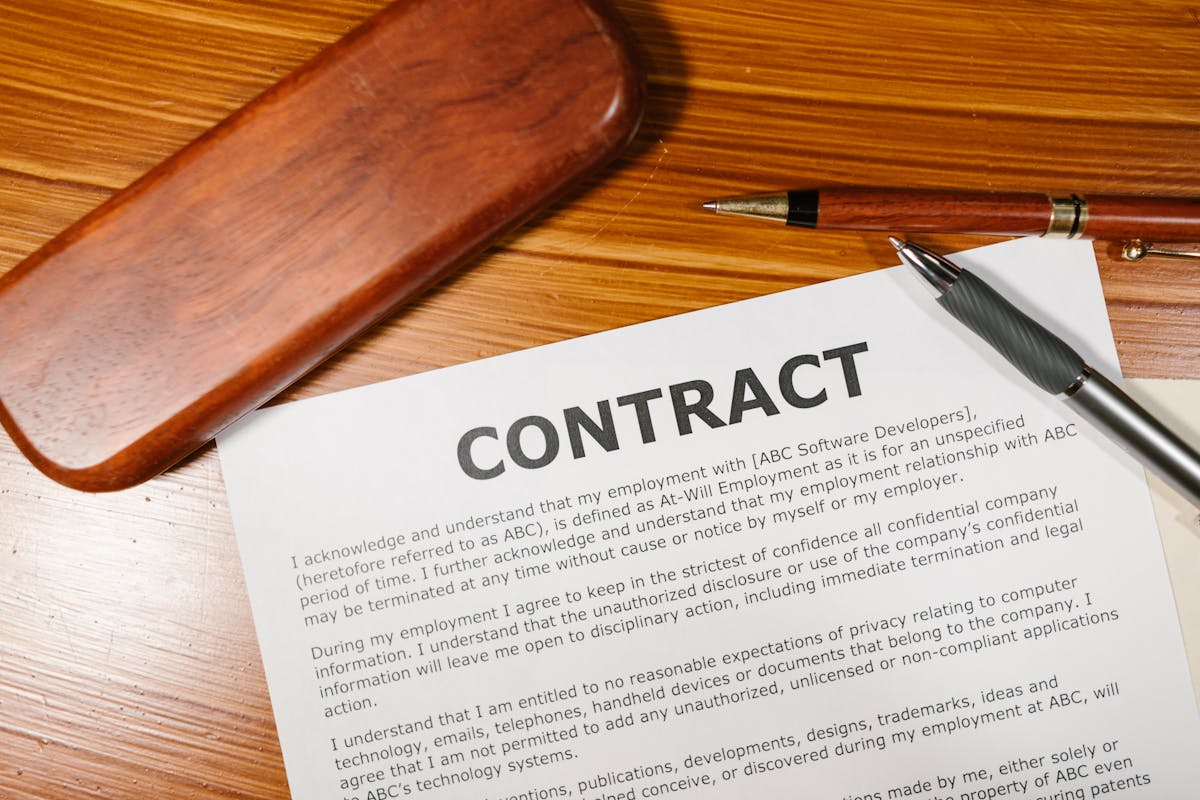
Some freelancers send a 12-page proposal with a $14,000 number and then ask for signature via a one-line reply. It works, mostly. Until the project goes sideways and you’re trying to figure out which version of the scope the client actually agreed to.
The e-signature question is really a question about future-you. The version of you in month four trying to remember what was promised, and whether the client can credibly claim they agreed to something different.
The two main acceptance methods
For commercial proposals, freelancers basically choose between:
- An e-signature inside a platform (proposal tool, DocuSign, HelloSign, Adobe Sign)
- An email reply expressing acceptance
There are stranger options (verbal yes on a call, “thumbs up” on Slack, a PO number in the subject line), but those are variants of one of the two above with extra fragility. I would not bet a paycheck on a thumbs-up emoji.
What an e-signature actually proves
A proper e-signature isn’t just a typed name. The platform captures:
- The exact document version the signer saw
- Their IP address and browser
- Timestamp of opening and signing
- Email of the signing party
- An audit log that’s tamper-evident
That bundle is what makes the signature defensible. In the US, the ESIGN Act and UETA recognize this as equivalent to a handwritten signature. Most countries have an equivalent framework. (Again, not legal advice. Have a lawyer in your jurisdiction confirm what works for higher-value work.)
What an email “yes” proves
It proves someone with access to a given email account typed the word yes. That’s not nothing. In small claims court, an email thread can be evidence. But you’ll have to:
- Show the full chain is unmodified
- Identify which version of the proposal was being accepted
- Argue intent if the reply was ambiguous (“Sounds good, let’s chat tomorrow”)
For a $600 logo project with a friend-of-a-friend, fine. For a $40,000 retainer with a stranger, that’s not where you want to be.
When email acceptance is genuinely okay
Honest answer: more often than purist contract people will admit. Use it when:
- Project is under roughly $3,000
- Scope is short and fits in one or two paragraphs
- You’ve worked with this client before
- The deposit is paid upfront and clears before work starts
The deposit clearing is the underrated piece. A wire transfer of $1,500 with the project name in the memo is itself strong evidence of intent. Money moving is the loudest signature there is.
When you really want the e-signature
Push for a proper e-signature when:
- Project is over $5,000
- Scope is more than a page
- The client is a company, not an individual
- Multiple stakeholders are involved
- There’s any chance of legal, compliance, or procurement involvement later
- The work involves IP transfer
In those cases, the 90 seconds the client spends clicking the signature box buys you years of clarity.
The speed comparison
A common worry: “Won’t an e-signature slow things down?” Almost never, if you embed it correctly.
| Method | Typical time to signed | Friction |
|---|---|---|
| Embedded e-sign in proposal | Hours to 1 day | One click |
| Separate PDF + DocuSign link | 1 to 3 days | Two emails, one tool |
| Print, sign, scan, email | 3 to 7 days | Eight steps and a printer |
| Email “yes” reply | Minutes to days | Zero, but ambiguous |
The fastest is actually a tie between embedded e-sign and email reply. The slowest is the old PDF-print-sign-scan dance. If your current tool requires that, you’re losing deals to friction.
How to make the e-signature easy
A few moves that lift signature rates noticeably:
- Put the signature block on the last page, not on a separate document
- Make the proposal link mobile-friendly so it can be signed from a phone
- Add a single visible “Accept and sign” button, not a maze
- Pre-fill the client’s name in the signature field
- Send a brief cover note that says “the signature link is at the bottom”
- Don’t require a login to view the proposal
Each one of those removes a reason for the client to defer the decision to tomorrow. Tomorrow is where proposals go to die.
The audit trail conversation
If a client pushes back on the e-signature platform you use (“can we just do this by email?”), the answer isn’t a lecture about contract law. It’s a polite framing:
Totally fine. To keep things clean for both of us, can you reply to the proposal email confirming acceptance of the version dated [date], scope as listed, and price of [amount]? I’ll save that as part of the project record.
That gives you a paper trail you can defend later without making them feel like you’re treating them like a defendant.
Counter-signature: don’t forget your half
A signature is a two-party event. If you only collect the client’s signature and never countersign, you have a half-baked document. Most proposal platforms handle this automatically. If you’re using PDFs and email, sign first, then send for client signature, then store the fully signed version somewhere you can find it in 18 months.
Storage matters. A signed proposal living in a random Gmail thread is one phone-loss away from gone. Keep a copy in your client folder.
What about the deposit as a signature substitute?
Some freelancers skip the e-signature entirely and treat the deposit invoice as the binding event. This works, with caveats:
- The invoice has to reference the specific proposal version
- The paid receipt has to be retained
- The scope needs to be in writing somewhere the client also has access to
This works best for smaller, faster engagements. For anything substantial, do both. Get the e-signature, then trigger the deposit. Belt and suspenders is a small annoyance compared to a $20,000 scope argument with no paperwork.
The 60-second upgrade
If your current process is “I email a Google Doc and wait for a yes,” the upgrade is straightforward:
- Move the proposal into a tool that supports embedded e-signature
- Add a signature block on the last page with the scope and price restated above it
- Add an auto-triggered deposit invoice on signature
- Save the signed version to a per-client folder
Roughly an hour of setup. Pays back the first time a project gets confused four months in and you can pull up the exact version that was signed.
Ready to send stronger proposals?
Build, send, and track proposals in one place so follow-up is easier.
Start your free trial →