The freelance AI toolkit has matured significantly. In 2023, most AI tools required workarounds and heavy prompt engineering to produce useful output. In 2025, the best tools are purpose-built for independent workers and integrate directly with the workflows that matter — proposals, client emails, invoicing, and scheduling.
1. ChatGPT (writing, emails, proposals)
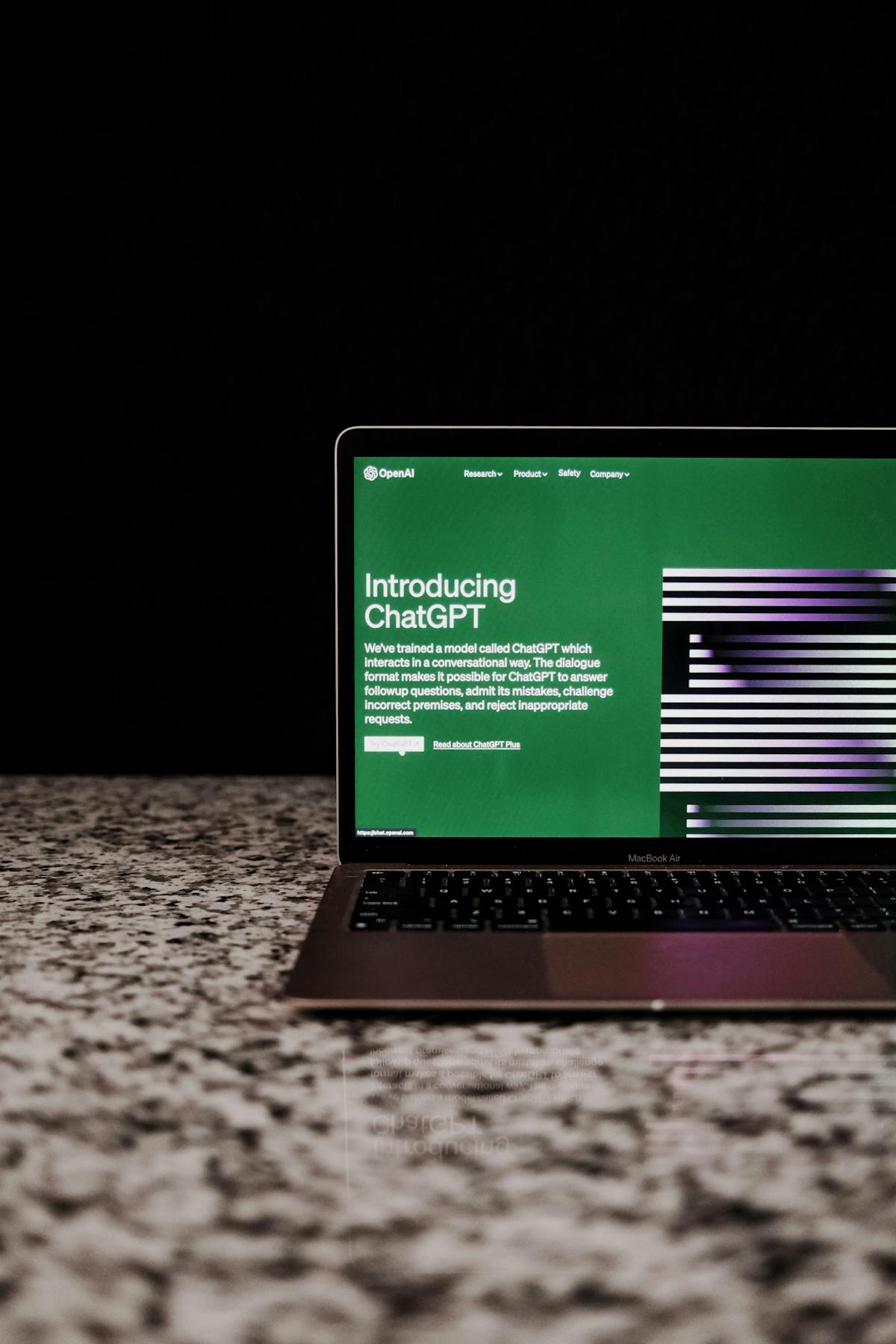
ChatGPT remains the most versatile AI writing tool for freelancers. Use it to draft proposals, write follow-up emails, create project outlines, generate client-facing copy, and research niches. The free tier is sufficient for most email and proposal writing. The paid tier adds more context length — useful for longer documents.
Best use: drafting client emails and proposals from a detailed prompt.
2. Claude (writing, analysis, long documents)
Claude handles longer documents better than ChatGPT and tends to be more precise in following specific instructions. Useful for reviewing contracts, drafting detailed proposals, and producing longer-form client deliverables. Free tier is available; the paid version handles very long documents without degrading.
Best use: analyzing client briefs, drafting detailed scope-of-work documents.
3. Waco3 (proposals, invoices, tracking)
Waco3 is purpose-built for the freelance proposal-to-payment workflow. It handles proposal creation, client notification when the proposal is opened, invoice generation, and follow-up email assistance. The tracking layer — seeing exactly when a client opened your proposal — is the feature that differentiates it from general tools.
Best use: the complete client engagement workflow from proposal to paid invoice.
4. Reclaim.ai (scheduling, time blocking)
Reclaim automatically schedules tasks and meetings based on your priorities and calendar. It protects deep work blocks, schedules recurring tasks, and finds meeting times without back-and-forth. Particularly useful for freelancers juggling multiple clients with competing deadlines.
Best use: protecting focused work time and automating meeting scheduling.
5. Otter.ai (meeting notes, transcriptions)
Otter transcribes client meetings in real time and generates AI summaries. For freelancers who take client discovery calls, the summary feature turns a 45-minute call into a structured set of notes and action items. Free tier covers most freelance meeting volumes.
Best use: client discovery calls and project kickoff meetings.
6. Notion AI (knowledge base, documentation)
Notion AI is embedded in Notion’s workspace and can summarize notes, generate templates, and draft project documentation. For freelancers who use Notion as a client management hub, the AI layer speeds up all the writing that happens inside the system.
Best use: creating client deliverable templates, summarizing project notes, drafting SOWs.
7. Canva AI (design, visuals)
Canva’s AI features — Magic Design, text-to-image, background removal — make basic visual work fast for non-designers. Proposal cover pages, social media assets, and presentation slides that would take a designer 30 minutes take Canva AI 5 minutes.
Best use: proposal visuals, client presentation decks, basic brand assets.
8. Loom (async video, AI summaries)
Loom lets you record short screen-share videos and generates AI summaries and transcripts. Explaining a complex deliverable in a 3-minute video is faster than writing a 500-word email about it, and clients tend to prefer the visual explanation.
Best use: delivering work to clients, explaining revisions, project walkthroughs.
9. Grammarly (tone, clarity, polish)
Grammarly’s AI goes beyond grammar checking to analyze tone, clarity, and conciseness. For freelancers sending high-stakes proposals or client updates, it catches the sentences that read as passive or unclear before the client sees them.
Best use: reviewing proposals and client emails before sending.
10. Wave (invoicing, AI-assisted)
Wave is a free invoicing tool with basic AI assistance for line item suggestions. Less tracking-capable than Waco3, but a solid free option for freelancers who need simple invoicing without a full proposal workflow.
Best use: straightforward invoicing for freelancers with a simple billing structure.
The biggest ROI from AI tools isn’t in writing faster — it’s in following up consistently. Freelancers who follow up on proposals within 48 hours close significantly more deals than those who wait. AI removes the drafting friction that causes most people to delay.
How to choose from this list
Start with where you lose the most time. If it’s writing proposals, start with ChatGPT or Claude. If it’s managing the proposal-to-invoice cycle, start with Waco3. If it’s scheduling, Reclaim.ai. Don’t try to adopt all 10 tools at once — pick two or three and actually use them for a month.
The goal isn’t to have the most tools. It’s to remove the specific friction that’s slowing down your client work.
Ready to send stronger proposals?
Build, send, and track proposals in one place so follow-up is easier.
Start your free trial →