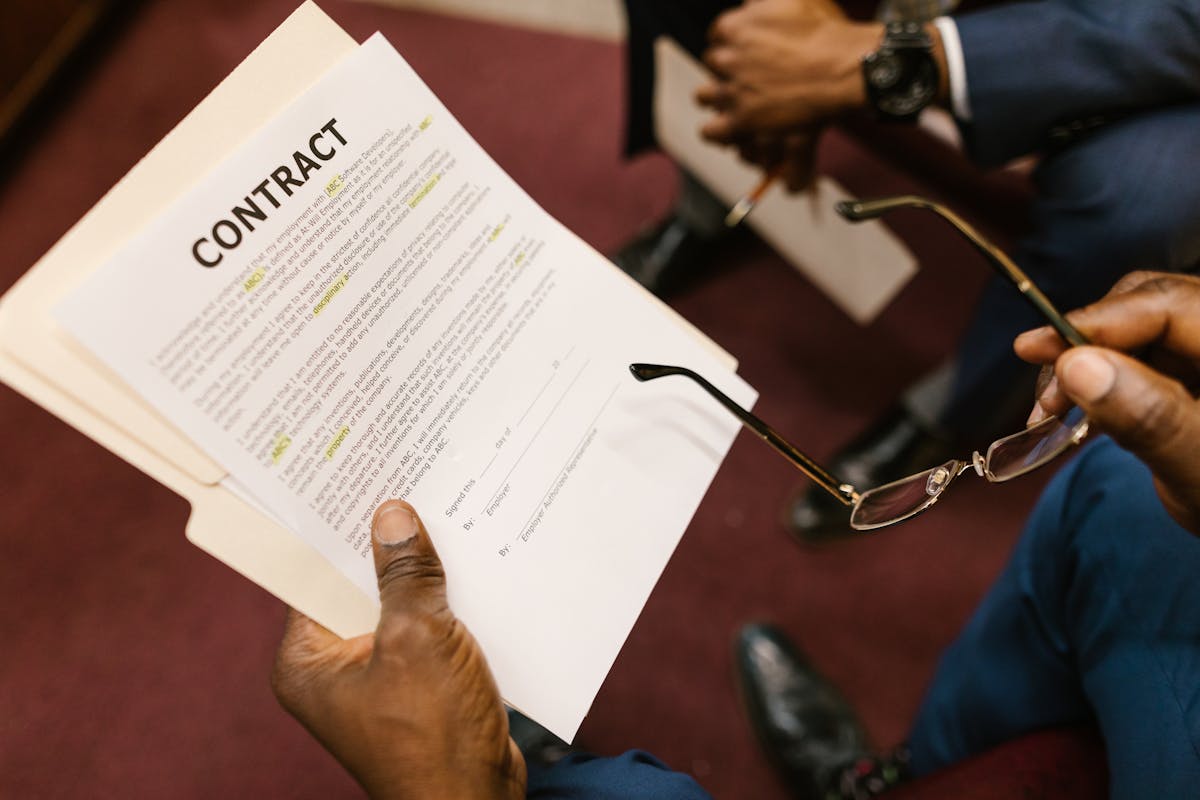
A quote is often the first formal document a potential client sees from you. Get it right and it builds confidence. Get it wrong — or skip it entirely — and you set yourself up for scope creep, payment disputes, and misaligned expectations. Here’s how to make a quote that wins work and protects you.
Start with the scope, not the price
The biggest mistake freelancers make when quoting is jumping straight to numbers. Pricing without a clear scope means you’re guessing — and so is the client. Before you write a single dollar amount, define exactly what the work includes.
Write out what you will deliver, in plain language. “Website redesign” is not a scope. “Five-page responsive website built in Webflow, including homepage, about, services, contact, and blog index — based on client-supplied copy and brand assets” is a scope. That level of specificity protects both sides.
Once the scope is locked, decide what’s explicitly excluded. Out-of-scope items are where projects go off the rails. If you’re not writing copy, say so. If revisions are capped at two rounds, say so.
Build your pricing line by line
Itemize your quote rather than presenting a single lump sum. Clients are more likely to approve a quote when they can see where the money goes. It also makes negotiation easier — if the budget is tight, they can remove a line item rather than asking you to slash the total.
Each line should include a description, the unit or quantity, and the price. For example:
- Homepage design — 1 page — $800
- Inner page template — 4 pages at $400 each — $1,600
- Mobile optimization — included
- SEO setup — $350
Keep descriptions short but specific. “Design work” tells the client nothing; “Homepage layout design (2 revision rounds)” tells them exactly what they’re paying for.
Itemized quotes reduce negotiation friction. Clients can trim a line; they can’t negotiate a black box.
Add your terms and validity window
A quote without terms is just a suggestion. Include the following:
- Payment schedule — deposit percentage, milestone payments, final payment trigger
- Revision policy — how many rounds are included and what counts as a revision
- Timeline — estimated start date and delivery window, contingent on timely client feedback
- Quote validity — typically 14 to 30 days; after that, prices may change
The validity date creates a soft deadline and prevents clients from accepting a six-month-old quote that no longer reflects your rates or availability.
Format and send it right
Your quote should be clean, scannable, and easy to act on. Use a consistent font, align your numbers, and leave enough white space that it doesn’t feel like a wall of text. Include your logo and contact details at the top.
Send it as a PDF or use a tool like Waco that lets you send a trackable link. Trackable quotes tell you when the client has opened the document — a simple signal that helps you time your follow-up. There’s nothing worse than following up three days after the client already opened and decided to pass; knowing they viewed it helps you reach out at the right moment.
End the quote with a clear next step: “To proceed, please sign below” or “Reply to this email to confirm.” Remove friction from the yes.
Follow up — once, promptly
Send a short note 48 hours after delivering the quote if you haven’t heard back. Keep it brief: “Just checking in to see if you had any questions about the quote I sent Tuesday.” One follow-up is professional. Two or three starts to feel pushy.
If the client asks for changes, update the quote and resend — don’t negotiate verbally and expect the numbers to stay accurate later.
Ready to send stronger proposals?
Build, send, and track proposals in one place so follow-up is easier.
Start your free trial →