The 45-minute pitch call is the single most expensive habit in freelancing. You spend an hour preparing, an hour on the call, and another half hour writing the follow-up email. Three hours per prospect, and half the time they ghost anyway. A loom proposal walkthrough flips that math.
I switched to async proposal walkthroughs two years ago and stopped doing pitch calls almost entirely. Close rate went up, not down. Here’s the playbook.
Why async beats the pitch call
The pitch call exists because nobody invented anything better. It was the default in 2005 and we kept doing it. The problems are obvious once you list them:
- Scheduling burns a week of back-and-forth before the call even happens
- The client zones out around minute 20 and you have no idea
- You can’t rewind a live call
- Your nervous tics show up under pressure
- The recording (if there is one) sits in a folder nobody opens
A loom proposal walkthrough fixes all five. Pre-recorded, so you can redo the bad take. Rewindable. Watchable at 1.5x. No scheduling. And it generates a view-tracking signal you can actually use.
What a loom proposal walkthrough looks like
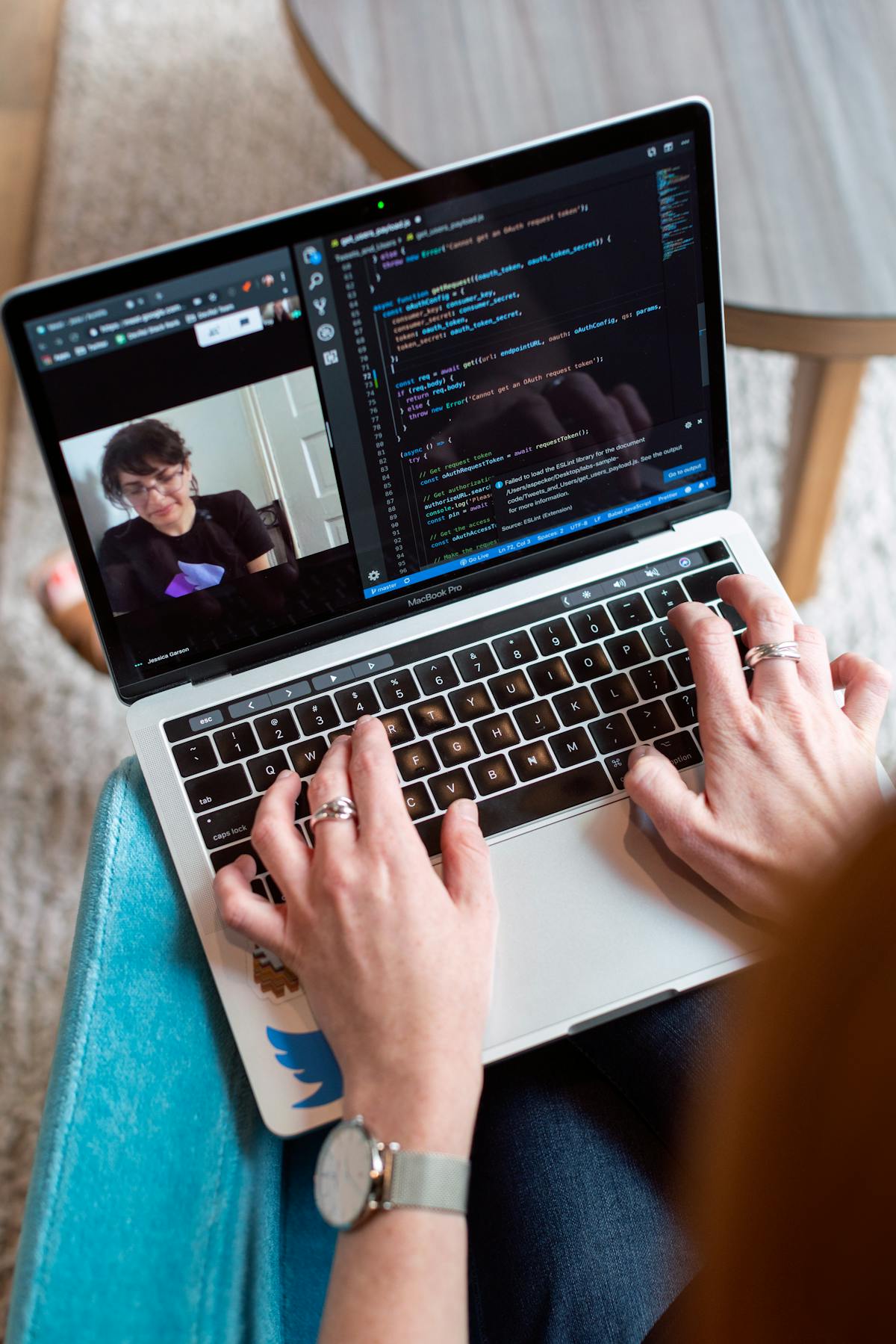
The format is simple. Open the proposal on screen, hit record, talk for 6 minutes. Your face in the corner, the document filling the rest.
The script structure I use:
- 30 seconds, restate the problem in their words
- 60 seconds, walk through proposed scope at a high level
- 90 seconds, pricing tiers and what’s in each
- 60 seconds, timeline and milestones
- 60 seconds, what happens after they say yes
- 30 seconds, explicit next step
Six minutes flat. No intro music, no “hey hope you’re doing well.” The first sentence is the problem statement.
The pre-recording checklist
Don’t wing it. A loom proposal walkthrough that closes deals has a tiny bit of prep behind it. My checklist:
| Item | Why |
|---|---|
| Close every other tab | No notifications, no distractions on screen |
| Drink water | Dry mouth ruins minute 4 |
| Stand up | Better voice, more energy |
| Glance at the proposal once | Don’t read it, just remind yourself of structure |
| Set Loom to HD | The 720p default looks dated |
| Test mic for 10 seconds | Bad audio kills more videos than bad content |
This whole prep takes 4 minutes. The recording itself takes 6 to 12 minutes including re-takes.
How to send it so it actually gets watched
The email matters as much as the video. A loom proposal walkthrough sitting in an unopened email closes nothing. The email I send:
Subject: Proposal walkthrough (6 min video), [Project name]
Hi [Name],
Proposal attached. I recorded a 6-minute walkthrough so you can see how I think through the scope and pricing, link below. Watch when it fits your week, then reply with questions.
Video: [loom link] Proposal PDF: attached
If a live call would be easier, here’s my calendar: [link]
[Your name]
Three sentences. One link. One PDF. One optional call link. Done.
Tracking and follow-up
The view-tracking signal is the part that makes the async proposal video genuinely better than a call. You can see exactly when they opened it, how far they watched, and whether they re-watched the pricing section.
Patterns I act on:
- Watched 100 percent within 24 hours, follow up day 3 with one clarifying question
- Watched 60 percent, dropped at pricing, follow up day 2 acknowledging budget might be a question
- Watched the first 20 seconds then closed, follow up day 4 with a shorter rewrite
- Never opened after 72 hours, send a one-line “did this land?” nudge
This is where a tool like Waco3 earns its keep. Engagement tracking on the proposal itself plus the video view data lets you stop guessing.
When to still take the live call
The loom proposal walkthrough doesn’t replace every conversation. Cases where I still pick up the phone:
- Deal size over 25K, the math is worth the hour
- Client is an enterprise procurement team, they want the live read
- Multiple stakeholders need to hear it together, async splinters the decision
- The scope is genuinely ambiguous and you need to negotiate live
- The client explicitly asked for a call
Outside those, async wins every time.
The objection nobody admits to
“It feels lazy.” That’s the real reason most freelancers won’t send a video instead of taking a call.
Honestly, it’s the opposite of lazy. It’s respectful. The client doesn’t owe you 45 minutes of their week to decide whether to hire you. They owe you 6 minutes if your proposal is interesting and zero minutes if it isn’t. The async video filters serious prospects from polite ones faster than any live call.
Templates and reuse
Once you’ve recorded 10 loom proposal walkthroughs, you’ll notice the same 4 sections show up every time. That’s the signal to build mini-templates inside your proposal document so future walkthroughs flow faster.
What I template:
- Opening problem-statement framework (3 standard variations)
- Pricing tier explanation (one per service line)
- Timeline phrasing for 4-week, 8-week, and 12-week projects
- The closing “next step” line
The template isn’t the script, you still want the video to feel live and conversational. The template is the proposal structure that makes recording feel easy.
The 30-day experiment
Don’t switch your whole pipeline at once. The way I’d test a loom proposal walkthrough if I were starting over:
- Week 1, record one for your next proposal, send alongside the usual call invite
- Week 2, send two videos, no call offer unless they ask
- Week 3, measure view rates, reply rates, close rates
- Week 4, decide whether to retire the pitch call entirely
Most freelancers who try this for 30 days don’t go back. The reclaimed calendar time alone pays for it.
Ready to send stronger proposals?
Build, send, and track proposals in one place so follow-up is easier.
Start your free trial →