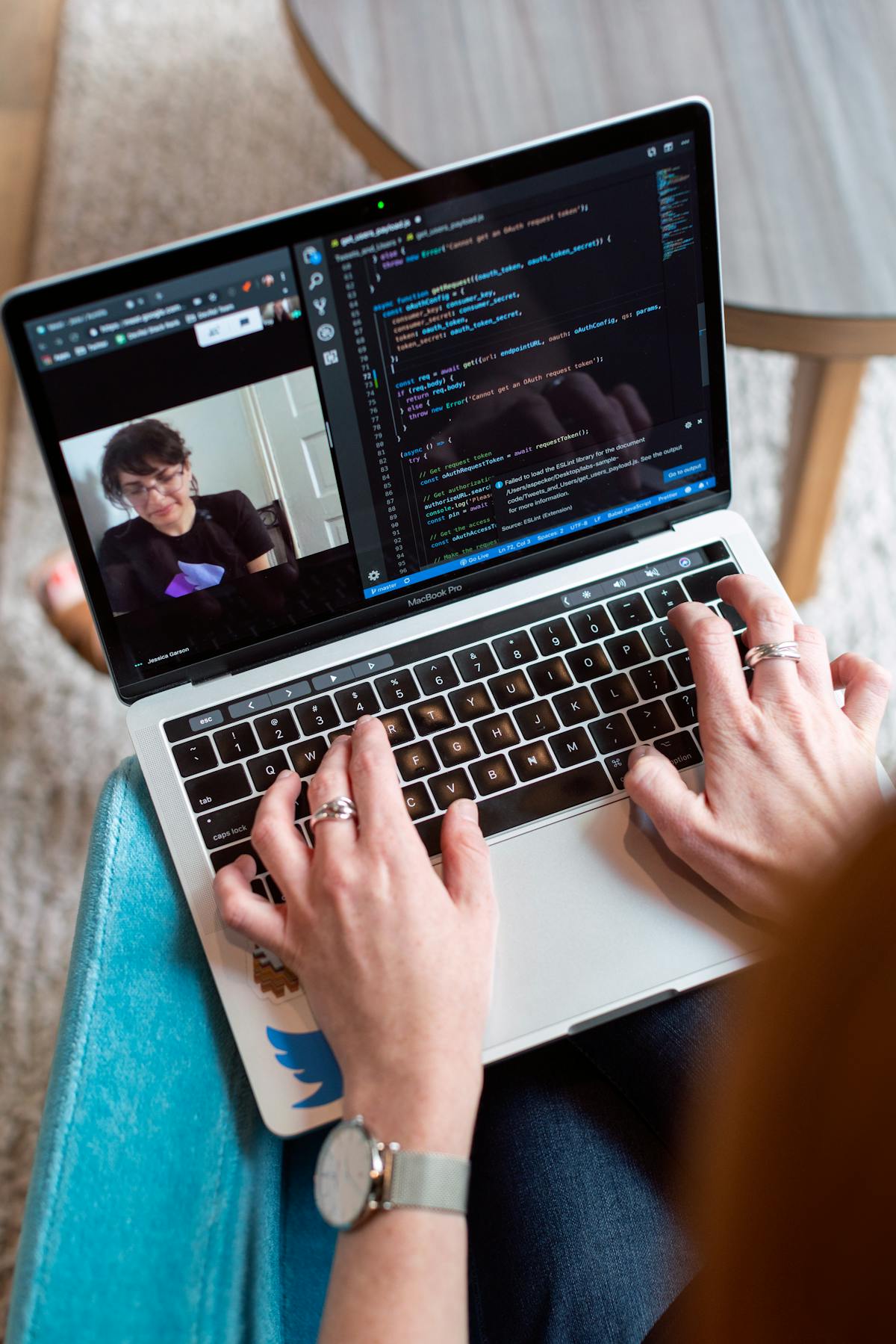
Over the last three years, video proposals, short Loom walkthroughs, personal recordings, or screen-captured presentations, have gone from novelty to serious alternative to the traditional PDF. Some freelancers swear video is now the only way to win competitive deals. Others find PDF still closes at higher rates. The honest answer depends on several factors, and for most freelancers, the right move is a hybrid.
This guide compares the two formats in 2026, when each wins, and the hybrid approach that’s quietly outperforming both pure formats in tests.
The case for video proposals
Video proposals emerged around 2020–2022 as tools like Loom made 5-minute screen-captured walkthroughs trivial to produce. Their rise has been real, for specific reasons.
Strengths of video proposals:
- Personality comes through. Clients see you, hear your voice, get a sense of who they’d work with. Text can’t do this.
- Clarification in real-time. You can explain nuances as you walk through a document, pre-empting questions.
- Signal of effort. A custom video says “I spent time on this specifically for you” in a way a PDF sometimes doesn’t.
- Easier for complex work. Strategic engagements with nuanced positioning often come across better verbally than in written proposal language.
- Higher-novelty factor. In a world of PDF proposals, video stands out.
Weaknesses:
- Not skimmable. Clients can’t scan to the pricing page. They have to watch through.
- Not shareable/forwardable. Internal stakeholders who need to review can’t easily excerpt sections.
- Requires client to watch. Busy clients often skip video in favor of the faster-to-consume PDF.
- Harder to edit/iterate. Any change means re-recording.
- Risk of looking amateur. A poor-quality video undermines the proposal.
The case for PDF proposals
PDFs have been the default for decades, for reasons that remain valid.
Strengths of PDF proposals:
- Easy to skim. Clients can flip to pricing in 10 seconds, come back to scope later.
- Shareable. Forwards easily to decision-makers, legal, finance.
- Signable. Standard format for e-signature tools.
- Edit-friendly. Mistakes or updates mean replacing a file, not re-recording.
- Professional. Especially in traditional industries (enterprise, legal, finance), PDF is expected.
Weaknesses:
- No personality. Text can’t convey enthusiasm or relationship warmth the way video can.
- Over-saturated. Clients have seen hundreds of PDF proposals. Hard to stand out.
- Misreadable. Clients can skim and miss key context, or misinterpret tone.
- Relies on your writing. If you’re a better speaker than writer, PDF disadvantages you.
The question “video or PDF?” is actually two questions: “which format communicates better?” and “which format clients prefer to consume?” They often have different answers, which is why the hybrid is usually the right call.
When each format wins
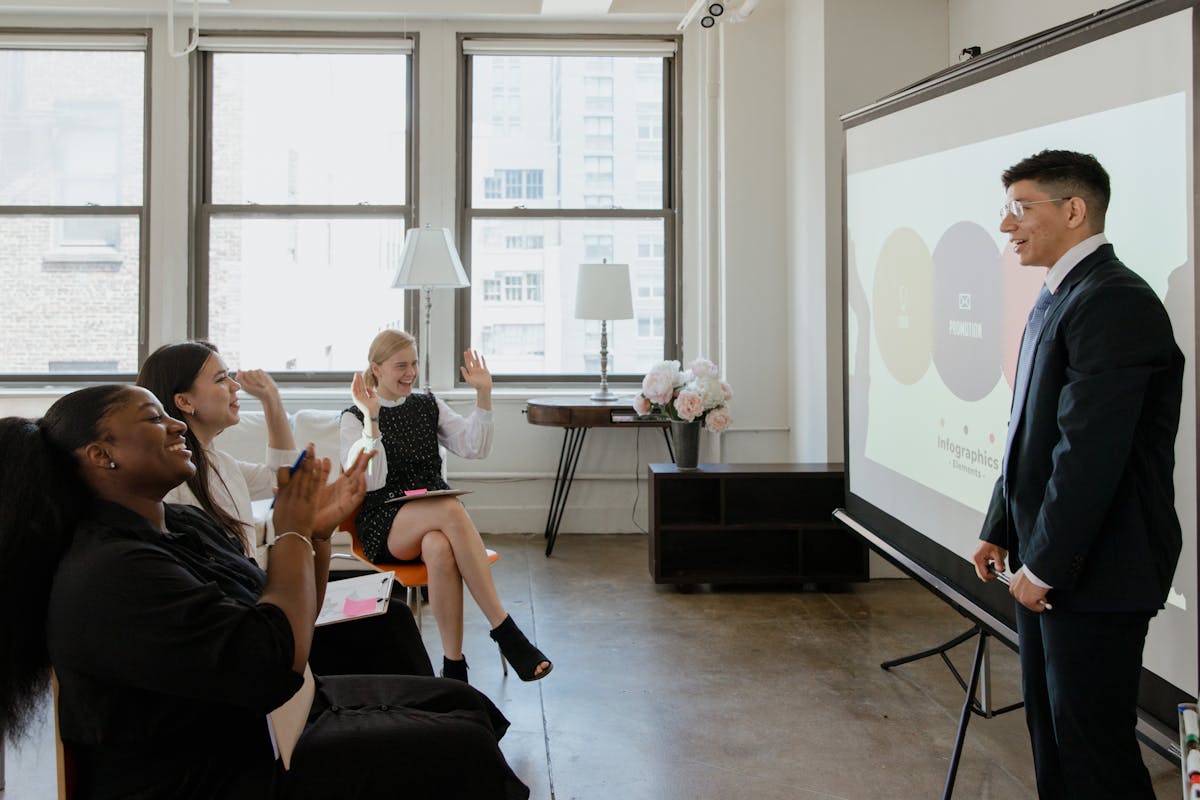
Video proposals win for:
- Complex strategic engagements where verbal explanation beats written
- Warm, relationship-driven deals where personality matters
- Tech-forward clients comfortable with async video
- Competitive situations where novelty matters (you’re bidding against 3 others who’ll send PDFs)
- Smaller, decisive prospects where one person makes the call quickly
PDF proposals win for:
- Enterprise clients with multi-stakeholder review
- Traditional industries (law, finance, healthcare)
- Larger engagements (>$25K) where thoroughness signals professionalism
- Cold prospects who’ll appreciate the efficiency of skimming
- Clients who need to share internally for approvals
Either works equally for:
- Mid-size projects ($5–15K) with clear scope
- Referred prospects where you already have rapport
- Productized services with clear packages
The hybrid approach (what actually works best)
The freelancers with the highest close rates aren’t using pure video or pure PDF. They send a hybrid, a PDF for reference plus a short Loom walkthrough.
The hybrid structure:
- Send the PDF proposal as usual. Full document with all standard sections, scope, pricing, timeline, risk reversal, etc.
- Include a 3–5 minute Loom video link at the top of the proposal or in the email that delivers it.
- The video walks through the key choices you made in the proposal, briefly, the “why” behind the scope decisions, pricing, and approach.
Sample email language:
“Proposal attached. Rather than write out every decision in the doc, I recorded a quick 4-minute walkthrough explaining the thinking behind the scope and pricing choices: [Loom link]
The PDF has all the details, but the video gives you the reasoning in less time. Watch whichever you prefer, or both if that’s useful.
Happy to answer any questions.”
Why this wins:
- Clients who want to skim: open the PDF, go to pricing, decide
- Clients who want context: watch the 4-minute video
- Clients who share internally: forward the PDF
- Clients who want personality: get it from the video
- Every client: gets the format they prefer
No client’s preferred format is excluded. Close rate typically outperforms either single format by 15–30%.
Video proposal format (when going video-only)

If you decide to go pure video, here’s the format that works.
Optimal length: 4–8 minutes.
Shorter than 4 misses context. Longer than 8 loses attention.
Structure:
- 0:00–0:30, Warm intro. “Hi [name], thanks for the conversation, I wanted to walk you through my thinking on this.”
- 0:30–2:00, Restate their situation. Show you listened. Summarize what you understood.
- 2:00–4:30, Your proposed approach. What you’ll do and why, visually walking through a slide or document on-screen.
- 4:30–5:30, Deliverables and timeline. Specific, quick.
- 5:30–6:30, Pricing. One number, or three tiers, explain briefly.
- 6:30–7:30, What happens next. Concrete CTA.
Recording tips:
- Good lighting (natural light from a window works)
- External microphone (even a cheap one is 10x laptop mic)
- Quiet environment (no background kids, music, traffic)
- Eye contact with camera, not screen
- First take is almost always best, don’t re-record 5 times
Tools:
- Loom, industry standard, screen + webcam overlay, free tier sufficient
- Descript, lets you edit by editing the transcript, polished outputs
- Vidyard, more salesy positioning, good for high-volume outreach
PDF proposal format essentials
If going pure PDF, the format elements that most affect close rate:
- Professional typography, use a clean serif or modern sans-serif
- Section breaks, make scanning easy with clear hierarchy
- Page numbers, help clients reference in discussions
- Pricing on its own page, high-importance content gets its own spotlight
- Executive summary on page 1, see proposal executive summary that closes
- Signature-friendly formatting, clear places to sign, date, initial
For full multi-page proposal structure, see how to write a freelance proposal that gets accepted.
The close-rate data
Rough close-rate benchmarks across formats for comparable prospects (self-reported from freelance community surveys, 2024–2025):
- Pure PDF proposals: 25–35% close rate on qualified prospects
- Pure video proposals: 30–40% close rate (slightly higher, but more variance)
- Hybrid (PDF + video): 40–55% close rate (consistently highest)
The hybrid advantage is real, though the sample size across all freelancers is limited. The directional signal is reliable even if exact numbers vary.
Common mistakes in each format

Video proposal mistakes:
- Reading a script, sounds unnatural, loses authenticity
- Over-producing, editing, graphics, music makes it feel like ad, not conversation
- Too long, 15-minute videos get abandoned
- Poor audio, sinks everything else
- No CTA, ending without a clear next step
PDF proposal mistakes:
- Template looks, clearly repurposed from past proposals
- Generic opening, “Thank you for the opportunity to…”
- Buried pricing, client has to hunt for the number
- No visual hierarchy, wall of text
- Generic “why us”, list of credentials instead of one specific case
Hybrid mistakes:
- Video contradicts PDF, different numbers, different positioning, confusing
- Video too long, 10+ minutes defeats the purpose
- Redundant video, just reading the PDF aloud
- No PDF for shareability, video-only with no document to forward
What to use when
Quick decision framework:
- $3K single-deliverable project, cold prospect: PDF only
- $10K project, warm prospect, you have rapport: Hybrid
- $30K strategic engagement, serious prospect: Hybrid
- $100K enterprise engagement, multiple stakeholders: PDF primary, short video supplemental
- Competitive pitch against other freelancers: Hybrid (differentiates)
When in doubt: hybrid. It’s more work than PDF alone but outperforms significantly.
Related reading
- How to write a freelance proposal that gets accepted
- Proposal executive summary that closes
- The 1-page freelance proposal
- Proposal pricing page layouts that win
The 2026 recommendation
If you’re sending proposals in 2026, default to hybrid unless a specific situation warrants pure-format. The marginal effort of recording a 4-minute Loom is small; the close-rate lift is material.
Next proposal you send: try it. Record a short walkthrough explaining your reasoning. Attach it to the PDF. See what happens.
Most freelancers who switch to hybrid don’t go back. The format genuinely works better, and in a landscape where every freelancer is trying to differentiate, the hybrid is one of the few things that does it structurally rather than superficially.
Ready to send stronger proposals?
Build, send, and track proposals in one place so follow-up is easier.
Start your free trial →