Most contractors lose jobs not because their price was wrong, but because their proposal looked like everyone else’s — or worse, they followed up too late because they had no idea when the client read it. Proposal software fixes both problems.
Construction is one of the most proposal-heavy industries on earth. A residential remodeler might send 20 proposals a month. A commercial GC might spend an entire week building a single bid package. In both cases, the proposal is the moment the job is won or lost — before a single shovel moves.
Yet most contractors still build proposals in Word, export to PDF, and email them as attachments. Then they wait. And wonder. And follow up at random.
There is a better way.
Why construction proposals are different from other industries
A construction proposal has to do more work than a typical service proposal. It has to:
- Define scope precisely enough to prevent disputes later
- Break out pricing in a way clients can verify and compare
- Establish payment terms, change order triggers, and warranty terms
- Convey your professionalism and competence in a market where trust is everything
A generic proposal template from a word processor handles none of this well. It gives you a blank page and forces you to rebuild from scratch every time.
Construction-specific proposal software (or a flexible proposal tool with good template functionality) lets you build your standard scope sections once, then assemble them per project.
The real cost of the Word/PDF approach
Before looking at software, it helps to count what the current approach actually costs.
Time per proposal: Most contractors spend 2–4 hours on a custom proposal. With templates and saved content blocks, that drops to 30–60 minutes.
Signature friction: Print, sign, scan, email. Or ask the client to do the same. Every extra step is a place where momentum dies. Digital signatures close this loop in minutes.
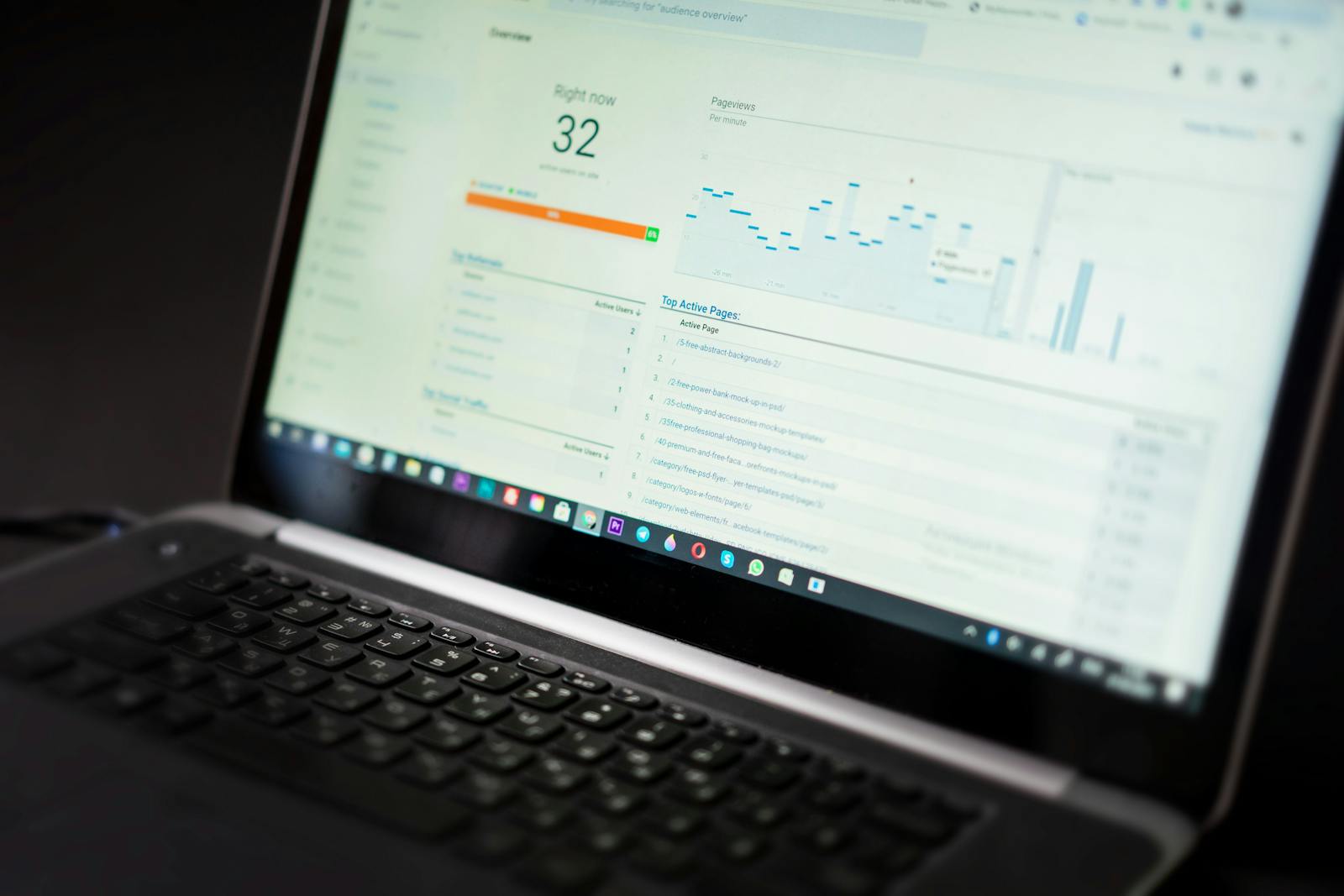
Follow-up timing: Without open tracking, you follow up blindly — too early (annoying), too late (they chose someone else). With tracking, you know the minute they open your proposal and can call or email while you are top of mind.
Win rate: Contractors who follow up within an hour of a client viewing their proposal report significantly higher close rates than those who follow up on a fixed schedule with no visibility into client engagement.
The difference between winning and losing a construction bid is often not price — it is timing. Knowing when a client opens your proposal and following up within the hour is one of the highest-leverage things you can do to improve your close rate.
Features that matter most for construction proposals
Not all proposal software is built for the trades. Here is what to look for:
Reusable content blocks
You write the same scope language dozens of times: “Demo existing tile and dispose of debris,” “Electrical rough-in to code per local jurisdiction,” “Final cleanup and walkthrough.” Proposal software with content blocks lets you save these once and insert them by clicking, not retyping.
Line-item pricing tables
Construction clients expect itemized pricing. Your proposal tool should support line items with quantities, units, and totals — not just a single lump-sum number. This makes it easier for clients to understand what they are paying for and easier for you to handle change orders later.
Digital signatures
E-sign is table stakes in 2025. Every day the client spends printing, signing, and scanning is a day something else can interrupt the deal. Good proposal software includes legally binding e-signatures built in — no DocuSign subscription required.
Proposal tracking and open alerts
This is the feature most contractors underestimate until they use it. You send the proposal and you get a notification the moment the client opens it. You can see how long they spent on each section. You can follow up at the exact right moment instead of guessing.
Templates with variable fields
A strong template system lets you define placeholders — client name, project address, scope summary, price — so you fill in five fields and the full proposal populates. This is how you go from 3-hour proposals to 45-minute proposals.
PDF export and mobile viewing
Clients will open your proposal on a phone as often as on a desktop. Your proposal needs to look professional on both. Good tools handle this automatically; Word docs do not.
Word vs. PDF vs. proposal software: a direct comparison
| Factor | Word/PDF | Proposal Software |
|---|---|---|
| Setup time per proposal | 2–4 hours | 30–60 minutes |
| Signature process | Print/sign/scan | One click |
| Open tracking | None | Real-time alerts |
| Professional appearance | Inconsistent | Consistent |
| Follow-up timing | Guesswork | Data-driven |
| Version control | Manual | Automatic |
| Client experience | Attachment | Interactive link |
For a contractor sending five proposals a month, switching to proposal software recovers roughly 10–15 hours of administrative time monthly. At $150/hr in billable time, that is $1,500–2,250 in recovered capacity, every month.
What a strong construction proposal includes
Regardless of the tool you use, the content structure matters.
Section 1: Project summary Restate what the client asked for, in their terms. This shows you listened and sets the stage for your scope.
Section 2: Scope of work Be explicit. List what is included line by line. Then list what is excluded — this protects you from scope creep as much as it informs the client.
Section 3: Materials and specifications Name the materials you plan to use: manufacturer, model, grade where relevant. Clients comparing multiple bids need to be comparing apples to apples. This section makes that possible.
Section 4: Project timeline Milestones, not just a completion date. Start date, demo complete, rough-in complete, finish work, punch list, final walkthrough. This gives clients confidence you have done this before.
Section 5: Investment Itemized line-item pricing. Subtotals by phase if it is a multi-phase project. Payment schedule: deposit, draw schedule, final payment. Change order policy.
Section 6: Terms and next steps Warranty, insurance, what happens if there are hidden conditions (e.g., asbestos, rot, structural issues uncovered during demo). Clear next step: “Sign below and we will schedule your project within X business days.”
How tracking changes the follow-up game
Here is a scenario every contractor knows: you send a proposal on Tuesday. You wait. Thursday you wonder if you should call. Friday you call, they say “I haven’t had a chance to look at it yet.” The next Monday they say they went with someone else.
With proposal tracking:
- You send the proposal Tuesday at 3 PM
- Wednesday at 10 AM you get a notification: the client opened it and spent 8 minutes reading
- You call at 10:07 AM: “I wanted to make sure you got my proposal — any questions?”
- The client says: “Actually, I was just looking at it. I have one question about the tile selection.”
- You answer the question, get verbal commitment, follow up with a contract.
Timing is a skill. Proposal tracking makes it a system.
Choosing the right tool for your business
A few guidelines by contractor type:
Solo contractor or small remodeling company (under 20 proposals/month): A lightweight proposal tool with templates, e-sign, and tracking is all you need. Avoid enterprise platforms with more features than you will ever use.
Mid-size general contractor (20–100 proposals/month): You need strong template customization, team collaboration (multiple estimators), and reporting on win rates by project type or sales rep.
Large GC or specialty contractor with complex bids: You likely need integration between estimating software (for takeoffs and material costs) and proposal software (for client-facing documents). These are two different tools that should talk to each other.
For most contractors in the first two categories, Waco handles the full workflow: templates, e-sign, open tracking, follow-up reminders, and win-rate reporting — without a six-month onboarding process.
Getting started: your first week
Week one looks like this:
- Build two or three base templates (your most common project types)
- Add your standard scope sections as saved content blocks
- Set up your brand: logo, colors, fonts
- Send your next real proposal using the tool
- Watch the open tracking and follow up within an hour of viewing
Most contractors who go through this process report a meaningful lift in close rate within the first month — not because the proposals look prettier, but because the follow-up timing gets sharper.
Related reading
- How to write a pricing proposal that wins clients
- How to politely follow up on a proposal
- What is a good proposal win rate?
Ready to send stronger proposals?
Build, send, and track proposals in one place so follow-up is easier.
Start your free trial →