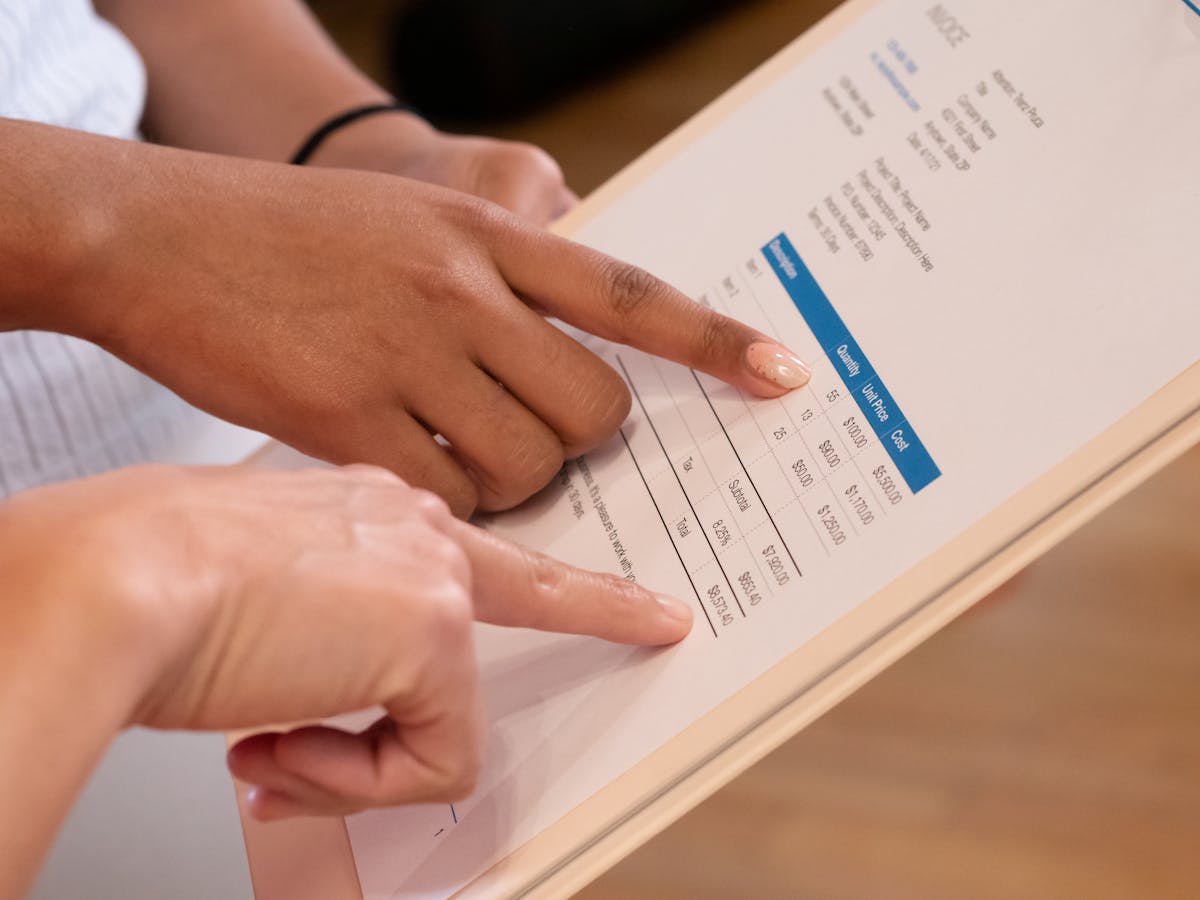
The email around your quote sets the tone. Send a casual email and the client treats it casually. Send a confident, clear email and they take it seriously. These five templates show different scenarios.
Template 1: The Straightforward Follow-Up
Use this after a phone call or meeting where you discussed their project.
Subject: Proposal for [Project Name]
Hi [Name],
Thanks for taking the time yesterday. Based on our conversation about [specific thing they said], I’ve put together a quote for [service or deliverable].
The approach focuses on [one key benefit], which addresses the [specific problem they mentioned]. I’m confident this timeline and budget will get you what you need.
Take a look and let me know if you have questions. To move forward, just reply with “I approve” and we’ll send over the contract.
Best, [Your Name]
This template works because it’s short, references something specific from your conversation, and tells them what to do next.
Template 2: The Value-First Angle
Use this when you want to emphasize ROI or solve a specific pain point.
Subject: [Name], here’s how we solve the [problem] issue
Hi [Name],
You mentioned that [problem] was costing your team [time/money/effort]. I’ve quoted a solution that cuts that down to [new, better state].
Here’s the breakdown: [quote is attached/linked]. You’ll see I’ve itemized each phase so you understand what’s included.
The investment is $[X], and based on similar projects, you’ll break even in [timeframe] and then save [amount] monthly going forward.
Questions? Let me know. Otherwise, I can get started as soon as you approve.
[Your Name]
This template works because it leads with the outcome and the math, not just the service.

Template 3: The Collaborative Approach
Use this when you’re quoting something complex and want to emphasize partnership.
Subject: Quote and next steps for [Project]
Hi [Name],
Here’s the quote we discussed. I’ve built in [specific flexibility or feature you discussed] so we can adjust as we go.
A few notes: The timeline assumes [key assumption]. If that changes, let me know and I’ll revise. Also, you’ll see I’ve included [number] revisions in the first phase, which gives us room to iterate without rework friction.
Let me know your thoughts. I’m happy to walk through any line items or discuss timing.
Looking forward to working on this together.
[Your Name]
This template works for retainer work, ongoing projects, or anything where the client will be closely involved.
Template 4: The Direct Close
Use this when the client is ready to buy and just needs the formality of a quote.
Subject: Let’s make this official
Hi [Name],
Per our conversation, attached is the quote for [project]. Everything we discussed is in there, same pricing, same timeline.
Ready to get started whenever you are.
[Your Name]
Short and confident. No apologies, no over-explaining. Works great when you’ve already won the deal and just need paperwork.
Template 5: The Follow-Up to a Stalled Quote
Use this a week after sending the initial quote with no response.
Subject: Quick question on the [Project] quote
Hi [Name],
I wanted to make sure the quote came through and was clear. Do you have any questions about the approach or pricing?
I’m flexible on timeline if that’s a concern. Happy to discuss adjusting the scope or structure to fit your needs better.
Let me know.
[Your Name]
This is gentle, doesn’t sound desperate, and opens a dialogue rather than pushing for a yes.
General Rules for Quote Emails
Keep it short. Three to five sentences, max. The quote document holds the details. The email frames and points to next steps.
Reference something specific from your conversation. Clients want to feel heard. Mentioning a detail they shared shows you were listening.
Never apologize for your price. If you’ve priced fairly, own it. Apologizing signals doubt.
Tell them the next step explicitly. “Reply with approval,” “Click here to sign,” “Let me know and we’ll schedule.”
The best quote email is short, specific to their situation, and crystal clear about the next step.
Pro Tip: Use Digital Quote Tools
If you use Waco3 or similar tools, send the quote through the platform instead of email. Digital quotes are faster to approve because they eliminate the email-scanning step. The client clicks a link, reviews, signs, and approves.
This also gives you analytics. You can see when they opened it, how long they spent reading it, and if they made it to the pricing section. That intel helps you decide whether to follow up.
Related: Quote Follow-Up Message: Templates That Don’t Feel Pushy
Ready to send stronger proposals?
Build, send, and track proposals in one place so follow-up is easier.
Start your free trial →