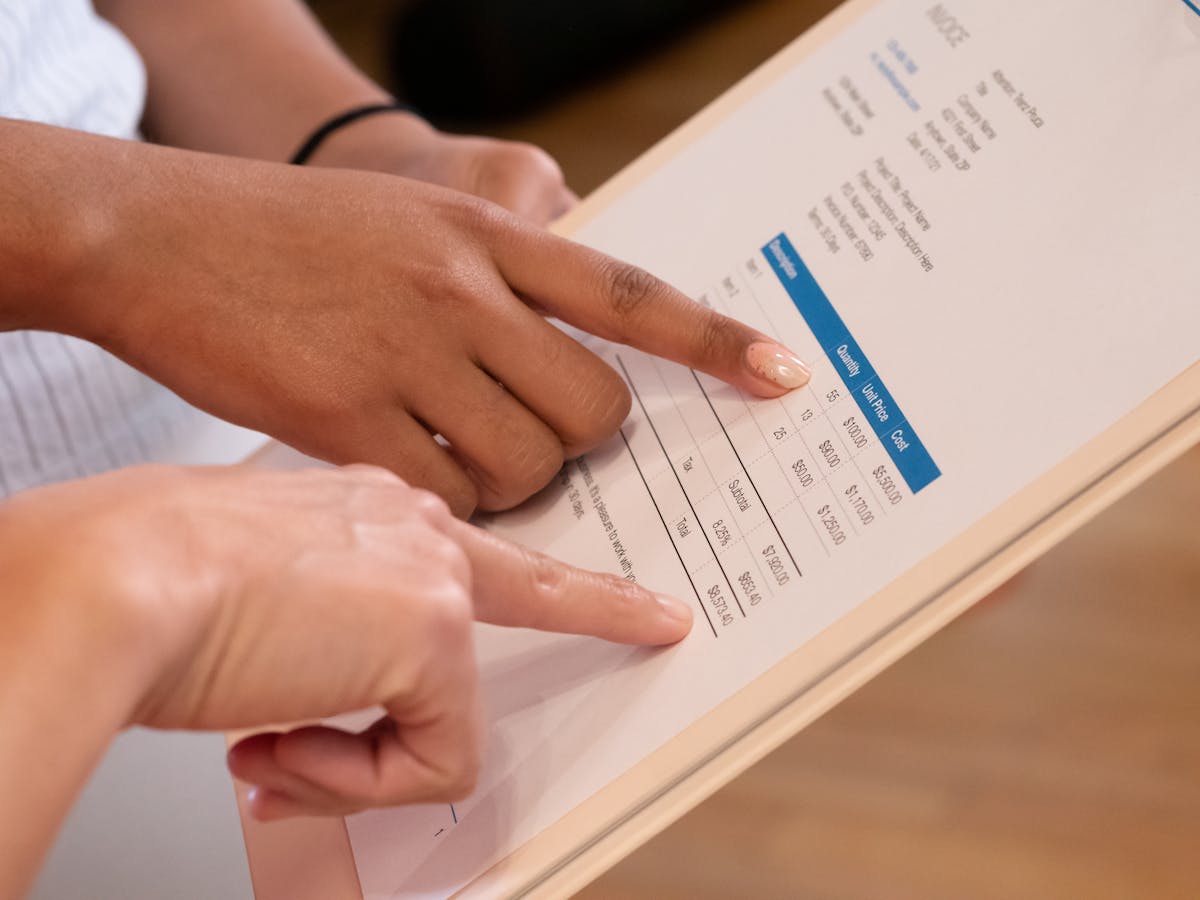
If you’re searching for what program bookkeepers use, you’re probably trying to figure out what software to use for your own finances. The answer depends heavily on whether you actually need bookkeeping or just invoicing — and for most freelancers, those are very different things.
What bookkeepers actually use
The honest data: QuickBooks Online dominates US small business bookkeeping. Intuit’s own estimates put their market share at around 80% in the US for small business accounting. Most professional bookkeepers are trained on QuickBooks, and many clients expect it.
Xero is the main competitor, and it has a strong following — particularly in the UK, Australia, Canada, and among bookkeepers who prefer its cleaner interface and more modern API. Outside of those two, you’ll find:
- Wave: Free, popular with small businesses doing their own books
- FreshBooks: Built for service businesses, heavier on invoicing than journal entries
- Sage: Common in larger SMBs and mid-market; less common for freelancers
- Zoho Books: Part of the Zoho ecosystem; growing adoption
For bookkeepers managing multiple client businesses, QuickBooks Online Accountant and Xero’s accountant portals are standard tools — they let a bookkeeper manage multiple client accounts from a single dashboard.
Why this matters less for freelancers than you’d think
Here’s the thing: bookkeeping software is designed for businesses that need to maintain the full accounting cycle. That means:
- Double-entry accounting (every transaction has a debit and a credit)
- Chart of accounts
- Bank reconciliation
- Accounts payable and receivable ledgers
- Financial statements (income statement, balance sheet, cash flow)
- Payroll (in some versions)
If you’re a freelancer — a designer, writer, consultant, developer — your financial situation is simpler: you invoice clients, you get paid, you track expenses for taxes, you know your income at a glance. Full bookkeeping software handles all of this, but it’s like using a bulldozer to plant a garden.
Freelancers who buy QuickBooks because “that’s what businesses use” often end up with software they don’t fully use, at a price they resent paying, for features they don’t need until tax time — when they finally pay an accountant to do the actual bookkeeping anyway.
What freelancers actually need
Most freelancers need three things:
- Invoicing: Create an invoice, send it to the client, track whether it’s been paid
- Expense tracking: Log business expenses for tax deductions
- Income overview: Know how much you’ve earned this month/quarter/year
Full bookkeeping software does all three. So do much simpler, cheaper tools.
For freelancers whose sales process involves proposals before invoices, there’s a fourth need: proposal creation and tracking. This is where tools like Waco3 fit — handling the quote-to-invoice workflow with visibility into when clients are reviewing proposals, all without the full accounting overhead of QuickBooks.
When you actually need bookkeeping software
There are situations where a freelancer genuinely benefits from full bookkeeping software:
- You have employees or contractors you pay regularly
- You maintain inventory
- Your accountant specifically requires it for tax filing
- You’re structured as an LLC or S-Corp with more complex tax requirements
- Your revenue is high enough that detailed financial statements are valuable for planning
If you’re at this stage, Xero or QuickBooks Online are worth the cost. Xero is worth considering if you’re also working with an accountant who prefers it — the collaboration features are slightly smoother. QuickBooks has the larger user base, which means more bookkeepers and accountants who know it well.
The practical answer for freelancers just starting out
Start with the simplest tool that handles your actual needs. If you’re invoicing clients and tracking expenses, Wave (free) or a dedicated invoicing tool covers you without committing to the complexity or monthly cost of full bookkeeping software.
When you grow to the point where a bookkeeper or accountant is involved, follow their lead on software — they have preferences, and working with their preferred tool makes their job easier, which means lower costs for you. Most will ask for QuickBooks or Xero at that stage. Until then, use what fits your workflow.
Ready to send stronger proposals?
Build, send, and track proposals in one place so follow-up is easier.
Start your free trial →