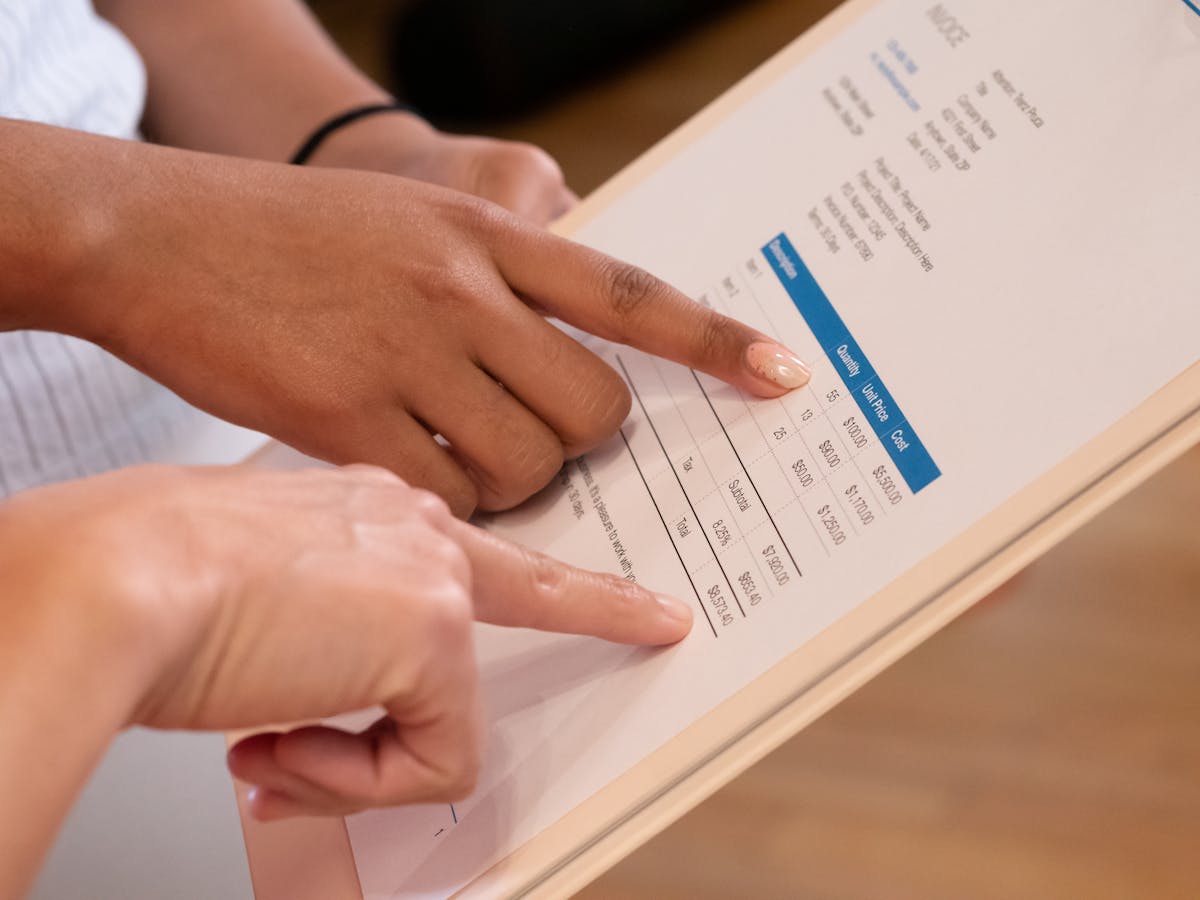
You don’t need paid invoicing software when starting out. Free templates and tools are available everywhere and work well. Here are your best options for creating professional invoices without spending money.
Microsoft Word and Google Docs Templates
Microsoft Word has built-in invoice templates. Open Word, search “invoice,” and browse designs. Pick one that matches your style, customize it with your business info, and you’re done. No software purchase needed. Google Docs has similar templates free. Open Docs, click “Template Gallery,” search “invoice,” and choose a design. These templates are cloud-based, so you can access them from any device.
Both let you edit freely, add your logo, and save unlimited invoices. Word invoices export to PDF, which looks identical on every device. Google Docs does too, plus you get cloud backup. For freelancers and small business owners, these two often suffice. No learning curve, no signup, just templates ready to use.
Canva Free Invoices
Canva’s free tier has invoice templates. Create an account, search “invoice,” and pick a design. Customize colors, fonts, and text to match your brand. Canva templates are more stylish than generic Word templates. The free version lets you create and download unlimited designs with access to basic tools, stock images, and icons.
Limitation: Canva’s free tier doesn’t store unlimited files in their library, and some exports have lower resolution. For invoices, the quality is fine. Download as PDF and email to clients. Canva Pro ($13/month) unlocks premium fonts, but the free version works well for professional invoices.
Wave Invoicing (Free Plan)
Wave offers free invoicing software with no watermarks and unlimited invoices. Create an account, fill in your business info once, and generate invoices instantly. Wave stores everything in the cloud and sends automatic reminders when payments are due. Track which invoices have been paid and which are overdue. Wave also includes free accounting features.
Wave makes money through integrations. They offer optional paid add-ons like payment processing, but core invoicing is free. For freelancers billing a few clients, Wave works well. The interface isn’t as polished as some paid tools, but it’s functional and fast.
ZipInvoice and Square Invoices
ZipInvoice creates free invoices with payment reminders, no watermarks, unlimited invoices, and basic tracking. Square Invoices is equally free and includes optional payment processing. Both are clean and designed for invoicing. Square integrates with their payment processor, so clients can pay directly to your account (with Square’s small fee). You don’t have to use payments though.
These tools shine when you send many invoices and track payment status. They handle reminders automatically, saving time. For simple one-off invoices, they’re overkill. For regular billing, they’re worth trying.
Desktop Alternatives: LibreOffice and OpenOffice
LibreOffice and OpenOffice are free, open-source options for offline work without internet. Both include invoicing templates in Calc (equivalent to Excel). Download the software, open a template, customize it, and save as PDF. No cloud needed, complete control over your files. These tools work on Mac, Windows, and Linux.
Trade-off: you manage saving and backing up invoices. No automatic payment tracking or reminders. But if you own your data and avoid subscriptions, these work well.
Choose Based on Your Needs
Send one invoice per month? Use a Word template. Want cloud sync and reminders? Try Wave or Square. Like design control? Use Canva. Most freelancers start free and stay free for years. Only switch to paid tools when you hit a specific need. Starting free lets you test what works before spending money.
Related: How to make an invoice as a freelancer covers the full workflow once you’ve chosen your template.
Ready to send stronger proposals?
Build, send, and track proposals in one place so follow-up is easier.
Start your free trial →