Google doesn’t offer a dedicated free invoicing tool. However, Google Docs templates and Sheets can create basic invoices at no cost. Understanding what Google provides helps you decide if it’s enough or if you need dedicated invoicing software for your business.
Google’s Free Invoicing Options
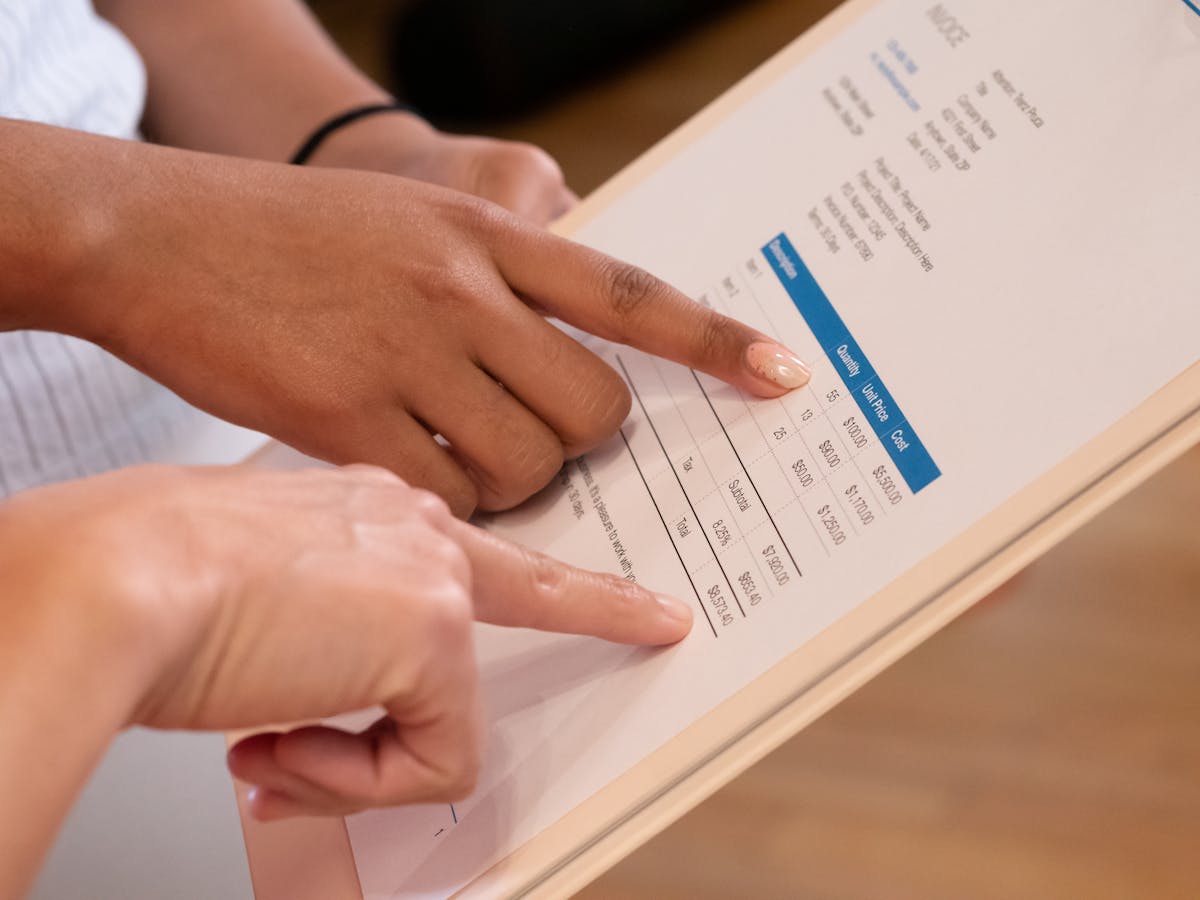
Google offers two main free invoicing approaches. First, Google Docs has invoice templates in its Template Gallery. These are free to use and easy to customize. You type in client details, add line items, and save as a PDF to share. Second, you can build invoices in Google Sheets for simple tracking. Create columns for date, client, description, amount, and paid status. Both options are free and require no additional software. However, they’re manual. You’re not tracking invoices, sending reminders, or collecting payments through the document. You’re creating static files and managing them yourself. This works for freelancers with one or two clients, but gets unwieldy as you scale.
Limitations of Free Google Tools
Google Docs invoice templates look professional but offer no automation. You copy and modify the template for each invoice. You manually track whether clients paid. No payment processing is built in. Clients can’t pay directly on the invoice. You email them separately with payment instructions. Google Sheets lets you build a custom invoicing system but requires spreadsheet knowledge. You won’t get automated email reminders for overdue invoices. Client communication isn’t tracked within the invoice system. Collaboration is easier than traditional documents, but you’re still managing files, not a business process. Storage is unlimited, which is nice. But unlimited Google storage doesn’t help much if you’re manually creating hundreds of invoices.
When Google Templates Might Be Enough
If you invoice fewer than five clients per month and don’t have recurring invoices, Google Docs templates work fine. You spend five minutes each month on invoicing, which is manageable. Your clients pay reliably and don’t need reminders. You don’t need professional payment processing or detailed revenue reports. You’re comfortable with spreadsheets and can track payments manually. If all of these apply, stick with Google Docs. You’re not paying for software you don’t use. However, if any of these isn’t true, free templates become a time drain. You’ll spend more hours managing spreadsheets than you’d save by skipping invoicing software.

Why Dedicated Invoicing Software Matters
A proper invoicing tool automates what Google can’t. It sends invoices to clients and tracks when they open them. It sends automatic reminders when payments are late. Clients pay directly on the invoice, reducing friction. The software tracks all your invoices in one place, showing outstanding balances and payment history at a glance. Recurring invoices are set once and send automatically. Time tracking, if included, converts hours to invoice line items automatically. Reports show your revenue trends and cash flow projections. All of this is impossible with Google Docs or Sheets. The time you save on automation pays for the software. Most entry-level invoicing tools cost $15-30 per month, which is less than one hour of work for most freelancers.
Free and Low-Cost Alternatives to Google
Wave Accounting offers completely free invoicing with no client limits and no feature restrictions. You create unlimited invoices, send payment reminders, and track expenses. Wave makes money from payment processing fees, not subscriptions. This is the best free invoicing option for serious freelancers. Square Invoices is free if you don’t use payment processing. Stripe Invoicing is free for invoice creation with optional payment collection. Both offer more automation than Google’s templates. Waco3 combines invoicing with proposals, project tracking, and client analytics in one affordable platform designed specifically for freelancers. If you need more than just invoicing, these integrated solutions provide better value than stacking multiple Google tools.
Our Recommendation
If you’re just starting with one or two clients, Google Docs templates are fine for now. They cost nothing and require no setup. But upgrade within 3 months as you grow. Manual invoicing doesn’t scale. Wave Invoices is our top free recommendation for freelancers. It offers professional invoicing without the spreadsheet hassle. If you need proposals, project tracking, and analytics alongside invoicing, Waco3 provides better value than free tools because everything works together. Choose based on your actual needs, not just upfront cost. The cheapest tool becomes expensive if you waste time managing it.
Google offers free invoice templates, but they’re not a complete invoicing solution. Wave or dedicated invoicing software saves time and protects your cash flow as your business grows.
Ready to send stronger proposals?
Build, send, and track proposals in one place so follow-up is easier.
Start your free trial →