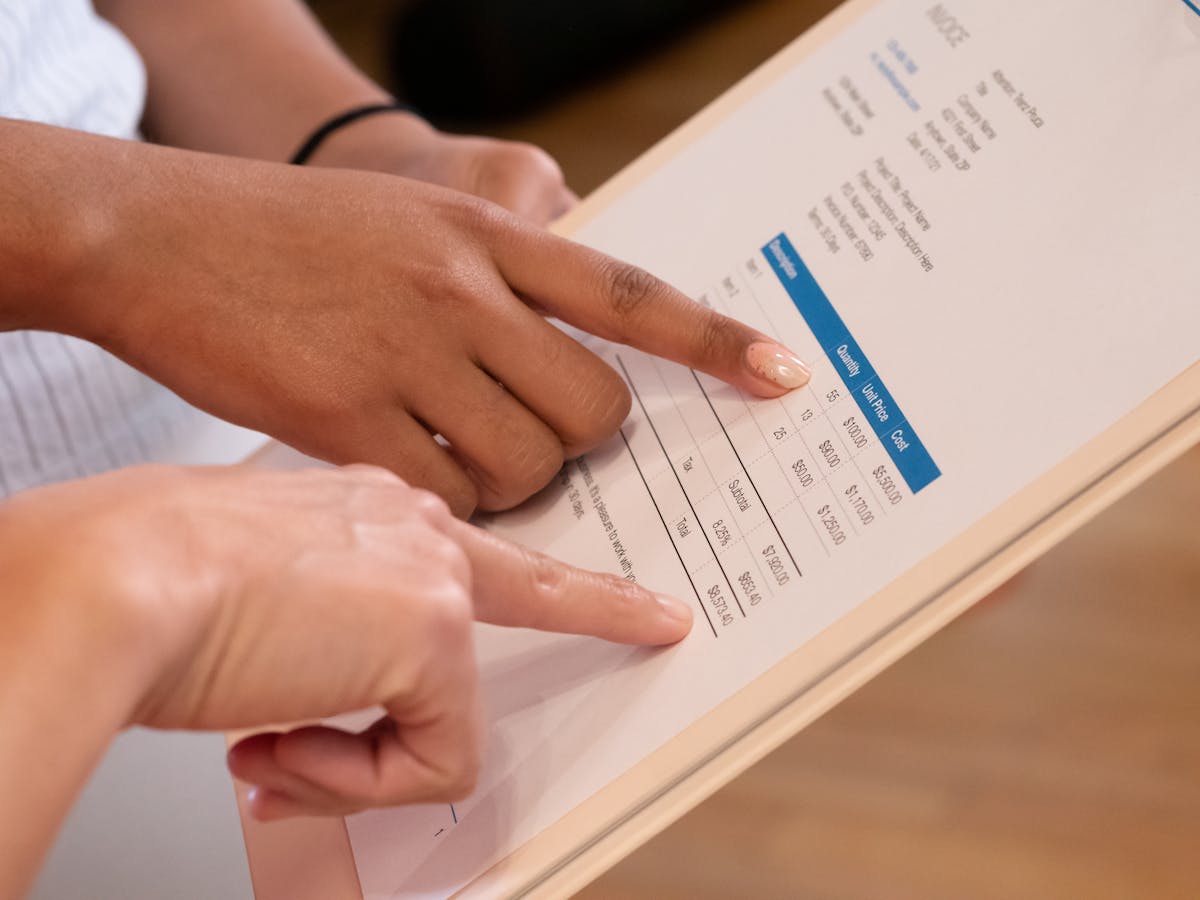
Free invoice tools have gotten genuinely good. For most freelancers, a free plan covers everything needed to bill professionally, track payments, and maintain clean records — without spending money on software before you have established revenue.
Truly Free Invoicing Tools
Wave Invoicing
Wave is consistently the best free option for freelancers. It offers:
- Unlimited invoices and clients on the free plan
- Professional invoice templates with logo and color customization
- Automatic payment reminders
- Basic reporting and payment tracking
- PDF export
Wave earns money through its payment processing fees and accounting add-ons. The invoicing itself stays free. For a solo freelancer billing a handful of clients each month, Wave covers most needs.
Zoho Invoice
Zoho Invoice offers a free plan that supports up to 5 clients per month. Features include:
- Professional invoice templates
- Payment reminders
- Time tracking
- Client portal
- PDF and print export
If you have more than 5 active billing clients, you will hit the limit — but for freelancers just starting out, Zoho’s free tier is generous.
Invoice Ninja
Invoice Ninja is an open-source invoicing platform with a free tier that allows up to 5 clients and includes professional invoicing, quotes, and basic payment tracking. The interface is more complex than Wave but more flexible. A self-hosted version is also available for free if you want full control.
PayPal Invoice
If you already use PayPal to receive payments, PayPal’s free invoice tool is worth knowing about. You can create and send professional invoices directly through PayPal, and clients can pay with a card or PayPal balance. No monthly fee — PayPal takes a transaction fee when you receive payment.
Free Template Downloads (No Software Required)
If you prefer a template you can fill in and email as a PDF without creating an account anywhere:
Google Docs: Open Google Docs → Template Gallery → search “invoice.” Several clean service invoice templates are available at no cost. Customize with your logo and branding, then download as PDF.
Microsoft Office: Excel and Word both have free invoice templates in their template libraries (File → New → search “invoice”).
Canva: Canva’s free plan includes dozens of invoice templates. Customize the design, then export as PDF.
Vertex42: A website offering free Excel and Google Sheets invoice templates with pre-built formulas. Download without sign-up.
These templates do not track payments or send reminders — they are static documents you fill and send manually — but they are professional and require zero ongoing subscription.
Free tools are excellent for getting started, but what they typically lack is visibility into what happens after you send the invoice — whether it was opened, when it was viewed, and when to follow up.
What Free Plans Usually Do Not Include
When evaluating free tools, watch for these common limitations:
Invoice open tracking. Most free plans do not tell you when a client has viewed your invoice. This matters for follow-up timing — there is a big difference between a client who opened the invoice three times and has not paid versus one who has not opened it at all.
Automated payment reminders. Free tiers often cap the number of automated reminders or require manual follow-up.
Proposal and quote creation. Dedicated invoicing tools separate from proposal tools mean you are managing two workflows.
Client communication history. Seeing all correspondence related to a specific invoice in one place is typically a paid feature.
Priority support. Free plan support is usually community forums or documentation, not direct help.
Choosing the Right Free Tool for Your Situation
Just starting out, fewer than 5 regular clients: Zoho Invoice free or Google Docs template. Simple, no learning curve.
Growing freelance practice, need unlimited invoicing: Wave Invoicing. The best free option at scale.
Already using PayPal: PayPal Invoice. Zero new account to manage.
Need custom branding or a polished design: Canva template + Wave for sending and tracking.
Want proposals AND invoices in one place: Look at tools like Waco3 that handle the full cycle from proposal to invoice — including open tracking — so you are not stitching together multiple free tools to cover the workflow.
The right tool is the one you will actually use consistently. A free template you fill out and send on the same day work is complete is infinitely better than a paid tool you set up once and forget.
Ready to send stronger proposals?
Build, send, and track proposals in one place so follow-up is easier.
Start your free trial →