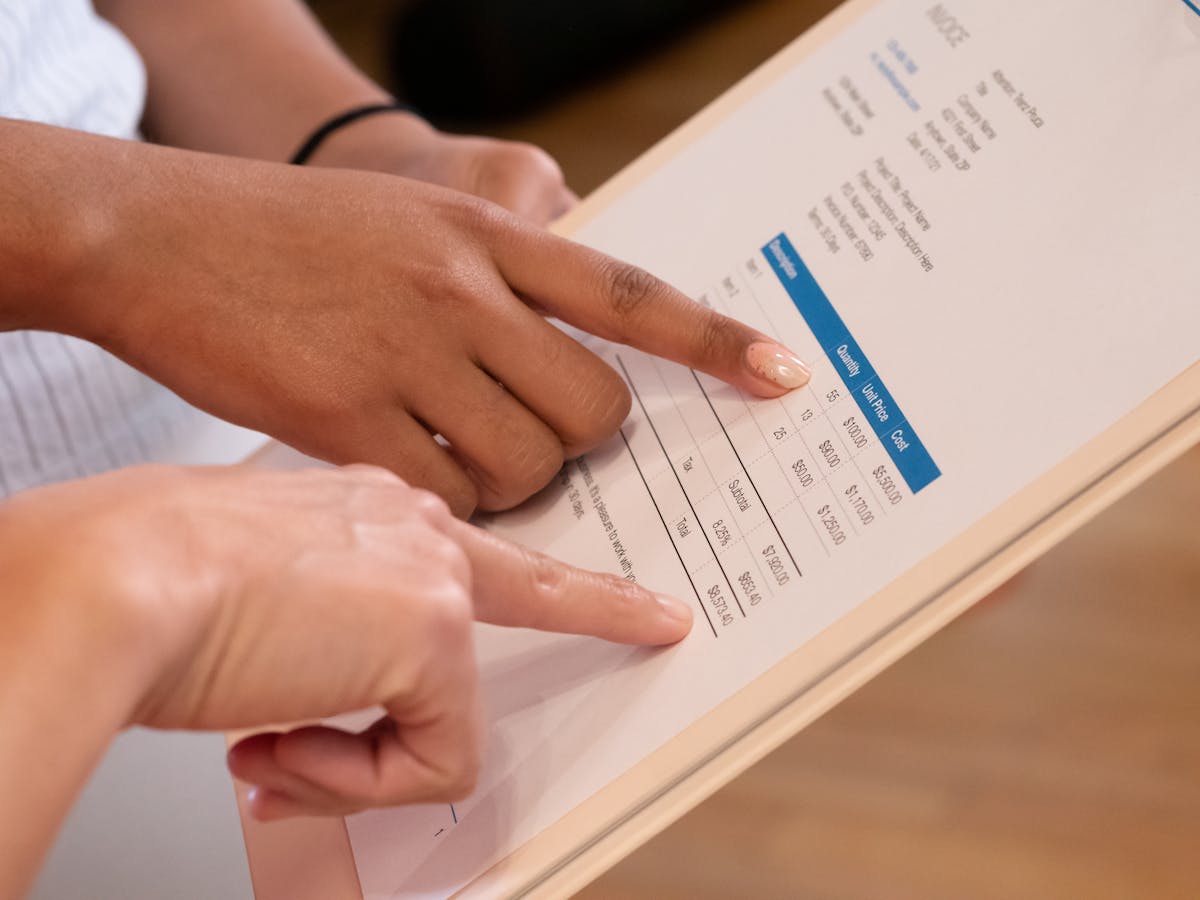
Zoho Invoice went permanently free in 2021, and the feature set they left in the free tier is more complete than most paid invoicing tools. Understanding what’s actually included — and what’s quietly absent — helps you decide if it fits your workflow.
What the free plan includes
Invoicing basics:
- Unlimited invoices and clients
- Customizable invoice templates (a large selection)
- Multi-currency invoicing
- Automatic payment reminders
- Recurring invoices
- Invoice viewed notifications
Estimates and quotes:
- Create estimates and send to clients
- Convert estimates to invoices on approval
- No tracking of when estimates are opened (basic sent/viewed status only)
Expense tracking:
- Log and categorize expenses
- Attach receipts
- Bill expenses to clients (include on invoice)
Time tracking:
- Built-in timer
- Log billable hours per project
- Convert time to invoice line items
Client portal:
- Clients log in to view invoices, pay, and communicate
- Portal is branded to your business (custom logo and colors)
Payment integrations:
- Stripe, PayPal, Square, Razorpay, and others depending on region
- Standard processing fees apply (charged by the payment processor, not Zoho)
Mobile app:
- iOS and Android apps included
- Create invoices, log expenses, track time from mobile
Zoho Invoice’s time tracking and billing in a single free tool is genuinely rare — most free invoicing tools either omit time tracking or charge for it. For hourly freelancers, this is a meaningful advantage.
Where the free tier shows edges
Customer support: Free plan users have access to documentation and community forums. Email support is available but is slower than premium tools. Phone support isn’t included. If you need hands-on help with setup or a billing issue, response times can be frustrating.
No proposal tracking: Zoho Invoice’s estimates feature lets you send a quote and convert it to an invoice. But there’s no tracking of whether the client opened the estimate, how long they spent reviewing it, or which sections they engaged with. For freelancers who use proposals as a sales tool — not just a pricing document — this is a real gap.
Zoho ecosystem complexity: Zoho offers a large suite of business products (CRM, Books, Projects, People, etc.). The integration between these products is a feature, but it also means understanding which Zoho product does what. If you eventually want full accounting, you migrate to Zoho Books. If you want CRM, that’s Zoho CRM. The ecosystem is capable but navigating it takes time.
Five user limit on free: The free plan supports up to five users, which is more than enough for solo freelancers. This is a non-issue for most.
Zoho Invoice vs. Wave
Both are strong free options. Key differences:
- Accounting depth: Wave includes double-entry accounting and full financial statements. Zoho Invoice is invoicing-focused; for accounting, you’d upgrade to Zoho Books.
- Time tracking: Zoho Invoice includes time tracking; Wave does not.
- Interface: Zoho’s interface is more feature-dense; Wave is slightly cleaner and simpler.
- Support: Both have limited free-tier support, roughly comparable.
For a freelancer who needs time tracking integrated with invoicing, Zoho Invoice has an edge. For a freelancer who needs real accounting statements, Wave includes more on the accounting side.
When to use Zoho Invoice vs. a proposal tool
Zoho Invoice handles the invoicing workflow well. Where it doesn’t reach is the proposal layer: if your client relationships start with a proposal, a discovery discussion, and a formal quote before any invoice is created, a proposal-focused tool covers that pre-invoice sales process more completely.
Tools built around proposals (including Waco3) handle the create-send-track-close workflow for proposals, then convert to invoices. Zoho Invoice handles what comes after the agreement is in place. These solve adjacent problems, and some freelancers use both.
The bottom line
For free invoicing software, Zoho Invoice is one of the best available. The time tracking inclusion in the free tier sets it apart. The main reasons to look elsewhere: if you need robust accounting (Wave or QuickBooks), if proposal tracking is a core need, or if you want tighter customer support.
Ready to send stronger proposals?
Build, send, and track proposals in one place so follow-up is easier.
Start your free trial →