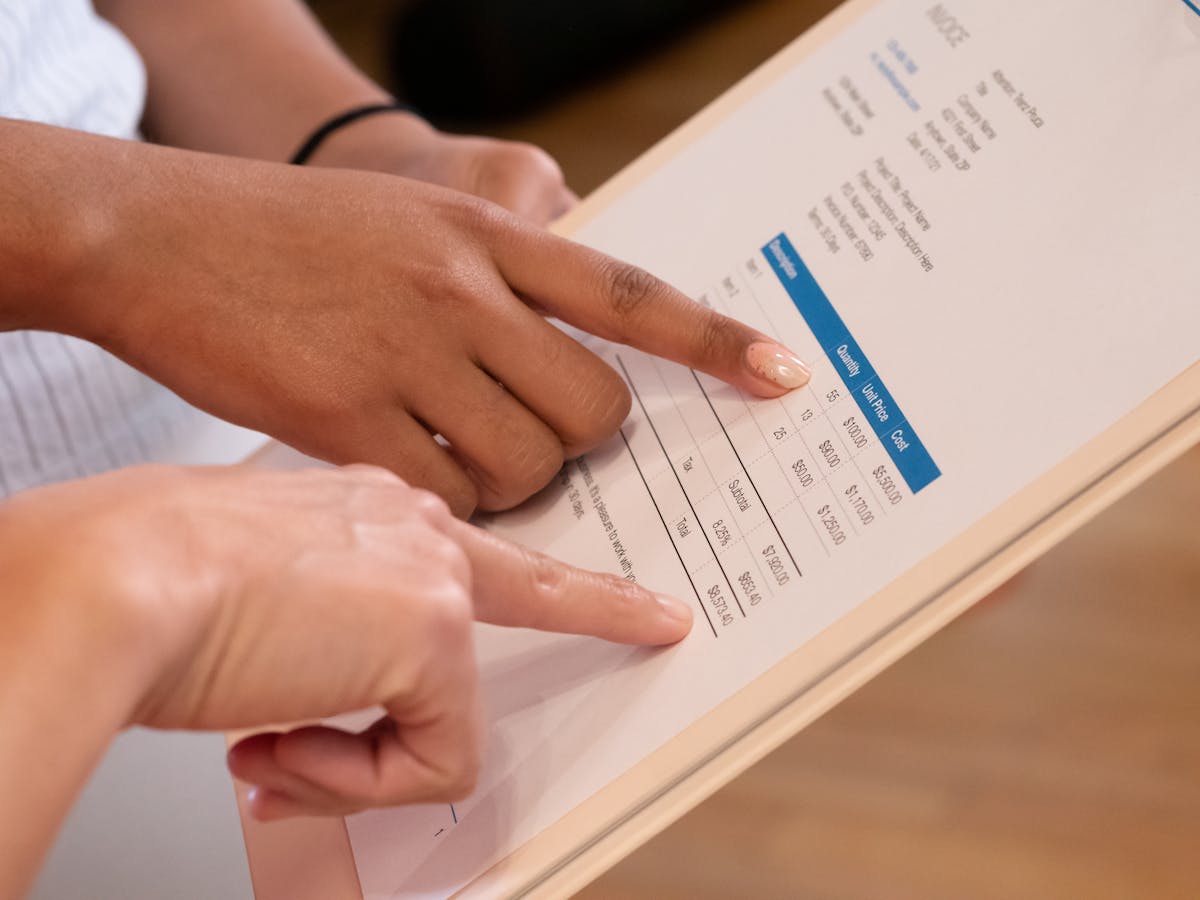
Zoho Invoice is cloud-based invoicing software built for freelancers and small businesses. It handles invoicing, expense tracking, and payments in one platform — and as of 2023, the entire feature set is free. Understanding what it actually offers helps you decide if it fits your workflow or if you’d be better served elsewhere.
What Zoho Invoice Does
Zoho Invoice covers the invoicing lifecycle from start to finish. You set up a client profile once, build a template with your line items and rates, and send invoices directly from the platform. Clients get a payment link embedded in the invoice — they click, enter a card or bank details, and you get notified when the money clears.
Beyond sending invoices, the software tracks their status automatically. You can see at a glance which invoices are draft, sent, viewed, partially paid, or overdue. If a client hasn’t paid by the due date, Zoho Invoice can fire a payment reminder email on your behalf — you set the schedule once (say, three days before due and five days after), and it runs without you thinking about it.
Expense tracking is built in alongside invoicing. You log a business expense, categorize it (software, travel, contractor fees), and attach a receipt photo from your phone. At tax time you pull a report filtered by category and date range instead of digging through credit card statements.
The Free Plan Is Actually Free — All of It
This is the most important thing to know before you evaluate Zoho Invoice: in 2023, Zoho made the entire platform free with no client cap, no invoice limit, and no feature paywall. There is no paid tier to upgrade to — the feature set you get on day one is everything.
That changes the calculus compared to tools like FreshBooks, which charges $19–$55/month, or Wave, which is free but earns revenue by steering you toward its payment processing at higher-than-average rates. Zoho Invoice gives you professional invoicing, expense tracking, payment processing, and reporting without a monthly fee.
The tradeoff is that Zoho makes money by getting you into its broader ecosystem. If you start using Zoho Invoice and later want project management, you look at Zoho Projects. Need a CRM? Zoho CRM. That cross-sell strategy is how they sustain a free invoicing product. It is not inherently a problem — the tools are genuinely useful — but it is worth knowing so you make deliberate choices rather than drifting into a software stack you did not plan for.
Core Features Worth Knowing
Invoice templates and branding. You can upload your logo, set brand colors, and customize the invoice layout. A freelance designer billing $3,500 for a brand identity project looks more credible sending a polished invoice than a generic PDF. Templates are customizable enough for most freelancers without requiring any design work.
Multiple currencies. If you have a client in Canada, one in the UK, and one in the US, Zoho Invoice handles all three currencies on separate invoices. Exchange rates update automatically. This matters more than it sounds — manually converting currencies in a spreadsheet introduces errors and wastes time.
Recurring invoices. For retainer clients on a fixed monthly fee — say, $1,200/month for ongoing social media management — you set up the recurring invoice once. Zoho Invoice generates and sends it on the first of every month without any action from you.
Payment processing. Clients pay directly through the invoice link via Stripe, PayPal, Square, or bank transfer. Payment processing fees come from the payment processor, not from Zoho. Stripe charges 2.9% + $0.30 per transaction; Zoho takes nothing on top of that.
Mobile app. The iOS and Android apps let you create an invoice on-site immediately after finishing a job. A plumber wrapping up a $450 service call can invoice the homeowner before leaving the driveway. Getting the invoice out while the job is fresh increases the chances of fast payment.

Integrations and Where It Gets Complicated
Zoho Invoice connects cleanly with other Zoho products and with a set of third-party tools. The integrations worth knowing about:
- Zoho Projects: Log billable hours in a project, then convert them directly to an invoice line item. No manual hour counting.
- Zoho Books: If you need double-entry accounting, Zoho Books sits on top of Zoho Invoice data. Useful when your business grows to the point where a CPA asks for a real general ledger.
- Stripe and PayPal: Direct payment processing without redirecting clients to a separate checkout page.
- QuickBooks and Xero: Two-way sync so your accountant can work in whichever platform they prefer.
The complication is depth versus simplicity. A freelancer who needs invoicing and nothing else will find Zoho Invoice straightforward. But someone who wants to pull time tracking from one tool, proposals from another, and expenses from a third will hit friction points as they try to connect everything. Zoho’s ecosystem handles this well if you go all-in on Zoho. It handles it less well if you are mixing Zoho Invoice with tools from other vendors.
Who Zoho Invoice Works Best For
Zoho Invoice is a strong fit if you are:
- Early-stage and cost-sensitive. Zero monthly fee with full features removes a real barrier. A freelancer billing $2,000/month cannot justify $55/month for FreshBooks when Zoho Invoice does the same core job for free.
- Already using Zoho tools. If you are in Zoho CRM or Zoho Projects, Invoice plugs in without friction. Data flows across products and you avoid duplicate data entry.
- Handling recurring clients. The recurring invoice feature plus automatic reminders is genuinely useful for anyone with monthly retainer clients. Set it up once and it runs.
- Working with international clients. Multi-currency and multi-language support without a paid upgrade is not universal. Zoho handles it cleanly.
Zoho Invoice is a harder sell if you need proposals as part of your workflow. The platform does not generate proposals — it starts at the invoice stage. If you need to send a $5,000 project proposal, get it approved, and then convert it to a deposit invoice and a final invoice, you will need a separate proposal tool or a different platform that handles the full workflow.
Comparison to Other Tools
Wave: Also free, but earns on payment processing fees that are slightly higher than Stripe’s direct rates. Accounting features are stronger than Zoho Invoice’s, which matters if you want a full profit-and-loss view inside the same tool.
FreshBooks: Paid starting at $19/month. Adds time tracking and a client portal that Zoho Invoice lacks. Worth the cost if you bill hourly frequently and want built-in time tracking without relying on a Zoho Projects integration.
HoneyBook / Dubsado: All-in-one platforms that handle proposals, contracts, invoices, and payments in a single client workflow. More expensive ($16–$20/month), but they eliminate the gap that Zoho Invoice leaves at the proposal stage.
The decision usually comes down to one question: do you need invoicing only, or do you need the full client workflow from proposal to payment? If invoicing only, Zoho Invoice is hard to beat at the price. If you need the full workflow, the all-in-one platforms justify their cost.
Zoho Invoice is completely free with no client or invoice limits — a meaningful advantage over paid competitors. It works best for freelancers who bill recurring clients, work internationally, or already use other Zoho products. If you need proposals alongside invoicing, plan for a second tool or look at an all-in-one platform.
Ready to send stronger proposals?
Build, send, and track proposals in one place so follow-up is easier.
Start your free trial →