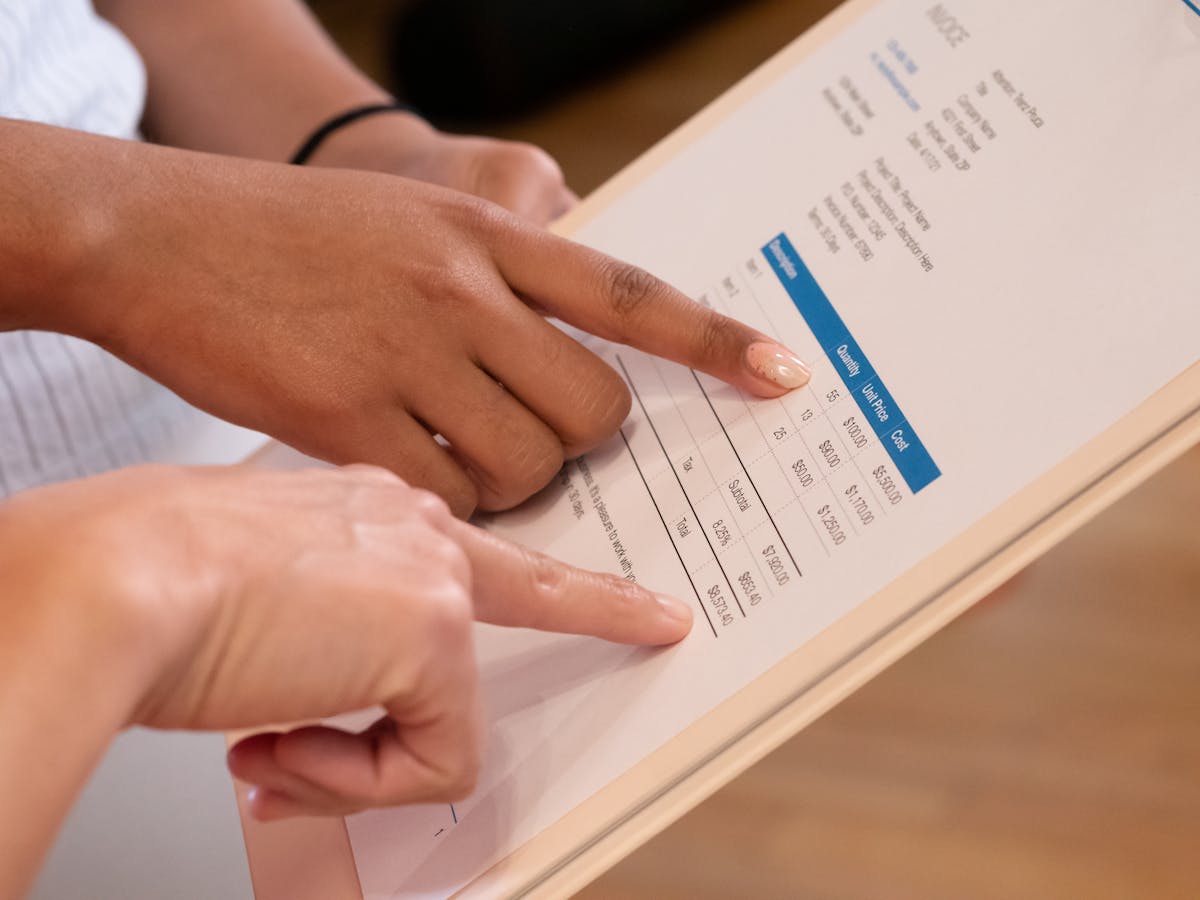
Free invoicing tools usually come with a catch — a client limit, a watermark, or features locked behind a paywall that you only discover after you’ve set everything up. Invoice Ninja is different. The free tier is genuinely complete, and that makes it worth a serious look.
What Invoice Ninja does
Invoice Ninja is an open-source invoicing and billing platform. You can use it as a hosted cloud service (free or paid) or self-host it on your own server. The feature set is comprehensive:
- Invoicing: Unlimited invoices and clients on the free tier
- Quotes/estimates: Create quotes that convert to invoices on approval
- Recurring invoices: Set up automatic repeat billing
- Expense tracking: Log and categorize business expenses
- Time tracking: Built-in timer that generates billable items
- Client portal: Clients can log in to view invoices and pay
- 40+ payment gateways: Stripe, PayPal, Square, and many others
- Projects: Group time and expenses by project
For an invoicing tool, that’s a strong feature list — especially at free.
Interface and usability
The honest assessment: Invoice Ninja’s interface is functional but not polished. Version 5 (the current version) was a significant redesign, but it still feels more like developer software than a product designed for creative freelancers.
The navigation is logical once you know it, but the learning curve is steeper than FreshBooks or Wave. New users often find themselves clicking around to understand where things live. The client portal — where your clients see their invoices — is cleaner than the main app, which is the right priority.
The mobile app exists but is a weak point. It covers the basics (view invoice status, create basic invoices) but is missing features available on the web and has received mixed reviews for reliability.
Invoice Ninja’s feature depth is its main selling point — but features only matter if you use them, and a complex interface means many freelancers end up using a fraction of what the tool can do.
Pricing breakdown
Free (cloud-hosted):
- Unlimited clients and invoices
- 40+ payment gateways
- Quotes, recurring invoices, expense tracking
- Invoice Ninja branding on client-facing pages
Pro ($12/month):
- Custom client portal domain
- White-label branding (no Invoice Ninja logo)
- More invoice templates
- Email customization
Enterprise ($16+/month):
- Multiple users
- Custom integrations
For a solo freelancer, the question is whether the $12/month Pro plan is worth removing the Invoice Ninja branding from client-facing pages. If you’re sending invoices to clients who won’t notice or care, the free tier is sufficient. If brand presentation matters, $12/month is reasonable.
Where Invoice Ninja falls short
Proposal tracking: Invoice Ninja v5 includes a proposals section, but it’s thin. You can create a document and send it, but you don’t get view tracking — the ability to see when a client opened your proposal, how long they spent on it, and whether they returned for a second look. For freelancers who want proposal tracking as a sales tool, a dedicated platform handles this better.
Support: Invoice Ninja is a smaller team than Intuit or FreshBooks. Community support is active (forums, Discord), but direct support response times are slower than premium tools.
Accounting integration: Invoice Ninja doesn’t have built-in bank reconciliation or full bookkeeping. If you need those features, you’ll need to integrate with an accounting tool or export data manually.
Who Invoice Ninja is best for
- Freelancers who want a complete free invoicing tool without a client cap
- Developers or technically minded users who don’t mind a steeper setup
- Anyone who wants self-hosting control over their financial data
- Freelancers with diverse payment gateway needs (especially outside the US)
Who should look elsewhere
- Freelancers who send proposals before invoices and want tracking on those proposals — a tool like Waco3 integrates proposal creation, view tracking, and invoicing in a single workflow without the interface complexity
- Users who want a polished, minimal experience — FreshBooks or Wave are better there
- Freelancers who need strong mobile support
The bottom line
Invoice Ninja is the best free invoicing tool for freelancers who want a full feature set and don’t mind a slightly rougher interface. It earns its reputation. If you’re primarily focused on sending clean invoices, getting paid, and tracking expenses, it delivers — at no cost.
Where it gets outpaced is in the proposal-to-invoice workflow: if you’re pitching clients, getting approval, and then converting to an invoice, a tool built around that sequence does it better.
Ready to send stronger proposals?
Build, send, and track proposals in one place so follow-up is easier.
Start your free trial →