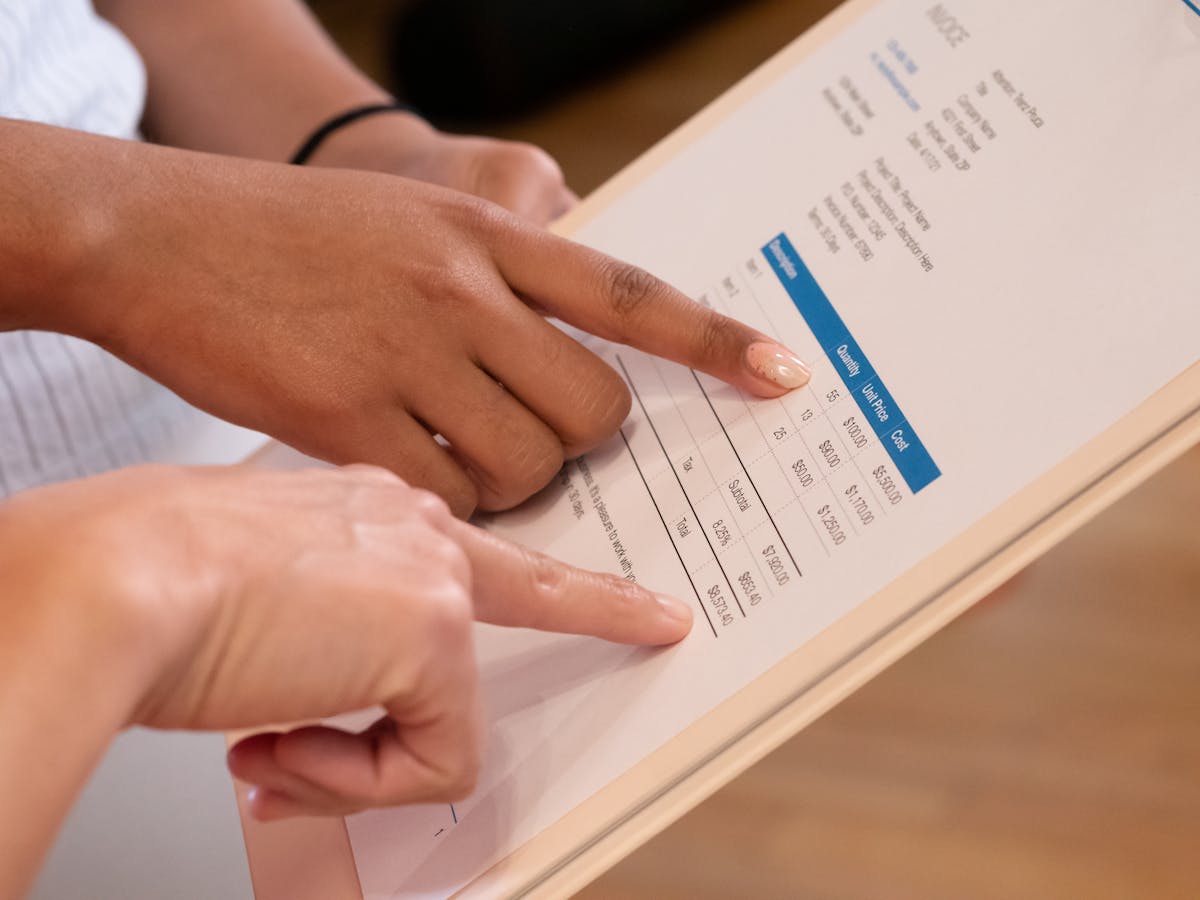
Sending invoices doesn’t require expensive software. You have several free options, from simple email attachments to platforms that handle formatting and payment tracking. The trick is picking the method that matches your volume and needs.
Google Docs Invoice Template
Google Docs has free templates you can customize quickly. Open Google Docs, click “Template Gallery,” search “invoice,” and choose a design. Customize with your business name, payment methods, and terms. When done, download as PDF and email it through Gmail or any provider.
This costs nothing and takes five minutes per invoice. For freelancers sending fewer than five invoices monthly, it’s solid. The trade-off: you create each one manually and don’t track who opened it or when they paid.
Microsoft Word Templates
Word also has free templates. Open Word online or desktop, go to templates, search “invoice,” pick a design, fill it in, and save as PDF. Free, like Google Docs.
Word templates tend to be simpler than Google Docs. If you like clean designs, try both and pick the one that fits your brand.

Zoho Invoice Free Plan
Zoho’s free tier lets you send up to 1,000 invoices per year. You get templates, automatic reminders, and basic reporting. Accepting payments requires a paid plan, but sending is free.
The catch: minimal support and no mobile app on the free tier. If you work from a desktop and don’t need premium features, it works.
Wave Accounting
Wave is free accounting software with invoicing. Create unlimited invoices, send by email, and track payments. Wave earns money from payment processing (2.9% plus $0.30 per transaction), but sending is free.
Wave suits freelancers who want bookkeeping plus invoicing. You see paid and unpaid invoices in one place instead of hunting emails.
Free invoicing tools are best for low-volume senders. If you send 10+ invoices monthly, invest in a paid platform to save time and improve payment tracking.
OpenOffice or LibreOffice
These open-source suites work like Microsoft Office. Create invoices in LibreOffice Calc (spreadsheet) or Writer (document), design freely, then export as PDF. Free, no sign-up, works offline.
The downside: you build each invoice from scratch unless you save a template. No automation or payment tracking.
Square Invoices
Square Invoices lets you create and send for free. Add logos, customize colors, and send payment links in the invoice. Square charges only when customers pay (2.9% plus $0.30).
Square Invoices works best if you already use Square for payments. The connection is smooth.
PayPal Invoicing
PayPal has free invoicing. Create an invoice, add items and amounts, send it. PayPal tracks payment status and notifies you when money arrives. You pay only the standard processing fee.
This works if your clients use PayPal. Not everyone prefers it, so check your client base first.
Email Plus Professional Formatting
The simplest free approach: create an invoice in any tool above, export as PDF, send via email with a professional message. Free and legitimate.
Include your business name, email, phone, and website in your signature. Use a clear subject like “Invoice #2024-001 from [Your Company].” Keep the email brief: state what it’s for, the total, and due date.
When to Upgrade
At 10+ invoices monthly, consider a paid tool. Your time spent on manual creation and tracking costs more than $15-30 monthly. Tools like Waco3 add proposal tracking and payment analytics, giving you insight into client behavior and payment patterns.
Paid tools usually include reminders, payment acceptance, late payment alerts, and reporting. These speed payment and cut admin time.
The Right Choice for Your Business
Start free. If you’re new to freelancing or invoice sporadically, free templates and email work fine. As your client base grows and invoices become weekly or daily, invest in software that automates. Most paid platforms cost $15-50 monthly and save hours of work.
Professional appearance and payment tracking are your goals. Free tools handle looks. Paid tools handle both.
Related: How to Send an Invoice on Gmail the Right Way details the email approach in depth.
Ready to send stronger proposals?
Build, send, and track proposals in one place so follow-up is easier.
Start your free trial →