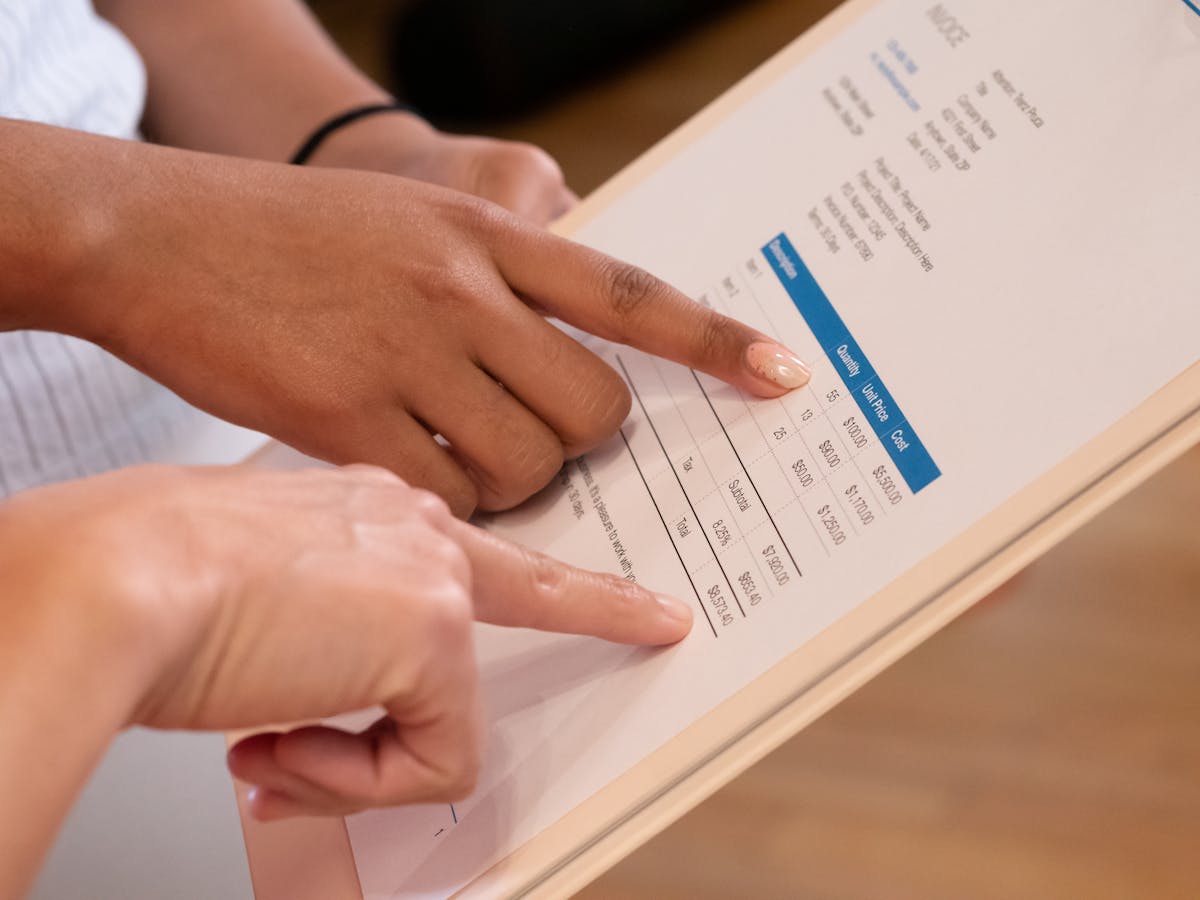
The free invoice app market is crowded, and most tools that claim to be free have real limits once you look closely. This rundown covers what actually works for freelancers and what each option costs in the ways that matter most.
What to look for in a free invoice app
Before comparing options, establish what you actually need:
Basic requirements:
- Create and send invoices
- Automatic calculations (no manual math)
- PDF export or email sending
- Track whether invoices are paid or outstanding
Nice to have:
- Payment links so clients can pay from the invoice
- Automated reminders for overdue invoices
- View tracking (know when clients open invoices)
- Recurring invoices for retainer clients
- Time tracking linked to invoice line items
- Expense tracking
Usually overkill for solo freelancers:
- Full accounting with bank reconciliation
- Multi-currency with automatic exchange rates
- Team permissions and approval workflows
With those criteria in mind, here’s how the main free options stack up.
Zoho Invoice (Free)
Best for: Freelancers who invoice regularly and want a full-featured workflow for free.
Zoho Invoice’s free plan covers one user, up to 1,000 clients, unlimited invoices, time tracking, expense tracking, and direct payment integrations (Stripe, PayPal, Square). Clients can pay through a portal link embedded in the invoice.
Standout feature for freelancers: automated payment reminders that send on a schedule you set. Not chasing payments manually is valuable.
Free tier limit: One user. If you need team access, you’re looking at Zoho Books paid plans.
Wave (Free)
Best for: Freelancers who want invoicing plus basic accounting in one tool.
Wave is truly free for invoicing and accounting: no client limits, no invoice limits. The business model is transaction fees on Wave Payments, not subscription revenue. If you use a different payment processor, invoicing stays free forever.
Wave’s accounting features go beyond most invoice apps: full double-entry bookkeeping, bank reconciliation, and financial statements. For freelancers who need to hand organized records to an accountant at tax time, Wave is worth it.
Limitation: Wave Payments (credit card processing) is only available in the US, Canada, and UK. International freelancers may find fewer direct payment options.
Invoice Ninja (Free Hosted)
Best for: Freelancers with up to 20 clients who want open-source-backed software without running their own server.
Invoice Ninja’s hosted free tier supports up to 20 clients with unlimited invoices. It covers all the invoicing basics plus expense tracking, time tracking, and multiple payment gateway integrations. The client portal is clean.
Limitation: 20-client limit is the ceiling on the free tier. Above that, paid plans start at ~$10/month. Self-hosting (free, no limit) requires technical setup.
The client limit, not the invoice limit, is what usually trips freelancers up on free invoicing plans. If you have more than 20–25 active clients, check the client cap before committing to a free tier.
PayPal Invoice
Best for: Freelancers whose clients already use PayPal and who want the simplest possible invoicing setup.
PayPal’s invoicing feature is built into every PayPal Business account. You create an invoice in the app or browser, send it, and clients can pay via PayPal, credit card, or Venmo. No additional software needed.
Limitation: PayPal’s transaction fees (2.99% for PayPal payments, higher for cards) apply to every payment. If you invoice at volume, this adds up. The invoicing interface is also more limited than dedicated invoice apps—less customization, fewer automation features.
Invoice Simple
Best for: Occasional invoicers who want to create and send a professional invoice in under two minutes without an account.
Invoice Simple has a free web app and mobile app that lets you create an invoice, download it as PDF, or send it by email with no account needed. For one-off invoicing or getting started fast, it’s the lowest-friction option.
Limitation: The free version limits you to a small number of invoices. After that, you need a subscription. It’s genuinely useful for occasional use, but it’s not a sustainable free option for regular invoicing.
Comparison table
| App | Free Invoice Limit | Client Limit | Payment Links | View Tracking | Accounting |
|---|---|---|---|---|---|
| Zoho Invoice | Unlimited | 1,000 | Yes | Yes | No |
| Wave | Unlimited | Unlimited | Yes (US/CA/UK) | Yes | Yes |
| Invoice Ninja | Unlimited | 20 (hosted) | Yes | Yes | No |
| PayPal Invoice | Unlimited | Unlimited | Yes (PayPal) | Limited | No |
| Invoice Simple | Limited (free) | Limited | Download only | No | No |
Which one should you use?
If you’re just starting out: Zoho Invoice or Wave—both are full-featured free tools that won’t require an upgrade for most solo freelancers.
If you need accounting alongside invoicing: Wave—it’s the only option that handles both without a paid plan.
If you already use PayPal for everything: PayPal Invoice—no new tools to learn, no setup.
If you have over 20 clients and want free: Zoho Invoice (1,000 client limit on free tier) or Wave (unlimited clients).
If you also need proposals and tracking: A purpose-built tool like Waco3 handles proposals, quotes, and invoices in one workflow—which most dedicated invoice apps don’t.
The right free invoice app is the one that fits your actual workflow, not the one with the most features. Start with Zoho Invoice or Wave, and upgrade only when specific limitations slow you down.
Ready to send stronger proposals?
Build, send, and track proposals in one place so follow-up is easier.
Start your free trial →