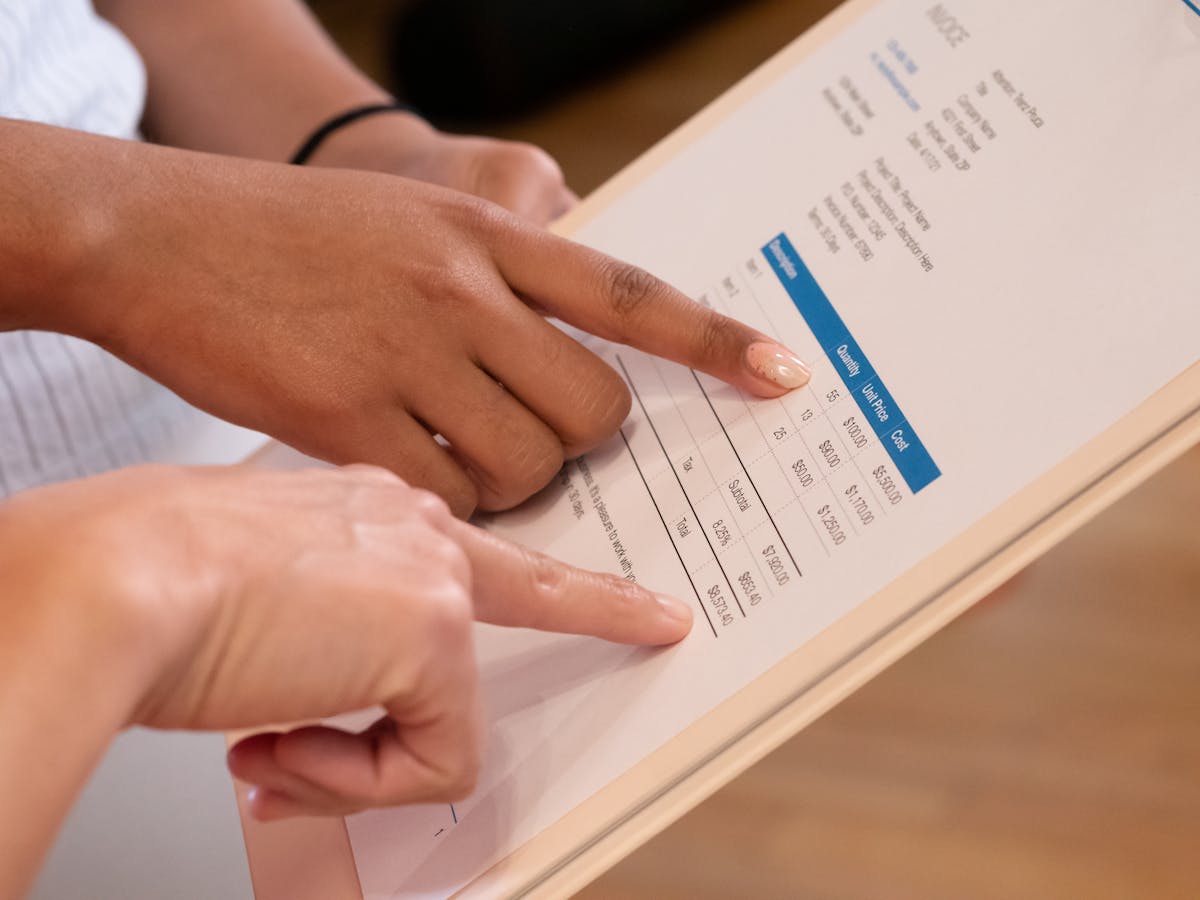
Free invoice tools range from single-use PDF generators to full accounting platforms with invoice modules. Some are genuinely useful for freelancers at any stage. Others are technically free tiers with limitations that become painful fast — watermarks, client caps, or key features locked behind a paywall. Here’s an honest breakdown of five that work.
1. Waco3 Free Invoice Tool
Best for: Creating a professional invoice right now, with no account
Waco3’s free invoice tool lets you build and download a professional PDF invoice in under two minutes — no account, no credit card, no sign-up. Add your business details, client name, line items, and due date, and download the PDF immediately.
For freelancers who also want proposal tracking, quote creation, and a full proposal-to-invoice workflow, Waco3 offers a 3-day free trial of the complete platform.
Limitations: The standalone free invoice tool covers invoice creation and download only. Tracking whether the client opened it, sending reminders, or converting a proposal to an invoice automatically require the full platform.
2. Invoice Generator (invoice-generator.com)
Best for: Quick, one-off invoices with no account required
Invoice Generator is exactly what it sounds like. You fill in a form—your name, the client’s name, line items, payment terms—and it generates a professional PDF invoice in real time. No account, no sign-up, free.
The template looks clean and professional. You can add your logo. The PDF is print-ready or email-ready immediately.
Limitations: No saving, no history, no payment tracking. Every invoice is generated fresh. If you need to reference past invoices or track which ones are paid, you’ll maintain that elsewhere. Best for freelancers who send a few invoices per month and manage everything in a spreadsheet.
3. Wave Accounting
Best for: Freelancers who want full accounting plus invoicing for free
Wave is a full accounting platform — income tracking, expense tracking, reports, payroll, and invoicing — with a free Starter tier that doesn’t expire and doesn’t limit the number of invoices or clients.
The invoice tool lets you create branded invoices, set payment terms, send them by email, and track payment status.
Limitations: The payment processing feature (accepting credit cards or bank transfers) has transaction fees. Bank reconciliation and automatic bank transaction imports are now behind Wave’s Pro plan at $16/month. But core invoicing and basic accounting? Still free.
If you’re a freelancer who also needs to track expenses and prepare for taxes, Wave’s free Starter tier is one of the strongest options at any price.
4. PayPal Invoicing
Best for: Freelancers whose clients already use PayPal
If you have a PayPal account, you can send professional invoices through PayPal Invoicing for free. The invoice is created in your PayPal dashboard, emailed to the client, and the client can pay directly from the invoice. Payment arrives in your PayPal account.
The invoices look clean, include itemized line items, and support multiple currencies. Sending the invoice is free; PayPal charges a transaction fee when payment is made.
Limitations: Clients need to pay through PayPal, which not everyone prefers. PayPal’s transaction fees (around 3.49% + fixed fee for US transactions, higher internationally) apply. The invoicing interface is functional but not as customizable as dedicated tools.
The right free invoice tool isn’t the one with the most features—it’s the one that matches your actual volume and workflow. A freelancer sending three invoices per month has different needs than one managing 20 active clients. Overcomplicating invoice tooling is a common distraction from the actual work.
5. Google Docs / Google Sheets
Best for: Maximum customization with zero cost or limitations
Google Docs and Sheets both have invoice templates available in their template gallery (look for “Invoice” in the template chooser). These are free, customizable, and stored in your Google Drive.
A Google Docs invoice looks professional when printed or exported as a PDF. A Google Sheets template gives you formula-based calculations, which is useful for invoices with many line items or volume discounts.
How to use: Open Google Docs > Template Gallery > Search “Invoice.” Choose a template, fill it in, export as PDF, and email to your client.
Limitations: No payment tracking, no client database, no sending from within the tool. Pure document creation. Works well for low-volume situations; becomes tedious if you’re managing many clients.
Comparison at a glance
| Tool | Account required? | Payment tracking | Online payment |
|---|---|---|---|
| Waco3 Invoice Tool | No | No (full platform: yes) | No (full platform: yes) |
| Invoice Generator | No | No | No |
| Wave | Yes (free) | Yes | Yes (fees apply) |
| PayPal Invoicing | Yes (free) | Yes | Yes (fees apply) |
| Google Docs | Yes (free) | No | No |
What makes a free invoice professional
Regardless of which tool you use, these elements make the difference between an invoice that gets paid promptly and one that gets set aside:
- Clear invoice number and date
- Explicit due date (not just “upon receipt”)
- Itemized line items with descriptions
- Payment instructions: how to pay, where to send payment
- Your contact information so the client can reach you with questions
A free tool that produces invoices with these elements is all you need at the start.
Ready to send stronger proposals?
Build, send, and track proposals in one place so follow-up is easier.
Start your free trial →