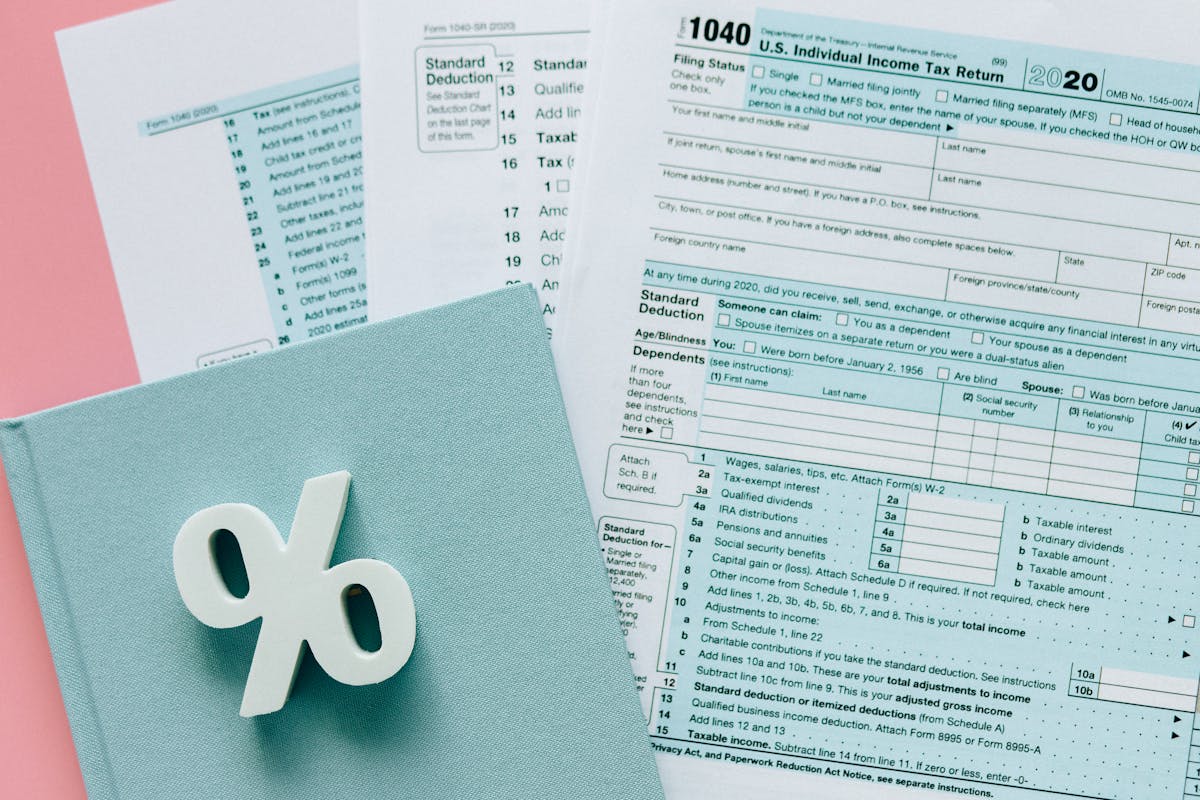
A freelancer completes a $6,500 web project. Scope is done, client is happy, handover call went well. She sends an email: “Here’s my invoice for the website, let me know if you have any questions.” The client’s accounts payable team has four questions: What’s the invoice number? Where’s the PO reference? Is this the full amount or the second installment? How do we pay this? It takes 19 days to get those questions answered and the payment processed. The work was done in 6 weeks. The invoice added 3 more. Everything in this guide is about closing those four questions before the client has to ask them.
An invoice is more than a bill. It’s the last impression you make on a client, and it determines how fast you get paid. A professional, complete invoice moves through an accounts payable queue in 48 hours. A vague, incomplete one sits for 3 weeks while someone on the client’s end tries to figure out what they’re approving.
This guide covers every field, every payment term, every follow-up step, and every common mistake. If you only implement one section, make it the required fields list, that alone eliminates most payment delays.
What every professional invoice must include
Each field below does a specific job. Skip it and you create a question the client has to resolve before they can approve payment.
Invoice number. Sequential numbering (INV-001, INV-002, or starting wherever you are) lets you reference it unambiguously in email. “Can you check on Invoice 047?” is a sentence that gets answered. “Can you check on the invoice I sent Tuesday?” gets ignored or confused with someone else’s invoice. Number every invoice, even for clients you’ve worked with for years.
Invoice date. The date the invoice was issued, not the date work was completed, not the date you’ll send it. This is the anchor for payment term calculations. If you send on May 2nd and your terms say Net 15, the due date is May 17th. If you leave the date blank, the client’s AP system has no starting point. Some automated systems reject undated invoices entirely.
Due date. More important than the invoice date. Write it explicitly: “Payment due: June 1, 2026.” Do not write “Net 30 from invoice date” and leave it there. That requires the client, or their AP system, to do date arithmetic. People miss deadlines they had to calculate. People meet deadlines that are written down.
Your business information. Full legal name or registered business name, mailing address (city and country is enough if you don’t want to list a full street address), professional email, and phone number. This isn’t optional paperwork. A client’s AP department needs to match the payee name on your invoice to the payee name in their system. Mismatches cause holds.
Client information. Their full business name, billing contact name, and billing address. Not the project manager. Not your day-to-day contact unless they’re the same person. The billing contact is who actually processes the payment. Get their name and email at the kickoff meeting, asking for it after work is done feels like an afterthought and delays the process.
Line item descriptions. Each deliverable or service, described specifically. Not “Design work.” Not “Consulting.” Try this formula: [service type], [deliverable], [scope reference]. So: “Brand identity design, final logo files, brand guidelines document, 5 social media templates, per scope agreed March 14, 2026.” A client who sees a vague line item has to match it to something in their records before they can approve it. Give them that match upfront.
Quantity and unit rate. Either hours × hourly rate (“12 hours × $150/hr = $1,800”) or project-based (“1 × $6,500 project fee”). Either is fine, but show the math. A subtotal that appears without any breakdown forces trust that some AP departments won’t extend without documentation.
Subtotal, tax line, and total. All three, on separate lines, even if tax is zero. “Tax: $0” is better than no tax line, because it shows you considered it. A total that appears without a subtotal and tax breakdown causes questions. Questions cause delays.
Payment instructions. Every invoice, without exception, must tell the client exactly how to pay. For bank transfer: routing number and account number (US) or IBAN and SWIFT/BIC (international). For PayPal: the email address. For an invoicing tool with a payment portal: a direct link in the invoice or delivery email. “Please remit to the account on file” is not payment instructions. Never make a client ask “how do I pay this?”
Payment terms. Write both the term and the calculated due date. “Net 15 from invoice date, Payment due May 17, 2026.” Belt and suspenders. The term is for their records; the explicit date is for their calendar reminder.
Project or PO reference. If the client gave you a purchase order number, it goes on every invoice, without it, some corporate AP systems will literally hold the invoice pending PO matching. If there’s no PO, include a project name or reference that matches something in their system (“2026 Website Redesign, Phase 2”).
A note or thank-you line. Optional, but noticed. One sentence: “Great working with you on the checkout flow, the UX improvements are going to make a real difference.” Takes 20 seconds, gets remembered, and changes the emotional context of the invoice from “here’s what you owe me” to “here’s the close of a good working relationship.” Clients who like you pay faster than clients who feel transacted with.
Payment terms explained for freelancers

Payment terms aren’t just boilerplate. They determine your cash flow, your exposure to late payment, and how much leverage you have when following up.
Due on receipt. The client pays when they get the invoice. Best for first invoices with new clients (you haven’t established trust yet), amounts under $500 (too small to invoice-manage), and one-time engagements where there’s no ongoing relationship at stake. Some clients will balk at Due on Receipt from a new freelancer, frame it as your standard for project initiation, not as distrust.
Net 15 (recommended default for most freelancers). Payment due 15 days after the invoice date. This is the sweet spot for most freelance work. It’s short enough to keep your cash flow healthy, long enough that clients with normal AP cycles can process it. If you bill $8,000/month and use Net 30 instead of Net 15, you’re carrying an extra $4,000 in outstanding receivables on average, every month. That’s real money sitting in someone else’s bank account.
Net 30. Standard for large agencies, enterprise clients, and clients where you have an established monthly billing relationship. Accept Net 30 when the client is organizationally incapable of faster payment (large AP departments with fixed processing cycles) or when the relationship and rate compensate for the wait. Don’t accept Net 30 from a small business run by one person, they can pay in 5 days if they want to.
Net 60. Two months. Only accept this for high-value, stable clients where the relationship is worth the cash flow impact. If you’re going to accept Net 60, price accordingly, the time value of money is real, and you’re effectively extending the client a 60-day interest-free loan. A 10% rate adjustment is defensible.
Milestone-based payment. For large projects: define payment triggers clearly in the contract. “50% on project kickoff, 25% on design approval, 25% on launch” is clear. “Payments throughout the project” is not. Each milestone payment should have its own invoice, issued the day the milestone is hit, not at the end of the month.
The moment you invoice matters as much as the terms. Send the invoice immediately on delivery of a milestone or completed work, not at month end. An invoice sent Monday morning gets processed Monday. An invoice sent Friday afternoon gets reviewed the following Monday and processed midweek. Month-end invoicing adds 15 days to your average collection time before the due date clock even starts.
How to send the invoice
Getting the invoice right is only half the job. How you deliver it determines whether it gets to the right person and processed without friction.
PDF vs. tracked invoice link. PDF is appropriate for one-time clients, clients who need a physical document for their records, or situations where you want to keep the interaction simple. Tracked invoice links (from tools like Waco3, Wave, or FreshBooks) are better for recurring clients, you can see when the invoice was opened, when it was paid, and trigger automatic reminders. If you’re sending the same client an invoice every month and you can’t see whether they opened it, you’re guessing about when to follow up.
The delivery email. Three sentences. Subject line: “[Client name], Invoice #[number] for [project name].” Body: (1) confirm the amount and what it covers, (2) note the due date and how to pay, (3) offer to answer any questions. That’s it. No lengthy recap of the project. No apologies for asking for money. Example:
“Hi Sarah, attached is Invoice #047 for the brand identity project: $6,500 due by May 17. You can pay by bank transfer to the account details in the invoice, or reply and I’ll send a payment link. Let me know if anything looks off.”
Sending to the right person. This is where most payment delays actually start. Your project contact, the person who hired you, gave feedback, loved the work, is often not the person who processes invoices. That’s the billing contact, finance manager, or accounts payable team. If you’ve been emailing the project manager for five weeks and then CC them on an invoice, the invoice sits in their inbox until they forward it. Ask at kickoff: “Who should I send invoices to?” That one question saves days.
Payment portals and auto-pay. For monthly retainer clients, offer to set up auto-pay through your invoicing tool. Most will say yes. It removes the friction of monthly approval entirely and makes your income genuinely predictable.
What to do when they don’t pay

Most late invoices aren’t malicious. They’re caught in someone’s inbox, lost in an AP queue, or waiting on a PO that nobody told you about. The follow-up sequence below handles all of these, professionally and firmly.
Day 0, due date, unpaid. This is a gentle nudge, not an accusation:
“Hi Sarah, just a note that Invoice #047 is due today. Let me know if there’s anything you need from my end to get this processed.”
This gives the client an easy out (maybe they need a different format, a PO number, something from you) and doesn’t presume bad intent.
Day 7, seven days past due. Now you name the issue directly:
“Following up on Invoice #047, it’s now 7 days past due. If there’s a processing issue or you need anything from me (different format, W-9, updated payment details), I’m glad to help. Just so you’re aware, late fees apply at 14 days per our agreement.”
That last sentence matters. You’re not threatening, you’re informing. And you’re doing it before the fee applies, which gives a cooperative client the chance to act.
Day 14, fees now applying. Send an updated invoice with the late fee calculated:
“Invoice #047 is now 14 days past due. Per our payment terms, a 1.5% late fee of $97.50 has been added. Updated invoice attached with the revised total of $6,597.50. Please let me know your expected payment date.”
The specificity of the dollar amount makes this real. “$97.50” registers differently than “late fees may apply.”
Day 30, escalation. This is your last professional attempt before formal action:
“Invoice #047 is now 30 days past due, total outstanding $6,597.50. I need to resolve this by [specific date 7 days out] before escalating this formally. Please confirm payment status or call me at [phone].”
After Day 30 with no response, your options are a demand letter, a collections agency, or small claims court depending on the amount and jurisdiction. Most freelancers never get here because the Day 7 follow-up resolves it.
Most invoices get paid after the Day 7 follow-up. Most freelancers never send it because they’re worried it seems pushy. It isn’t pushy. It’s professional. The client who is going to pay you has no problem with a polite reminder. The client who isn’t going to pay you isn’t going to be your friend anyway, follow up on your money.
Invoice mistakes that delay payment
Seven mistakes that cost weeks. All of them common. All of them fixable.
1. No explicit due date. Writing “Net 30” without a calculated date makes the client do math. Many don’t. Fix: Always write “Payment due: [date]” on a separate line.
2. Sending to the wrong person. Invoicing your project contact instead of the billing contact adds 3–7 days while it gets forwarded. Fix: Ask who handles invoices at the kickoff meeting.
3. Vague line items. “Design work, $3,200” tells the client nothing they can match to an approval. Fix: Use the formula: [service type], [deliverable], [scope reference].
4. No payment instructions. Assuming the client has your bank details from a previous invoice is a gamble you’ll lose. Fix: Include routing/account number or payment link on every invoice.
5. Sending the invoice in the email body, not as a separate document. Some AP systems require an attachment to process. An invoice in the email body can’t be stamped, filed, or uploaded. Fix: Always attach a PDF or send a direct invoice link.
6. Invoicing at month end instead of on delivery. If you deliver work on May 3rd and invoice on May 31st, you’ve given the client 28 days of free work before the payment clock starts. Fix: Invoice the day you deliver.
7. No late fee clause. Even if you never enforce it, the clause changes behavior. Clients who see “1.5% per month on overdue balances” pay earlier than clients who don’t. Fix: Add it to every invoice in your payment terms. Whether you apply it is your call, but have the option.
Tax and compliance basics

Tax rules for freelancers vary significantly by country. This section gives you the working framework for the most common markets.
United States. No federal VAT on services. For clients who pay you more than $600/year, they’ll need your W-9 (SSN or EIN) to file a 1099-NEC. If you’re a sole proprietor, your SSN is your tax ID; if you have an LLC, use your EIN. Keep invoice and payment records for a minimum of 7 years. State sales tax on services exists in some states (Texas, New York partially) but most service-based freelancers aren’t required to collect it, check your state.
United Kingdom. If you’re VAT-registered (required once turnover exceeds £90K/year), include your VAT registration number on every invoice, show the net amount, VAT rate, VAT amount, and gross total as separate line items. If you’re below the threshold and not voluntarily registered, state “VAT not applicable, not VAT registered.” Cross-border services to EU businesses use the reverse-charge mechanism, state “Reverse charge applies” on the invoice.
Mexico. The CFDI (Comprobante Fiscal Digital por Internet) is legally required for all business invoicing. Use SAT-authorized software (Factura.com, Contpaqi, or similar) to issue facturación electrónica. Informal freelancers using Gmail attachments are not CFDI-compliant. If you work with international clients who don’t need a CFDI, you can often issue them a regular invoice, but consult an accountant on your specific situation.
Spain. Autónomos must include their NIF (Número de Identificación Fiscal) on every invoice. Many engagements require IRPF (Impuesto sobre la Renta de las Personas Físicas) withholding, typically 15%, shown as a deduction on the invoice. The client withholds this and pays it to the AEAT on your behalf. Your invoice total is net of withholding.
Argentina. AFIP factura electrónica required. Your Monotributo category determines which invoice type you issue (A, B, or C). Use AFIP’s web portal or authorized software to generate compliant invoices. Freelancers invoicing international clients in foreign currency have additional reporting requirements.
For any specific situation, especially cross-border, multi-country, or complex structures, consult an accountant who knows your jurisdiction. The rules change, and the cost of non-compliance is higher than the cost of good advice.
Automating invoices without losing the personal touch
Not everything should be automated. The right rule: automate the process, personalize the first impression.
What to automate. Recurring invoices (monthly retainers, subscription work): set these up to generate and send automatically. Payment reminders: a tool that sends a 3-day reminder and a day-of reminder will recover more late payments than manual follow-up, because it happens without you having to think about it. Late fee calculation: let your tool add the fee, so you don’t have to have an uncomfortable conversation about it.
What not to automate. The first invoice to a new client: write this one yourself, customize the delivery email, include a note. A first invoice from an automated system feels generic and sets the wrong tone. Any invoice after a difficult project or a scope change: these need a human delivery email that acknowledges the situation.
How Waco3 handles this. Recurring invoice schedules let you define the billing cycle once, weekly, monthly, per milestone, and the invoice generates automatically. Automatic reminder sequences send at Day 0, Day 7, and Day 14 by default (fully customizable). Payment tracking shows you which invoices are open, viewed, overdue, and paid in a single dashboard. For retainer clients, you can move from proposal acceptance to recurring invoice setup in under two minutes.
The invoice is the last step, make it the best one
The work is what you get hired for. The invoice is what you get paid for. Treat it with the same attention you’d give a deliverable.
A complete invoice, all twelve fields, explicit due date, clear payment instructions, personalized delivery email, gets processed in 48 hours because there are no open questions. An incomplete one generates a thread of back-and-forth that stretches across three weeks.
If you’re starting from scratch, build your invoice template today: add every field listed in this guide, write your standard payment terms, include your bank details or payment link, and save it. The template takes 30 minutes to build and saves hours every month.
If you want automatic reminders, tracked opens, and recurring invoices without the manual work, Waco3 handles all of it, proposals and invoices in the same tool, so your accepted proposal converts directly to a deposit invoice in one click.
Related reading: If you’re looking at invoice tools, see Best Invoice Software for Freelancers 2026 for the honest comparison. To understand payment terms in more depth, including international wire details and currency clauses, see How to Invoice International Clients. To bill straight from an approved quote, see How to Convert an Estimate Into an Invoice, and to stop guessing whether the client saw the bill, How to Know When a Client Has Viewed Your Invoice.
Ready to send stronger proposals?
Build, send, and track proposals in one place so follow-up is easier.
Start your free trial →