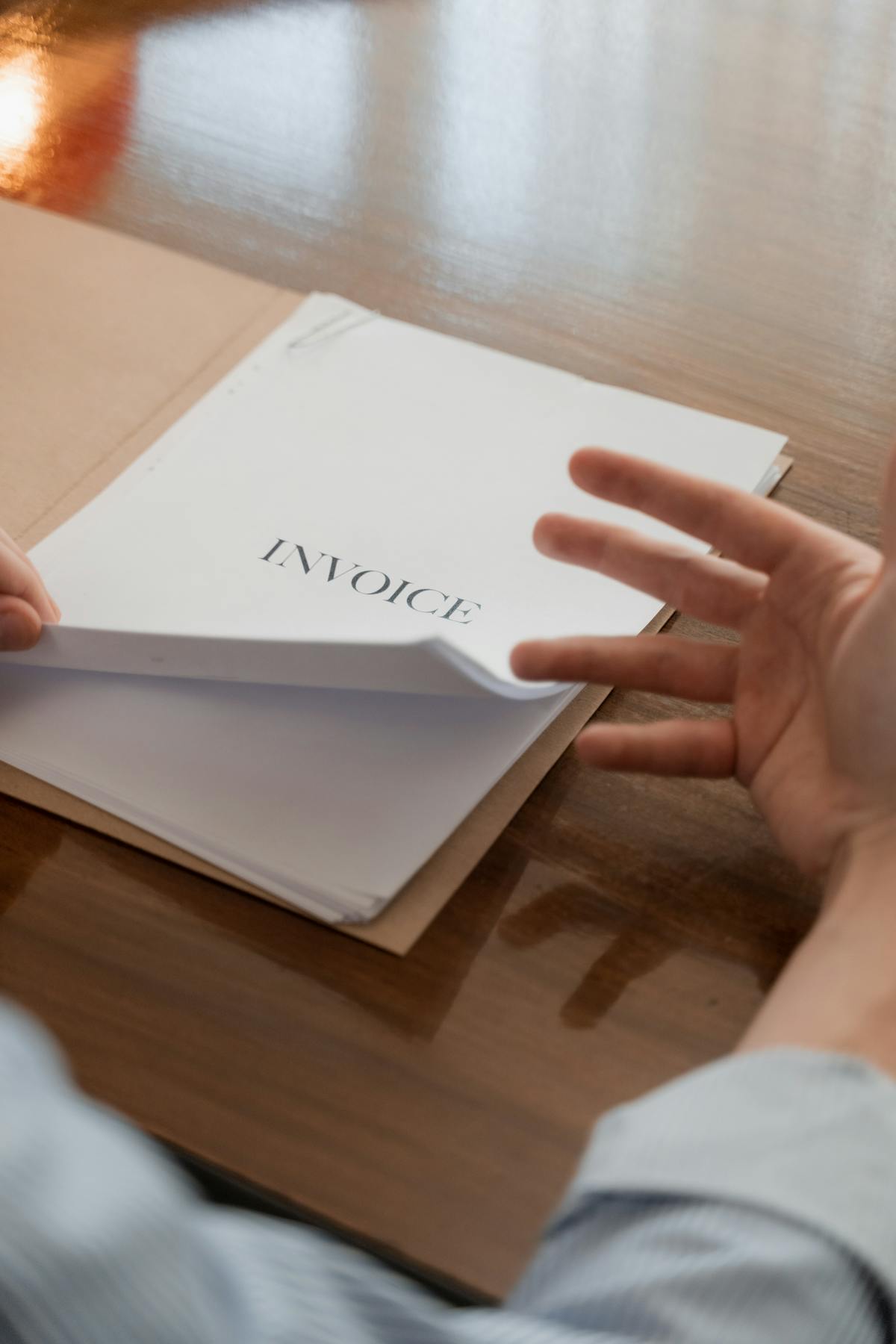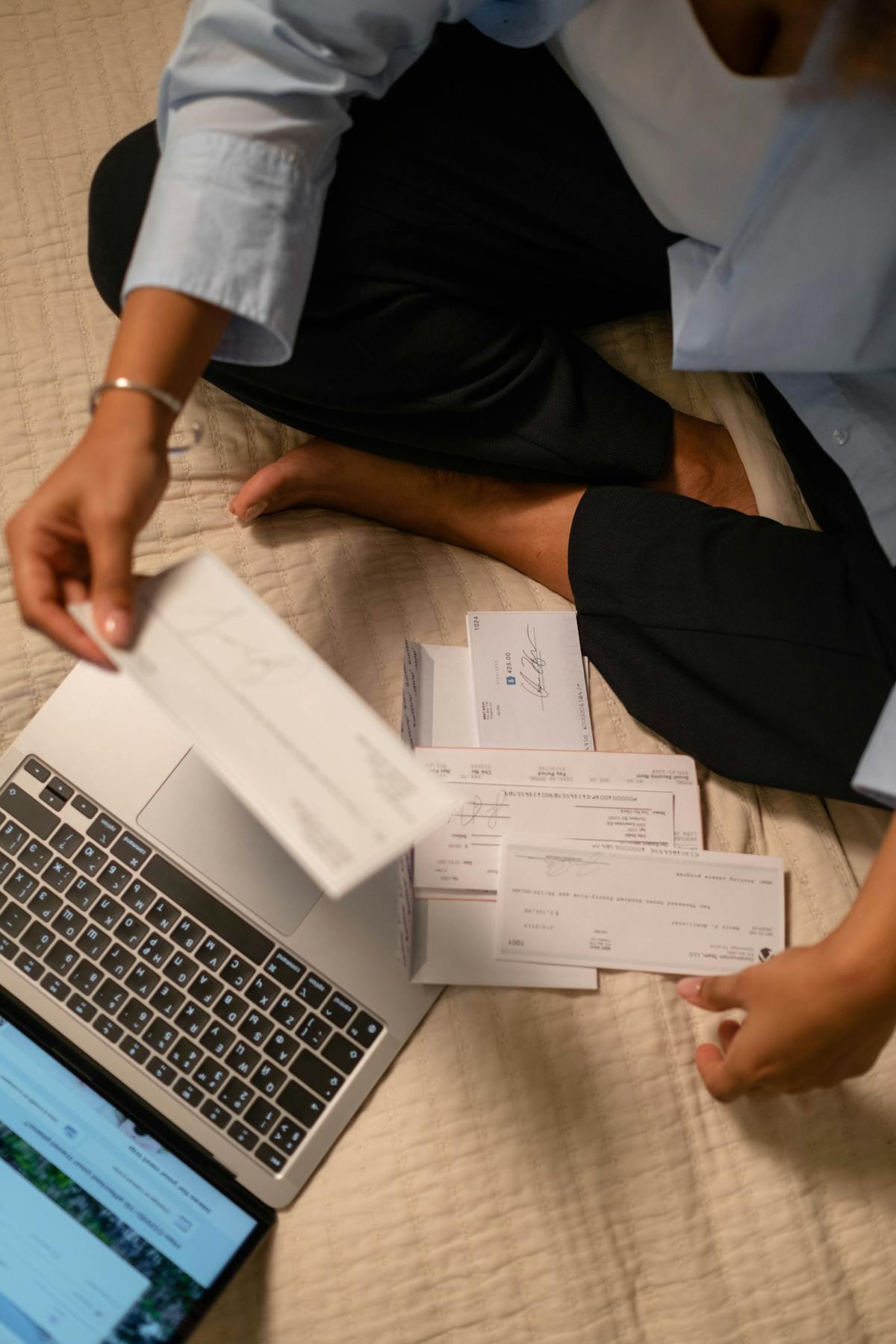
An organized invoice system doesn’t require fancy software. A simple invoice book gives you a complete record of every invoice sent, when it was paid, and who owes you money. Here’s what an actual invoice book system looks like in practice.
The Basic Invoice Book Concept
Traditionally, an invoice book was a physical pad with duplicate carbon pages. You’d fill out the top copy for the client and keep the duplicate. Today, most freelancers keep a digital invoice book: just a folder with numbered PDF invoices.
The principle remains the same: each invoice gets a unique number, and you keep records of all of them. This creates accountability and makes it easy to find a specific invoice if a client disputes a payment.
Numbering Your Invoices
Start with Invoice 001 for your first invoice. Increment with each new invoice: 002, 003, 004. Some businesses use date-based numbering like 2026-05-001. Either system works as long as you’re consistent.
Never skip or reuse numbers. This ensures your invoice record is complete and sequential.
Creating a Digital Invoice Book Folder
Create a folder called “Invoices” on your computer. Inside, create subfolders by year if you have many invoices. Save invoices with a naming convention like “Invoice-2026-001-ClientName.pdf” or “2026-05-28-Invoice-001.pdf.”
The filename includes the invoice number, date, and client name, making invoices quick and easy to find.

Tracking Payments in a Spreadsheet
Create a simple spreadsheet with columns for Invoice #, Date, Client Name, Amount, Due Date, and Payment Received. Add a row each time you send an invoice. Update the Payment Received column once the client pays.
This becomes your payment dashboard. At a glance, you see which invoices are paid, pending, or overdue.
Real-World Invoice Book Example
Say you’re a freelancer sending invoices monthly. In May 2026, you send three invoices:
Invoice 001 to Acme Design on May 5 for 1,500. Due June 4. Paid June 2. Invoice 002 to Blue Marketing on May 12 for 2,000. Due June 11. Pending. Invoice 003 to Green Consulting on May 20 for 800. Due June 19. Paid May 28.
Your spreadsheet shows all three. Your folder has three files: Invoice-2026-001-AcmeDesign-PAID.pdf, Invoice-2026-002-BlueMarketing-PENDING.pdf, and Invoice-2026-003-GreenConsulting-PAID.pdf.
Cloud Storage for Backup
Store your invoice folder in cloud storage like Google Drive, Dropbox, or OneDrive to ensure you have a backup and can access invoices from any device.
Payment Reminders from Your Invoice Book
When you create your tracking spreadsheet, you can quickly identify overdue invoices. If Invoice 002 is due June 11 and you’re on June 25, it’s time to send a payment reminder.
Set a calendar reminder to follow up on unpaid invoices after they’re two weeks overdue. Your invoice book makes this systematic.
A simple invoice book system gives you visibility into your cash flow and ensures no invoice gets lost.
Why Numbers and Records Matter
Imagine a client disputes an invoice from six months ago. With a proper invoice book, you can pull up Invoice 047, show the work done, the agreed amount, and the due date. Without records, you have no proof.
Integrating with Accounting
If you work with an accountant or bookkeeper, your organized invoice book makes their job easier. They can see every invoice, verify amounts, and ensure all income is accounted for.
Archiving Old Invoices
Each year, create a new numbering sequence or subfolder. This keeps current invoices easy to find and prevents clutter. You can always reference old invoices if needed.
An invoice book system doesn’t need to be complicated. Number invoices sequentially, save them in a named folder, and track payment status in a spreadsheet. As your business grows, you can move to software like Waco3 that automates tracking and sends payment reminders. A well-organized digital folder gives you what you need to start.
Ready to send stronger proposals?
Build, send, and track proposals in one place so follow-up is easier.
Start your free trial →