Creating an invoice sounds simple until you realize a missing line item or an unclear description is enough to stall payment for weeks. A good invoice answers every question before the client can ask it.
The Free Template Structure
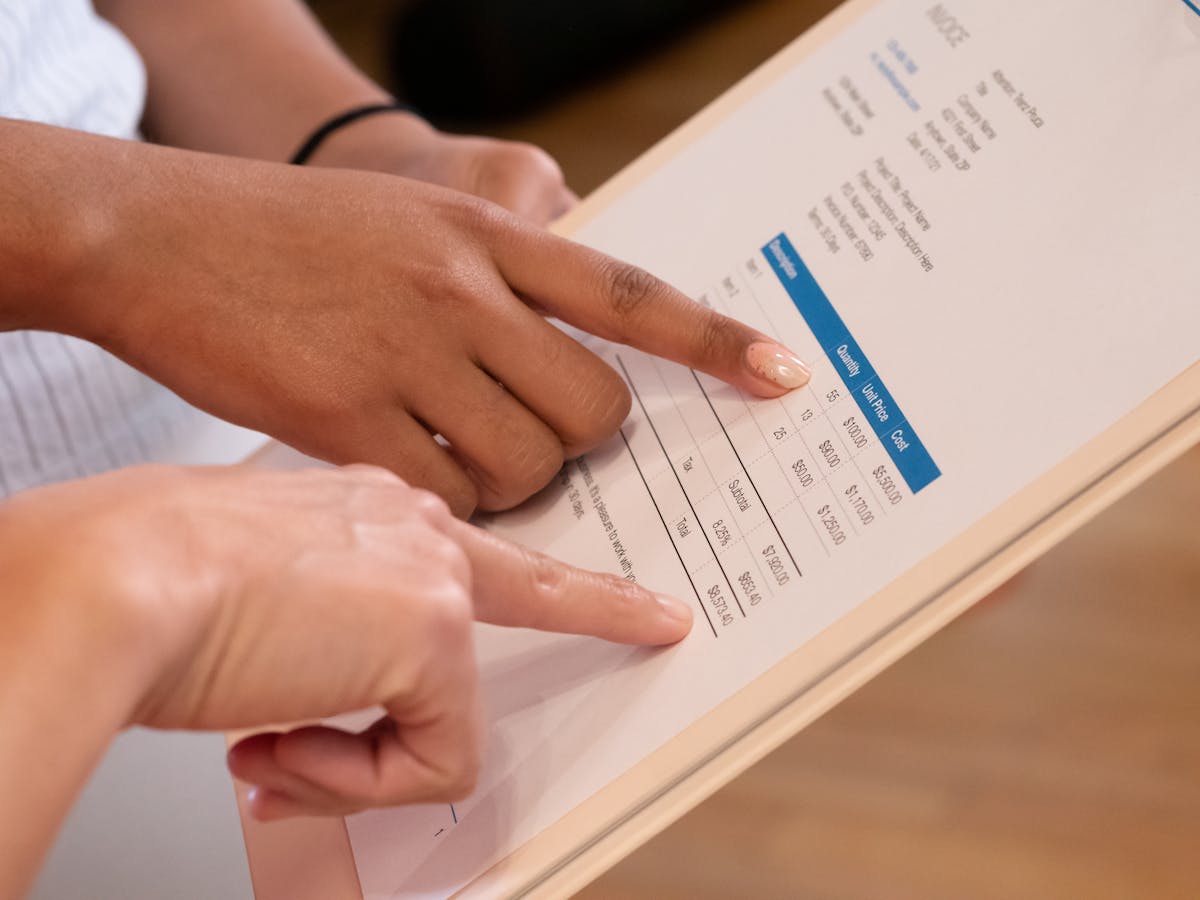
You do not need expensive software to produce a professional invoice. Here is the complete structure you can build in any word processor or spreadsheet:
[YOUR NAME / BUSINESS NAME] [Your Address] [City, State, ZIP] [Email] | [Phone]
INVOICE
Invoice #: INV-001 Invoice Date: May 27, 2026 Due Date: June 10, 2026
Bill To: [Client Name] [Client Company] [Client Address]
| Description | Qty | Rate | Amount |
|---|---|---|---|
| [Service description] | 1 | $500.00 | $500.00 |
| [Service description] | 3 hrs | $90.00/hr | $270.00 |
Subtotal: $770.00 Tax (0%): $0.00 Total Due: $770.00
Payment Terms: Net 15 Accepted Payment: [Bank transfer / PayPal / Stripe link]
Late payments are subject to a 1.5% monthly fee.
That is the core. Every additional detail you add should serve either clarity or your legal protection.
Filling in the Line Items
The line items section is where invoices either earn trust or create friction. Each row should describe a specific deliverable, not a category.
Too vague:
- “Writing services — $800”
- “Consulting — $1,200”
- “Web work — $600”
Specific enough:
- “Blog post: 1,200-word SEO article on email marketing — $350”
- “Brand strategy session — 90-min call + written summary — $400”
- “WordPress landing page build — includes 5 sections, mobile responsive — $600”
When clients see exactly what they are paying for, they have less reason to push back. Vague descriptions invite questions; specific ones confirm value.
Choosing Your Invoice Number System
Your invoice number does two things: it gives the document an identity and it signals to the client’s accounting team how to file it. Keep it simple and consistent:
- Sequential: INV-001, INV-002, INV-003
- Date-based: INV-20260527-01
- Client-coded: INV-SMITH-04
Whatever system you choose, stick with it. Gaps in your numbering can look unprofessional to larger clients who need to match invoices to purchase orders.
Setting a Due Date That Gets Respected
“Net 30” is the default that many clients expect, but for freelancers it creates a month-long cash gap. Net 15 is widely accepted in freelance work and still gives clients reasonable time to process payment.
If you work with smaller clients who pay quickly, “due upon receipt” with a specific date (e.g., “Due by June 3, 2026”) can work even better — it is personal and removes ambiguity.
Always write the actual calendar date alongside the net terms. Writing only “Net 15” means the client has to calculate the due date themselves. Writing “Net 15 — Due June 11, 2026” removes any excuse.
Every field on your invoice that requires the client to do math or make a decision is a field that can delay your payment. Do the work for them.
Adding a Late Fee Clause
A late fee clause gives you a professional way to escalate if payment is not made on time. It does not need to be aggressive — 1.5% per month (or 18% annually) is a common industry standard.
Add it as a single line at the bottom of the invoice:
“Invoices unpaid after the due date are subject to a late fee of 1.5% per month on the outstanding balance.”
You may never collect it. But its presence encourages on-time payment, and it gives you firm ground if you ever need to escalate a dispute.
Sending the Invoice Properly
The way you send an invoice matters as much as what is on it.
- Format: Always send as PDF. Never send as a .docx file that the client could accidentally edit.
- Subject line: Make the invoice number and due date visible in the subject — “Invoice #INV-042 | Due June 10, 2026”
- Body text: Short and direct. Confirm the work is complete, state the total, reference the due date, and note your preferred payment method.
- Timing: Send the moment the work is delivered. Every day you wait is a day added to your cash flow gap.
Using a Tool Instead of a Template
If you send invoices regularly, building one from scratch each time adds up to hours of wasted effort. Tools like Waco3 let you create, send, and track invoices in one place — including seeing when clients open them, so you know exactly when to follow up.
Whether you use software or a template, the goal is the same: a document that clearly requests payment, gives the client everything they need to process it, and creates a paper trail for your records.
Ready to send stronger proposals?
Build, send, and track proposals in one place so follow-up is easier.
Start your free trial →