Following up on an invoice requires finesse. You need to be firm enough to get paid, but professional enough to preserve the client relationship. Most invoices get paid without follow-up. The ones that don’t require a structured approach with specific timing and escalating language. Here’s how to follow up effectively.
The Follow-Up Timeline
Your first follow-up should arrive around day 25, before the invoice is technically due. This isn’t a demand. It’s a friendly check-in. “I wanted to make sure you got this and have everything you need from me to process payment.”
Most clients need this nudge because they’re juggling dozens of invoices. A day-25 reminder often results in immediate payment. They weren’t ignoring you; they just needed a prompt.
If payment hasn’t cleared by day 30 or 31, send a second follow-up. This one is more direct. It confirms the invoice details and requests payment by a specific date. If they still don’t respond by day 35, follow up every 3-5 days.
Follow-Up Template One: The Gentle Reminder
Subject: Invoice [#] Reminder - Due [Date]
Hi [Client Name],
I wanted to check in and make sure you received invoice [#] for [amount] sent on [date]. I included all the details you need to process payment.
The invoice is due [due date]. If you have any questions about the work or need anything from me, just let me know.
Looking forward to seeing this settled.
Best, [Your Name]
This template is friendly and assumes they just need a reminder. It works for 70% of follow-ups.

Follow-Up Template Two: The Direct Request
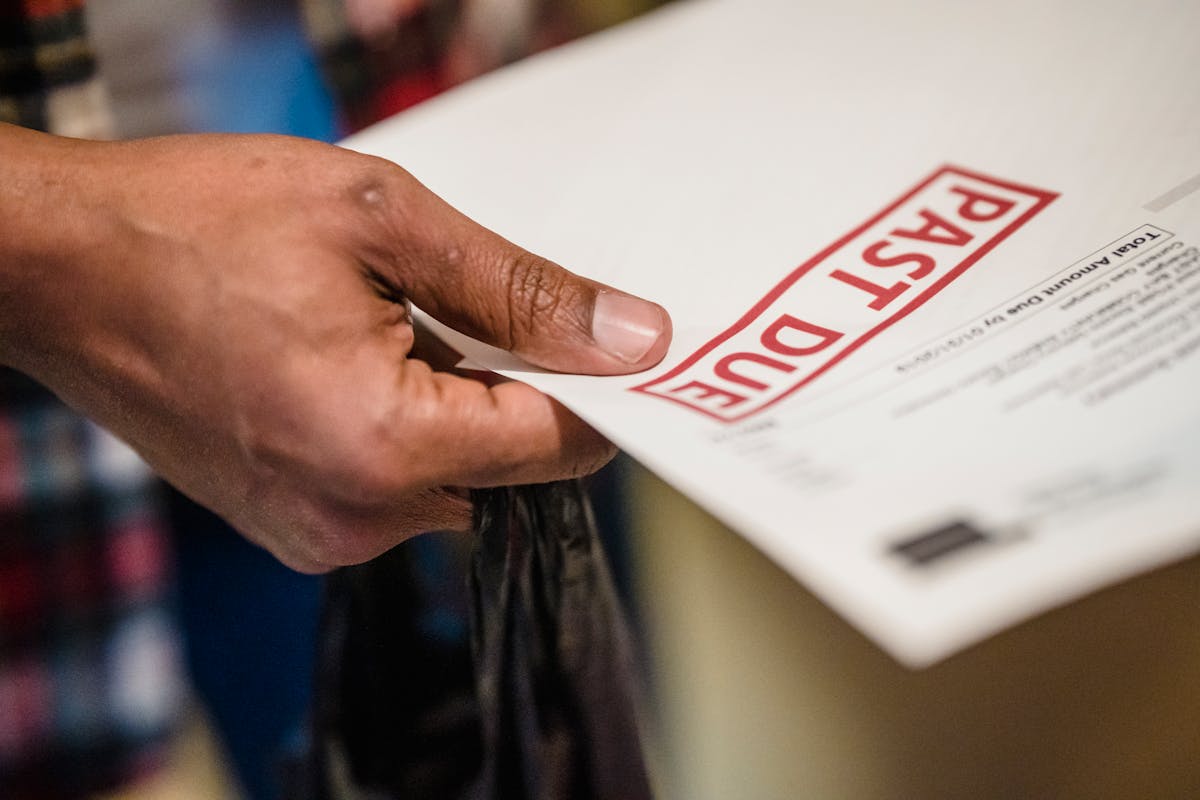
Subject: Past Due Payment Required - Invoice [#]
Hi [Client Name],
Invoice [#] for $[amount] is now past the agreed payment date of [date]. Payment is required to keep your account current.
Please process payment by [new date] to avoid further action.
Invoice details: Amount: $[amount] Invoice #: [#] Original due date: [date] Payment method: [your payment info]
Thank you, [Your Name]
Use this template at day 30+ when gentle reminders haven’t worked. It’s direct and professional.
The difference between a paid invoice and an unpaid one is often just one follow-up. Don’t skip the reminder. Send it early. Send it professional. Watch payment rates improve.
When to Stop Following Up
After 4-5 follow-ups over 60 days with no response, escalate or move on. Send a final notice stating that if payment isn’t received by a specific date, you’ll pursue legal action or refer the account to collections.
Then follow through. Stop doing work for this client immediately. Small claims court costs money and time, but sometimes it’s worth it to set a boundary. More often, you’ll move on and choose better clients next time.
Document every follow-up you send. Keep copies of emails, include screenshots of payment methods offered, and track response times. This documentation is essential if you ever need to take legal action.
Automating Follow-Ups
Manually following up on every invoice is tedious and easy to forget. Waco3 sends automatic reminders at day 25 and day 30, with configurable additional reminders. This removes guesswork and ensures you never miss a follow-up opportunity.
When follow-ups are automated, you get paid faster and client relationships stay professional because the reminders come from a system, not personal nagging.
Ready to send stronger proposals?
Build, send, and track proposals in one place so follow-up is easier.
Start your free trial →