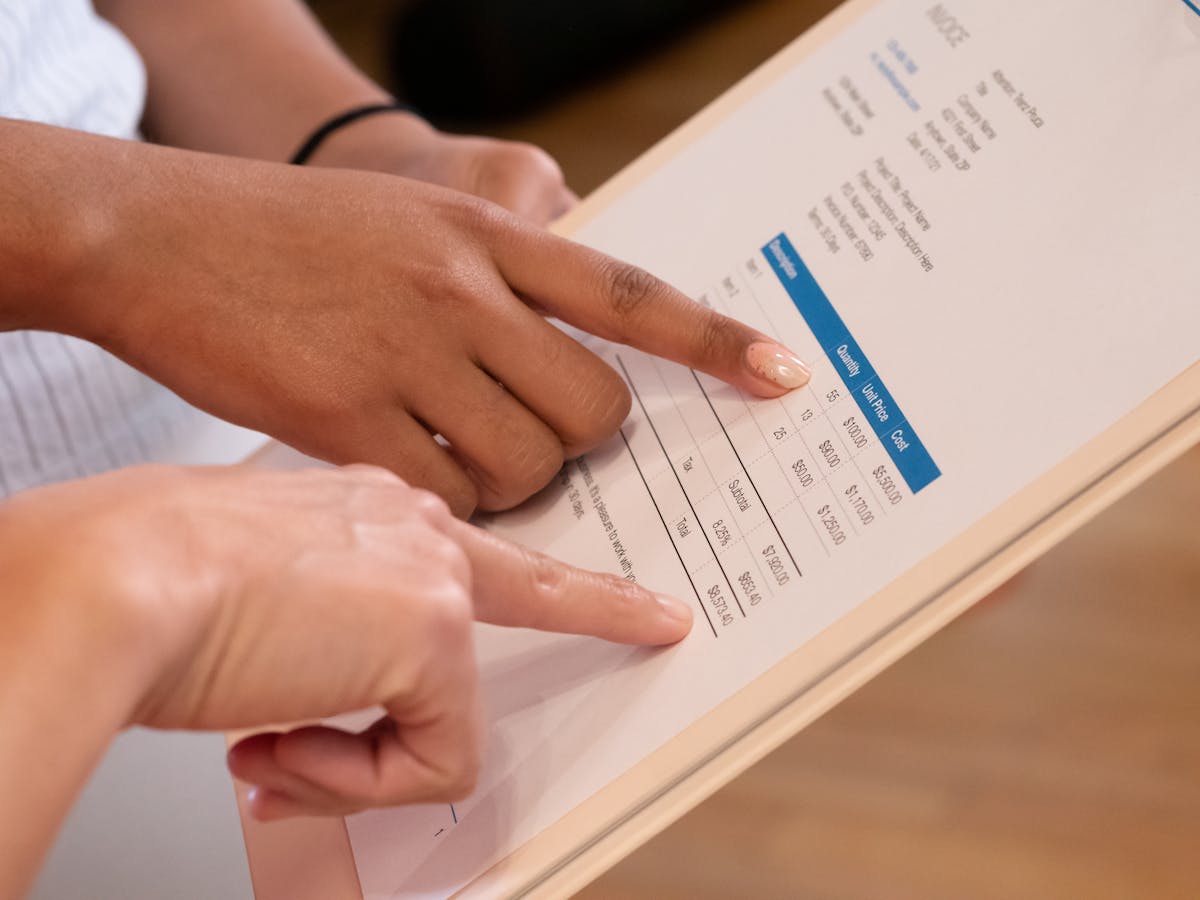
Getting paid for your work starts with sending a clear, professional invoice. Most late payments trace back to invoices that are missing key details, sent too late, or buried in an email thread with no follow-up system.
What Goes on an Invoice for Services Provided
A service invoice is a legal document, not just a bill. It creates a paper trail for both you and the client. Here is what every invoice must have:
Your business information
- Full name or business name
- Address (even just a city and state)
- Email and phone number
Client information
- Client’s full name or company name
- Billing address
- Contact email
Invoice details
- Unique invoice number (e.g., INV-001)
- Invoice date
- Due date
Service line items
- Description of each service provided
- Quantity or hours
- Rate per unit or hour
- Subtotal per line
Totals
- Subtotal
- Any taxes (if applicable in your jurisdiction)
- Discounts (if any)
- Total amount due
Payment information
- Accepted payment methods
- Bank details, PayPal link, or payment portal URL
That last section is where most freelancers leave money on the table. If your client does not know how to pay you, they will put it off.
Common Mistakes That Delay Payment
Vague service descriptions. Writing “design work” instead of “Homepage redesign — 3 rounds of revisions” gives clients room to question what they are paying for. Be specific.
No invoice number. Without one, your client’s accounting team has no way to file your invoice properly. It will sit in someone’s inbox.
Missing due date. “Due upon receipt” is not a due date. Write an actual date: May 27, 2026. This also gives you a clear trigger for follow-up.
Wrong client contact. If you send the invoice to your day-to-day contact but their finance department handles payments, it may never reach the right person. Ask early in the project who handles billing.
How to Structure Your Service Descriptions
Think of each line item as a mini-statement. The client should be able to read it and immediately understand what was done and why that amount is correct.
Good: “SEO audit — 15 pages reviewed, keyword mapping, competitor analysis — $450” Bad: “SEO services — $450”
For ongoing retainer work, list the month and scope: “Social media management — April 2026 (12 posts, 2 platforms) — $800”
For hourly work, show the math: “Consulting — 4.5 hours at $120/hr — $540”
The faster a client can scan your invoice and understand what they owe and why, the faster they approve and pay it.
When and How to Send It
Send the invoice on the same day you deliver the work or reach the agreed milestone. Do not wait until the end of the week or month unless you have a retainer with a fixed billing cycle.
Email delivery best practices:
- Subject line: “Invoice #INV-042 — [Your Name] — Due June 10, 2026”
- Keep the email body short: one sentence confirming the work is done, the invoice is attached, and the due date
- Attach as PDF — never paste the invoice into the email body
- CC yourself for your records
If you use invoicing software, send through the platform so you get read receipts or open notifications. Knowing when a client has viewed the invoice removes the guesswork from follow-up timing.
Setting Up Payment Terms That Actually Get Respected
Net 15 (due in 15 days) works well for most freelance projects. Net 30 is standard in some industries but extends your cash flow gap significantly. If you are new to a client, Net 15 is reasonable to request.
Consider adding a late fee clause — something like 1.5% per month on overdue balances. Even if you never enforce it, it signals that you take your terms seriously and often speeds up payment on its own.
Also consider requiring a deposit before starting large projects. A 25–50% deposit reduces your risk and pre-qualifies clients who are serious about working with you.
Using Software vs. Spreadsheets
A spreadsheet invoice template gets the job done for occasional freelancers. But if you send more than a handful of invoices per month, dedicated invoicing software saves time and creates a professional paper trail.
Tools like Waco3 let you track whether clients have opened your invoice, automate payment reminders, and keep all your project financials in one place — proposals through final payment. That visibility makes follow-up confident rather than awkward.
After You Send: What to Expect
Most clients pay within the agreed terms. When they do not, your first move is a polite reminder — ideally sent one day after the due date, not one week. A short email referencing the invoice number and the original due date is usually enough.
If a client has opened the invoice but not paid, that is different information than if they never opened it. A client who viewed it three times but has not responded may just need a nudge. One who never opened it may not have received it — resend with a note.
Keep records of every invoice sent, every payment received, and every follow-up you sent. If a dispute ever arises, documentation is your best protection.
Ready to send stronger proposals?
Build, send, and track proposals in one place so follow-up is easier.
Start your free trial →