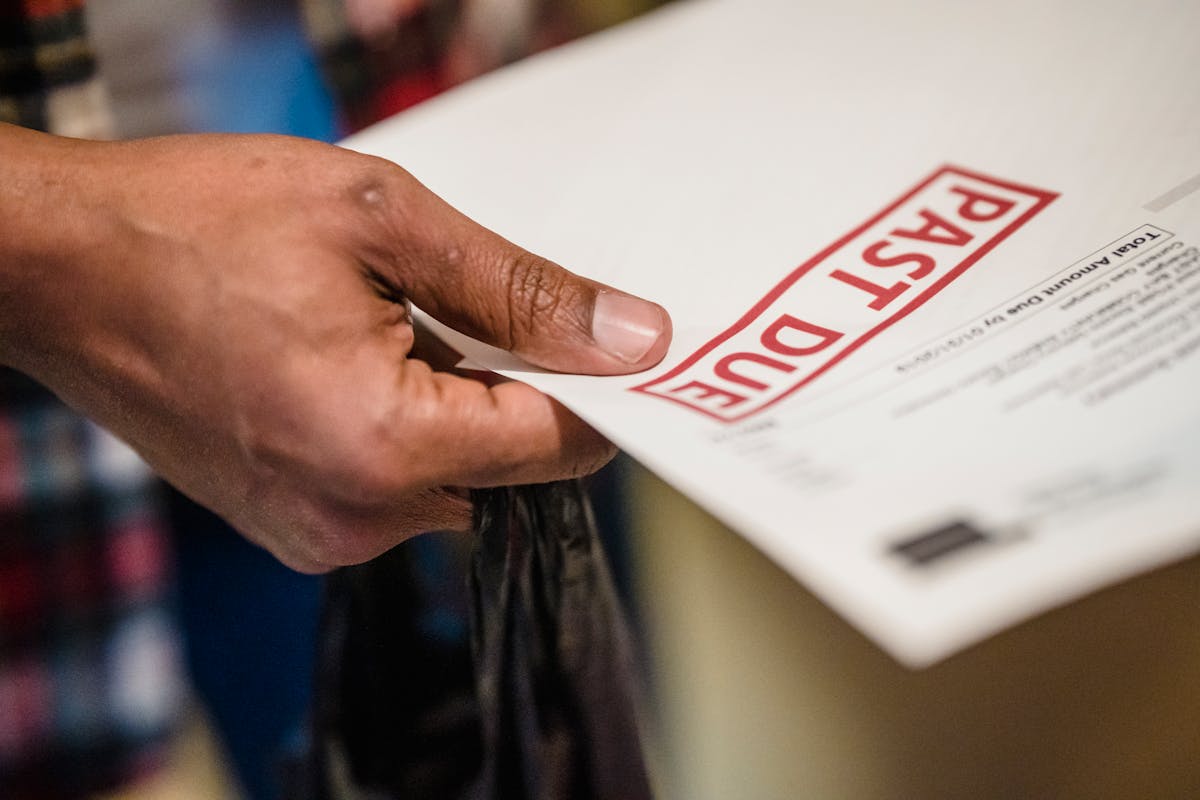
Rewriting follow-up emails for each unpaid invoice drains time and creates inconsistent messaging. A solid template ensures professional, clear communication while saving hours each month. Customize the templates below, then deploy across three stages of overdue invoices.
Template 1: First Reminder (5-10 Days Late)
Use this when payment is just overdue. The tone is helpful, assuming oversight.
Subject: Invoice [#XXX] – Quick Payment Reminder
Hi [Client Name],
I hope this finds you well. I wanted to check in on Invoice [#XXX] for [AMOUNT], which was due on [DUE DATE]. I haven’t received payment yet.
Could you confirm you received the invoice? If it went to spam or the wrong department, I’m happy to resend it immediately. If you need a revised invoice or have questions about the services billed, just let me know.
If payment is already in transit, thank you and disregard this note. Otherwise, I’d appreciate payment by [DATE 2-3 DAYS OUT].
Thanks, [Your Name] [Your Contact Info]
Customization notes: Replace [bracketed items] with actual values. Keep the tone light and helpful. Offer multiple solutions (resend, answer questions, accept revised invoice). This gives the client easy excuses to respond.
Template 2: Second Notice (20-30 Days Late)
If the first email gets no response, shift to this version. Tone is now professional and direct.
Subject: Unpaid Invoice [#XXX] – Payment Due [DATE]
[Client Name],
I’m following up on Invoice [#XXX] for [AMOUNT], due [ORIGINAL DUE DATE]. This invoice is now [X] days overdue, and I haven’t received payment or a response to my previous request.
I need payment by [SPECIFIC DATE 5 BUSINESS DAYS OUT] to resolve this matter.
If you’re experiencing cash flow challenges, I’m open to discussing a payment plan. Please reach out today to arrange one.
If you dispute any charges, please provide written explanation and documentation within 2 business days.
Invoice details: Invoice #: [#XXX] Amount: [AMOUNT] Description: [SERVICE DESCRIPTION] Original due date: [ORIGINAL DUE DATE]
Payment can be made via: [LIST PAYMENT METHODS]
Please confirm receipt of this email.
[Your Name] [Your Contact Info]
Customization notes: Shift from “quick reminder” to “following up.” Add specificity: exact amount, invoice number, service description. Offer a payment plan but set firm deadlines. Request confirmation to ensure they read it.
Shift tone in the second follow-up. Friendly is over. Now signal enforcement.
Template 3: Final Notice (45+ Days Late)
At this stage, you’re creating legal documentation for potential collections or court action.
Subject: FINAL NOTICE – Invoice [#XXX] Payment Required
[Client Name],
Invoice [#XXX] for [AMOUNT] is now [X] days overdue. I have made two previous payment requests without resolution.
This is my final notice. Payment must be received by [SPECIFIC DATE 5 BUSINESS DAYS OUT]. Failure to remit payment by this date will result in:
- Referral to a collections agency
- Reporting to credit bureaus
- Legal action for recovery, with court costs and attorney fees charged to your account
If you dispute charges on this invoice, you must provide written documentation of the dispute within 2 business days. Otherwise, payment in full is due immediately.
Invoice details: Invoice #: [#XXX] Amount: [AMOUNT] Services: [DESCRIPTION] Due date: [ORIGINAL DATE] Days overdue: [X]
Please confirm receipt and your payment plan within 2 business days.
[Your Name] [Your Business Name] [Your Contact Info] [Invoice URL or attachment]
Customization notes: This is formal and legal. Include consequences explicitly. Request confirmation and a specific response. Attach or link the original invoice for reference. This establishes a paper trail for collections agencies or courts.
Template 4: Payment Plan Response
If the client requests a payment arrangement, use this:
Subject: Approved Payment Plan – Invoice [#XXX]
Hi [Client Name],
Thank you for reaching out about a payment arrangement. I’m willing to accept payment on the following schedule:
- [AMOUNT] due [DATE 1]
- [AMOUNT] due [DATE 2]
- [AMOUNT] due [DATE 3]
This arrangement brings Invoice [#XXX] current by [FINAL DATE].
Please confirm you accept this plan by replying to this email. Once confirmed, I’ll send a formal agreement for both of us to sign.
If any payment is missed, the full remaining balance becomes due immediately, and I reserve the right to escalate collections.
[Your Name]
Customization notes: Be specific with amounts and dates. Make clear that missed payments nullify the arrangement. Get written confirmation before stopping regular collection efforts.
Template 5: Dispute Response
If the client claims a billing error:
Subject: Re: Invoice [#XXX] Dispute
Hi [Client Name],
Thank you for your message outlining concerns about Invoice [#XXX].
I’ve reviewed your dispute regarding [SPECIFIC ITEM]. Here’s what my records show:
[EXPLAIN CHARGES WITH DATES AND DETAILS]
If you have documentation that contradicts this, I’m open to reviewing it. Otherwise, the charges are accurate and payment is due immediately.
If we can’t reach agreement, this dispute won’t stop collection efforts. Payment must be made by [DATE] pending resolution.
[Your Name]
Customization notes: Address the specific dispute directly. Cite dates and details from your work records. Don’t budge on payment timing—disputes don’t justify indefinite payment delays.
Best Practices for Using These Templates
Save these templates in your email client or document storage. Create a folder: “Invoice Follow-Up Templates.” Before sending, always customize with real invoice numbers, amounts, and dates. Read each template aloud before sending—typos and generic language undermine authority.
Track which template you’ve sent to each client. Never skip ahead: don’t send Template 3 without sending Template 1 and 2 first. The escalation proves you attempted reasonable collection before escalating.
Copy the payment methods into every template. Make payment frictionless. If clients struggle finding your bank account or payment link, they procrastinate.
When to Automate This Process
Beyond 5 monthly invoices, manual customization gets tedious. Waco3 automates the whole sequence. Set templates once, attach to workflows, and the system sends at the right times, tracks opens, and logs attempts. Manual overhead disappears, consistency improves.
Ready to send stronger proposals?
Build, send, and track proposals in one place so follow-up is easier.
Start your free trial →