The confusion between receipts and invoices trips up a lot of people — especially when trying to reconcile expenses for accounting or reimbursement. Understanding where each document’s reference number lives clears this up quickly.
Invoice vs. receipt: the key difference
An invoice is a request for payment. It’s issued before or when work is completed, shows what’s owed, and has a due date.
A receipt is a confirmation of payment. It’s issued after payment is made and shows that a transaction was completed.
They’re related but not the same document. A receipt may reference the original invoice number — but not always, depending on how the business issues them.
Where the invoice number appears on a formal receipt
When a business issues a receipt that corresponds to a specific invoice, they usually include the invoice reference so you can match the two documents. Look for it:
- At the top of the receipt, in the reference or header section
- Labeled as “Invoice #,” “Invoice Number,” “Re: Invoice,” or “Payment for Invoice #”
- Near the payment details section at the bottom
For service businesses and B2B transactions, this cross-reference is common and expected. When a client pays a Waco invoice, for example, the payment confirmation references the original invoice number so both parties have a clear record.
Retail and point-of-sale receipts
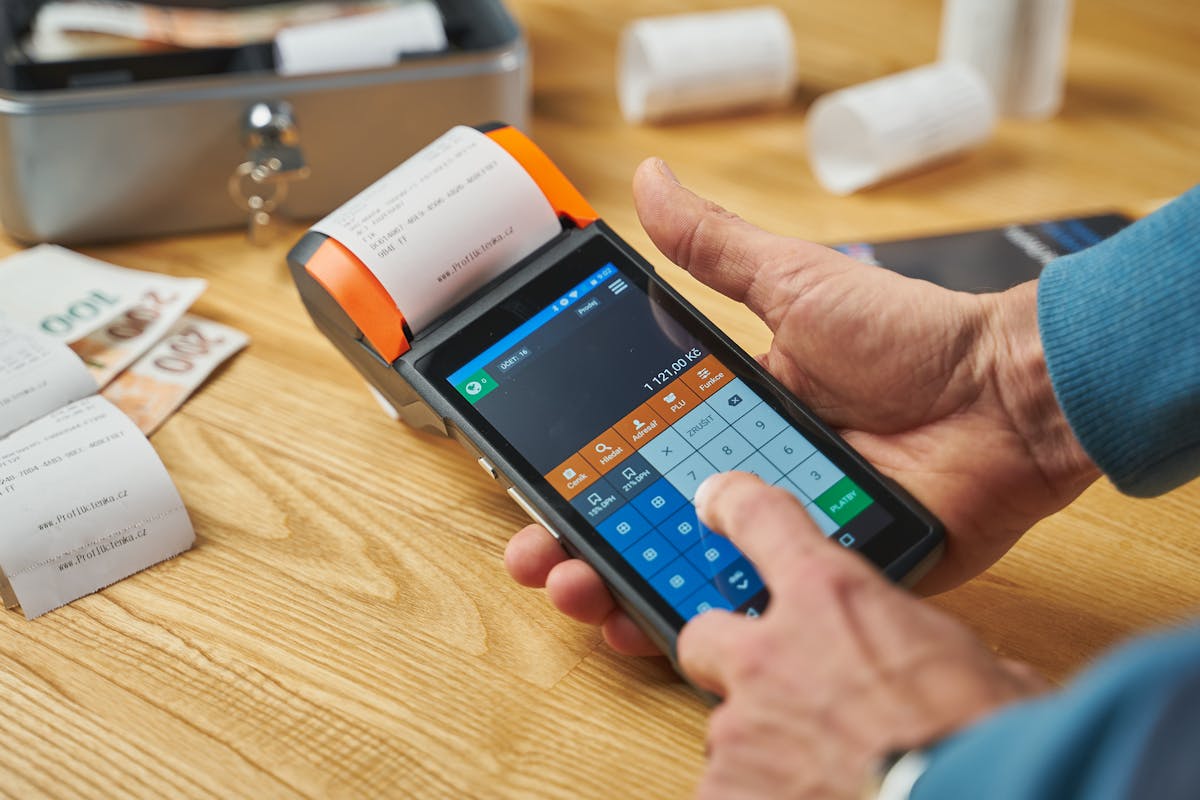
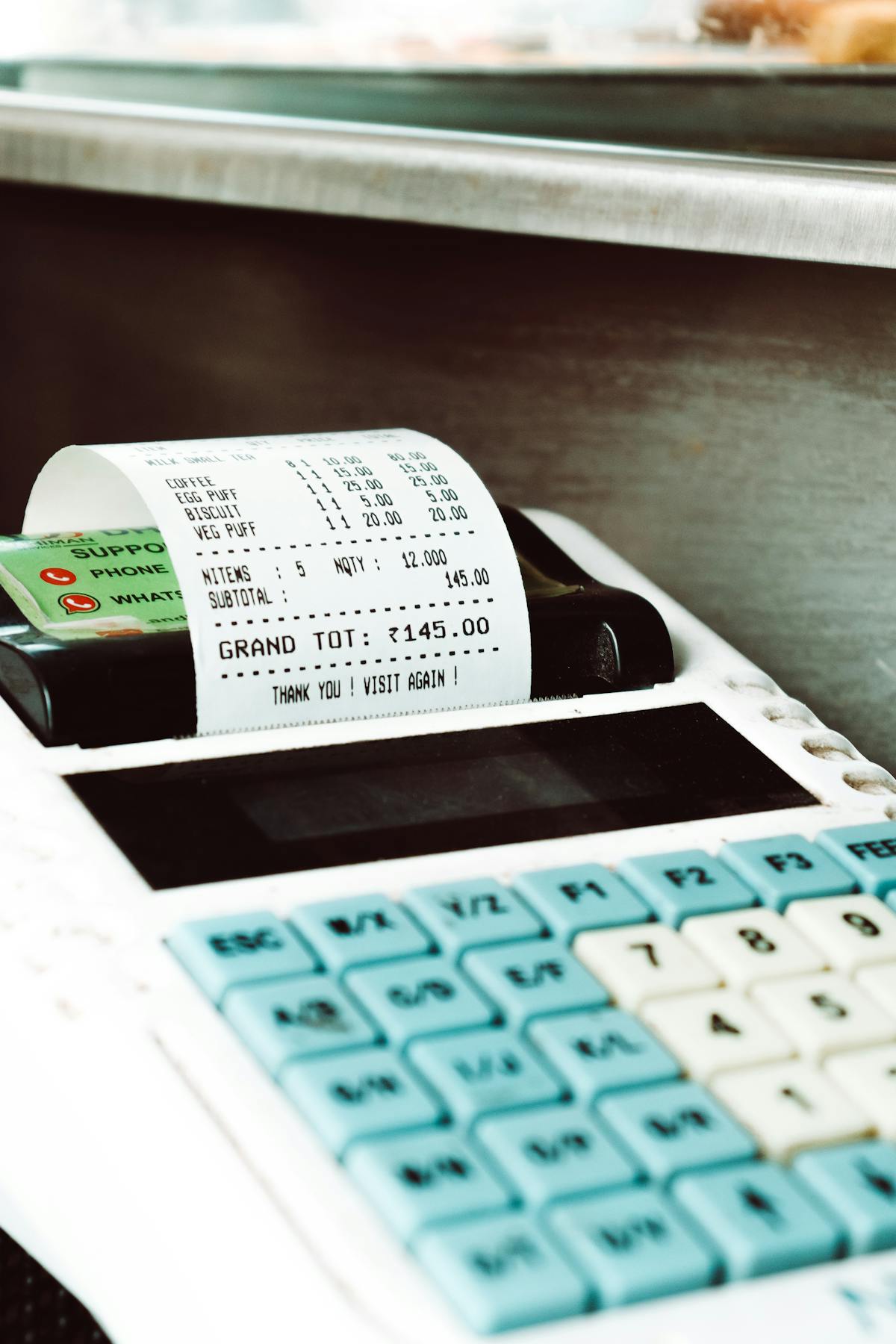
Physical store receipts typically don’t reference an invoice number because the transaction happens in a single step — there’s no prior invoice. Instead, these receipts have:
- A transaction number or receipt number
- A terminal or register ID
- A date and time stamp
If you’re submitting these for expense reimbursement or accounting, the receipt number or transaction number serves the same record-keeping purpose as an invoice number in a B2B context.
If you’re matching a receipt to an invoice and there’s no shared reference number, use the combination of date, amount, and vendor name — three-way matching is standard in accounts payable departments.
For freelancers: issuing receipts with invoice references
As a freelancer, when a client pays you, consider issuing a payment receipt that explicitly references the original invoice number. Something simple like “Payment received for Invoice #2026-042 — $1,800 — Paid May 27, 2026” gives your client a clean paper trail and closes the loop on that invoice clearly.
Waco handles this automatically — when a payment is logged against an invoice, the invoice status updates and both parties have a record tied to the same reference number.
Ready to send stronger proposals?
Build, send, and track proposals in one place so follow-up is easier.
Start your free trial →