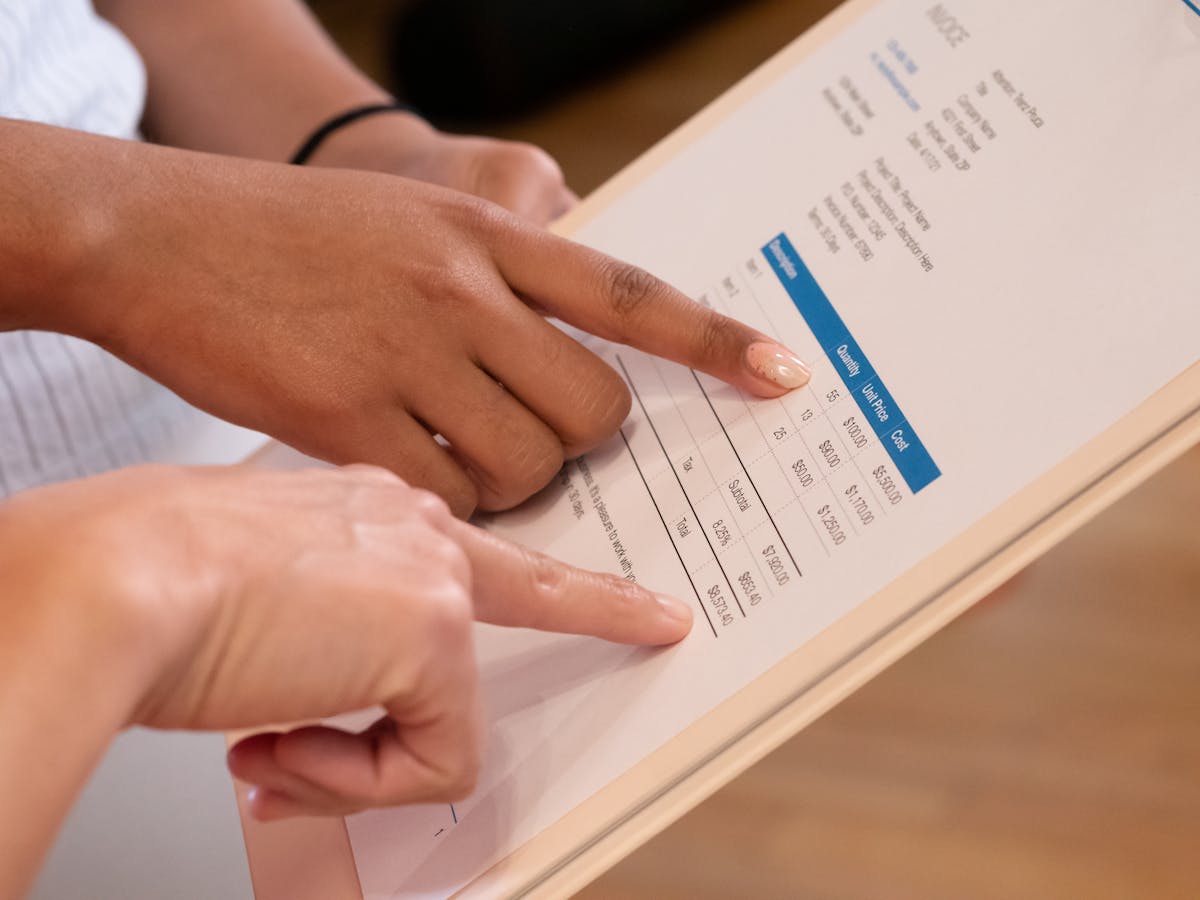
The invoice email is not where you explain your process, recap the project, or apologize for the amount. It’s a professional handoff: here’s the invoice, here’s what you owe, here’s how to pay. Done right, it takes 30 seconds to write and moves payment forward without friction.
The structure of a professional invoice email
Every invoice email has three working parts: the subject line, the body, and the attachment or link. Get each one right and the rest takes care of itself.
Subject line
The subject line does two jobs: it tells the client immediately what the email contains, and it makes the email findable later when they search for it.
What to include:
- Invoice number
- Project name or service description
- Due date or total amount (pick whichever is more useful)
Subject line formats that work:
Invoice #INV-042 — Website Redesign — Due June 15Invoice for Brand Identity Project — $4,800 Due June 1[Your Business Name] Invoice #038 — May Retainer — Due May 30Invoice Attached — Social Media Content, May 2026
Subject lines to avoid:
- “Attached” — says nothing
- “Payment” — triggers spam filters in some systems
- “Invoice” alone — no context, not searchable
- Long, paragraph-like subjects — don’t get read
Email body
Short. Five sentences maximum. The invoice has the detail.
What to include:
- A brief greeting
- What the invoice is for (project name or type of service)
- The total and due date
- How to pay
- An offer to answer questions
That’s the entire email. Don’t recap the project, don’t add pleasantries that pad the word count, don’t over-explain.
Attachment or link
PDF attachment: Standard and widely accepted. Make sure the PDF includes all payment information — bank details, PayPal, whatever you accept. Don’t send an editable Word doc.
Online invoice link: If you use invoicing software, send a link instead of (or in addition to) a PDF. The client clicks, sees the invoice in a browser, and can pay immediately from the same screen. This reduces the steps between “I should pay this” and “payment sent.”
The invoice email is not a sales email. Don’t justify your rate, explain your hours, or apologize for the amount. You agreed on the scope and price before the project started. The invoice is the conclusion of that agreement, not a new negotiation. Treat it like one.
Template 1: First invoice with a new client
Use this when you’re invoicing a client for the first time or delivering the final invoice on a completed project.
Subject: Invoice #INV-001 — [Project Name] — Due [Date]
Hi [Name],
Please find attached Invoice #INV-001 for [brief description of service — e.g., “the brand identity project we completed this week”], totaling $[amount], due [due date].
You can pay via [bank transfer / PayPal / payment link — choose what applies]: [payment details or link].
Let me know if you have any questions. It was a pleasure working on this with you.
[Your name]
Notes on this template:
- Keep the description to one phrase — “the brand identity project we completed this week” — not a paragraph.
- Include payment details in the body if the PDF doesn’t have a payment link. Don’t make them open the invoice to find out how to pay.
- “It was a pleasure” is optional — use it if true, skip it if the relationship is purely transactional.
Template 2: Recurring invoice (retainer or monthly billing)
Use this for clients on a regular billing cycle — monthly retainers, ongoing services, subscription-style arrangements.
Subject: [Month] Invoice — [Your Business Name] — Due [Date]
Hi [Name],
Attached is Invoice #INV-[XX] for [month] — [brief description, e.g., “your monthly social media management retainer”], totaling $[amount], due [due date].
Payment as usual via [payment method]. Let me know if anything looks off.
[Your name]
Notes on this template:
- Recurring clients recognize the pattern. You don’t need to explain anything — just confirm the invoice is accurate.
- “Let me know if anything looks off” is a useful phrase — it signals you’re confident the invoice is correct while opening the door for genuine questions without being defensive.
- For long-term recurring clients, this email can be a single sentence. The relationship carries the context.
Template 3: Invoice with deposit previously paid
Use this when you collected a deposit at the start and are now invoicing the remaining balance.
Subject: Final Invoice #INV-019 — [Project Name] — Balance Due [Date]
Hi [Name],
Attached is Invoice #INV-019 for [project name], covering the remaining balance.
- Project total: $[full amount]
- Deposit paid [date]: −$[deposit amount]
- Balance due: $[remaining amount]
Payment due [due date] via [payment method / link].
Thank you for the great collaboration — let me know if you have any questions about the invoice.
[Your name]
Notes on this template:
- Show the math in the email body, not just in the invoice. Clients sometimes don’t remember the deposit amount, and showing both figures removes any “wait, didn’t I already pay you?” hesitation.
- Keep the “great collaboration” line only if the project genuinely went well. If it was rough, skip the sentiment and keep it professional.
Template 4: Invoice with a payment link (no PDF)
Use this when your invoicing software sends a link rather than an attachment.
Subject: Invoice #INV-055 — [Service] — $[Amount] Due [Date]
Hi [Name],
Your invoice for [service/project] is ready: [Invoice link]
Total: $[amount] | Due: [date]
You can pay directly from the link using a card or bank transfer. Reach out with any questions.
[Your name]
Notes on this template:
- Put the link front and center — don’t bury it at the bottom.
- Repeat the amount and due date in plain text even though they’re in the invoice. Clients often decide whether to open a link based on what the email tells them first.
- “Pay directly from the link” confirms what the link does so they know it’s a payment page, not just a PDF viewer.
What not to write in an invoice email
Don’t apologize for the amount. “I know this is a bit high but…” undermines every number that follows.
Don’t over-explain. Three sentences about why you worked the hours you did is not something that belongs in an invoice email. If a client disputes the amount, handle that separately.
Don’t use passive language around the due date. “Whenever you get a chance” or “no rush” after listing a due date sends a mixed signal. If the due date matters, don’t soften it.
Don’t forget the payment details. The single most avoidable invoice delay: the client wants to pay, they open the email, and they have to go hunting for how. Put the payment method in the email body.
Don’t mark it urgent unless it is. Marking a first invoice as “URGENT” when the due date is 15 days away creates unnecessary friction. Save urgency language for actual overdue reminders.
Following up if you don’t get a response
Send the invoice, then expect a confirmation within 48 hours — not of payment, but of receipt. If you don’t hear anything:
Day 2 after sending:
“Hi [Name], just confirming you received Invoice #INV-042 sent [date]. Let me know if you have any questions or need me to resend.”
That’s it. You’re not chasing payment yet — you’re confirming delivery. Most “delayed” invoices are actually invoices that never made it to the right person or ended up in spam.
For payment reminders after the due date, see Overdue invoice reminder email templates.
Invoice email checklist
Before sending, confirm:
- Subject includes invoice number and due date
- Body states the total and due date in plain text
- Payment method or link is in the email body (not just the invoice)
- Invoice is attached as PDF or replaced with a live link
- No apologies, no over-explanation, no passive due-date language
- Sent the same day as delivery or on the regular billing cycle date
Related reading
- How to write an invoice for freelance work — what goes on the invoice itself
- Overdue invoice reminder email templates — escalating follow-up templates
- What happens if an invoice is not paid after 30 days — next steps when clients go silent
Ready to send stronger proposals?
Build, send, and track proposals in one place so follow-up is easier.
Start your free trial →