Invoices and receipts do different jobs in your business. Know which to use and when. Good records, on-time payment, and solid tax proof all follow.
What Is a Sales Invoice?
An invoice is your payment request to a client. It shows what work you did, the cost, and when they owe it. You issue it before or when work wraps up, based on your terms. It’s the document that creates their payment obligation.
Include your business name and contact info, client name and address, detailed work description, amount due, due date, and how to pay. Add an invoice number for tracking. Any business extending payment terms uses invoices.
The key point: invoices go out before payment lands. Whether it’s net 15, 30, or 45, the invoice starts the deal. It tells them exactly what they owe and when.
What Is an Official Receipt?
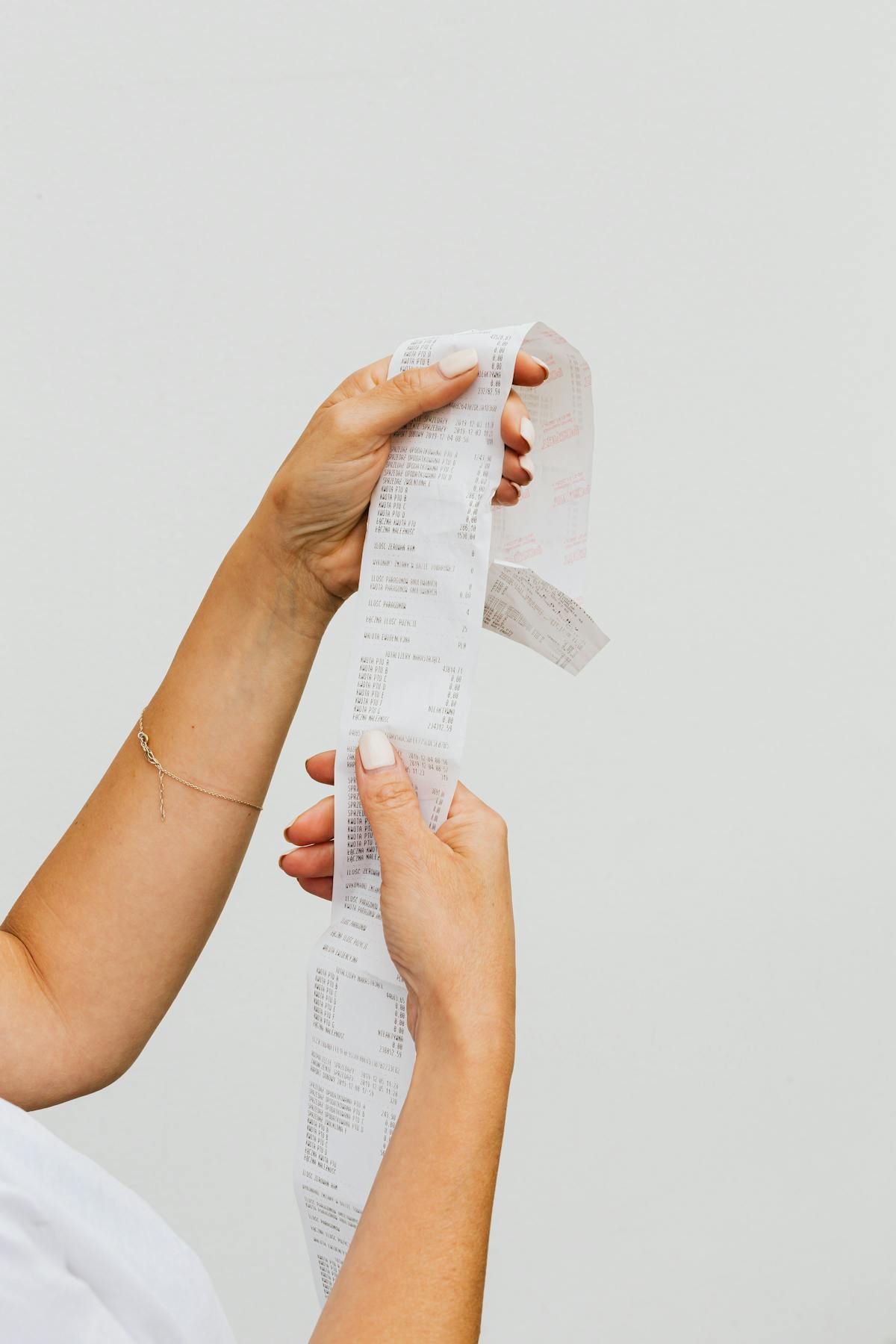
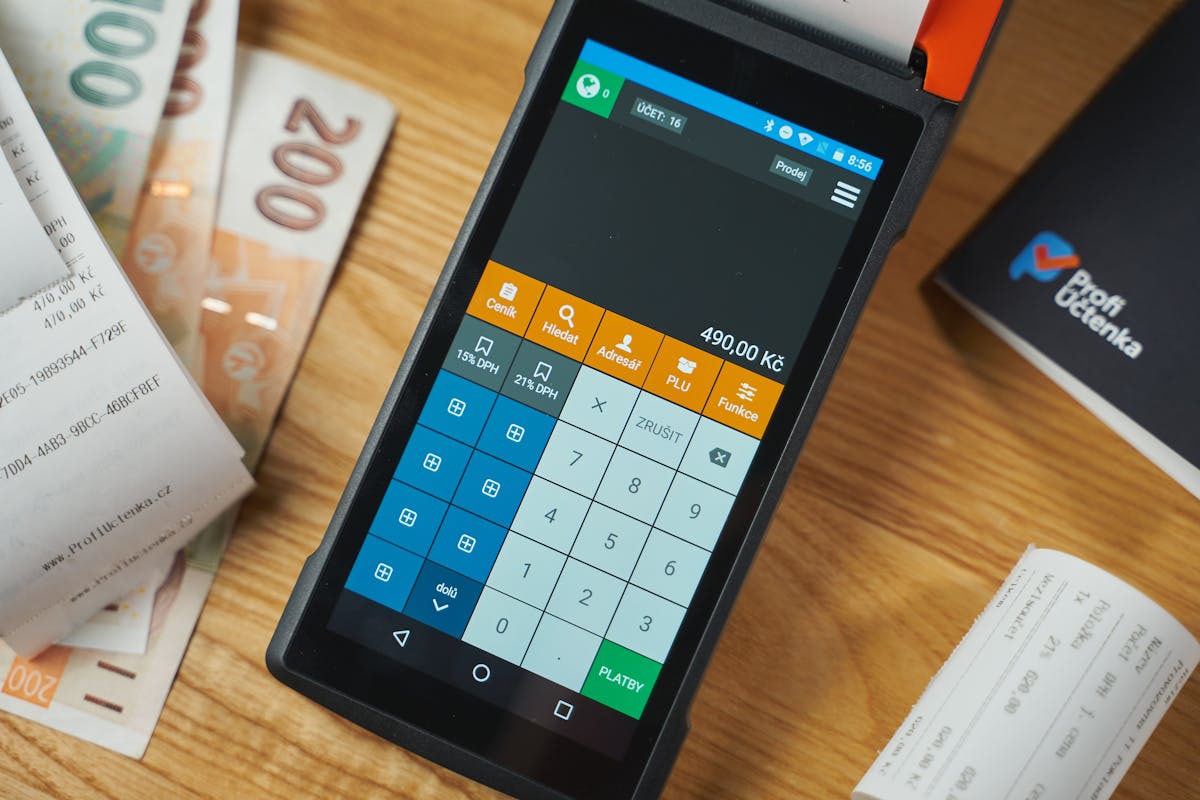
A receipt proves payment happened. You issue it after the client pays. It shows the amount, method, date, and what was bought or the service done. It’s proof the deal is done.
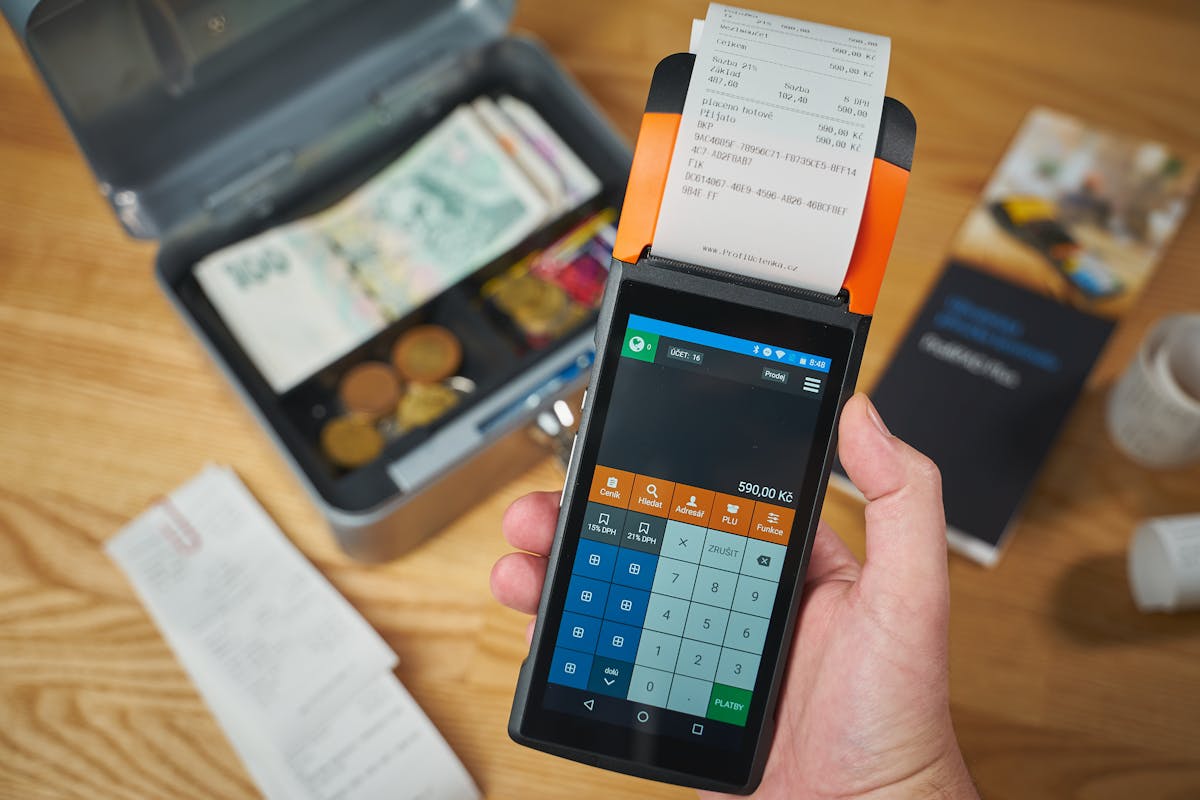
Receipts are standard in retail or when you get paid the same day. Buy something, get a receipt. In freelance work, you issue receipts once clients pay their invoices.
Receipts have legal teeth in some places, especially for taxes. Some areas require specific formats or numbering for tax law. Check your local rules if you’re required to issue them.
When to Issue an Invoice
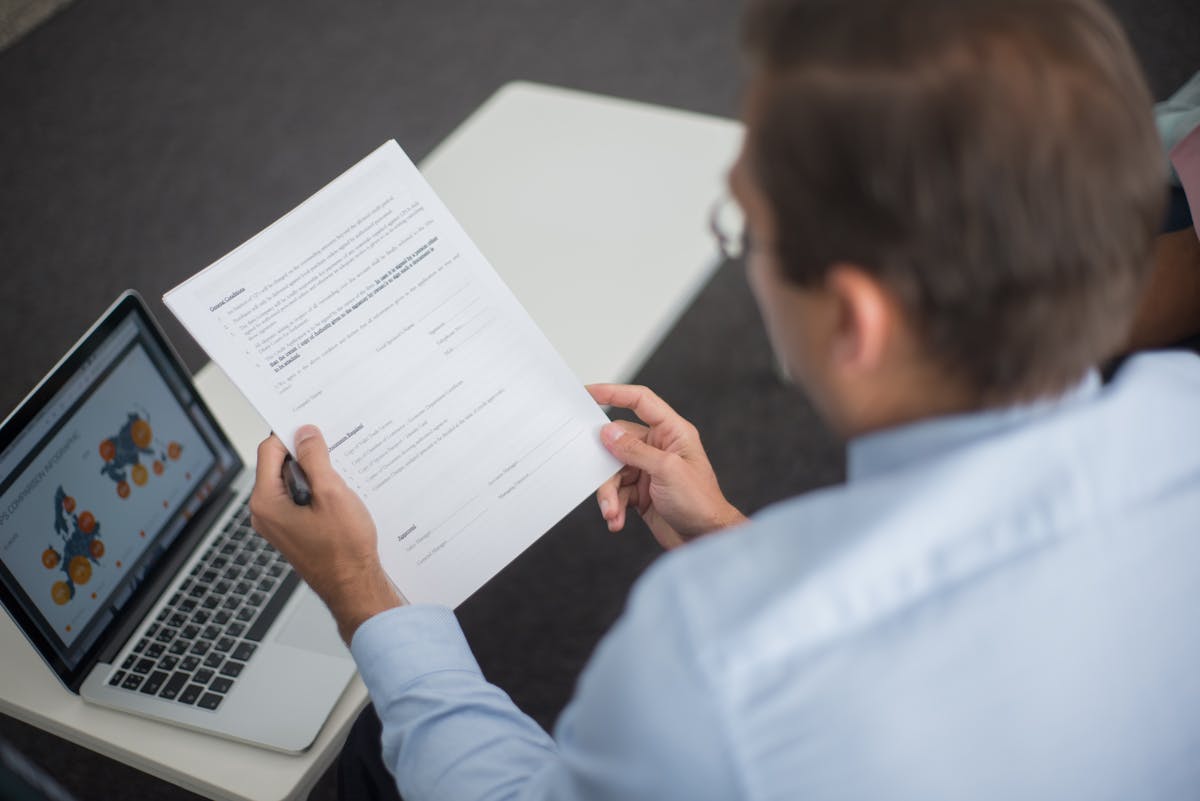
Send an invoice when you give a client payment terms. No immediate pay, send an invoice. Most freelance, consulting, and B2B work falls here. It documents your deal and gives you proof to follow up if they’re late.
Also invoice when you’re billing expenses or want to detail work done. Clients like invoices because they show exactly what they’re paying for and when. Clear, easy to process through accounting.
Invoice fast after finishing work. The quicker they see it, the quicker they pay. Some freelancers invoice same-day work closes, or even before final deliverables, depending on your deal.
When to Issue a Receipt
Issue a receipt when they pay. It confirms you got the money and closes the deal. Both of you have proof of payment. If disagreements come up later, the receipt shows it happened.
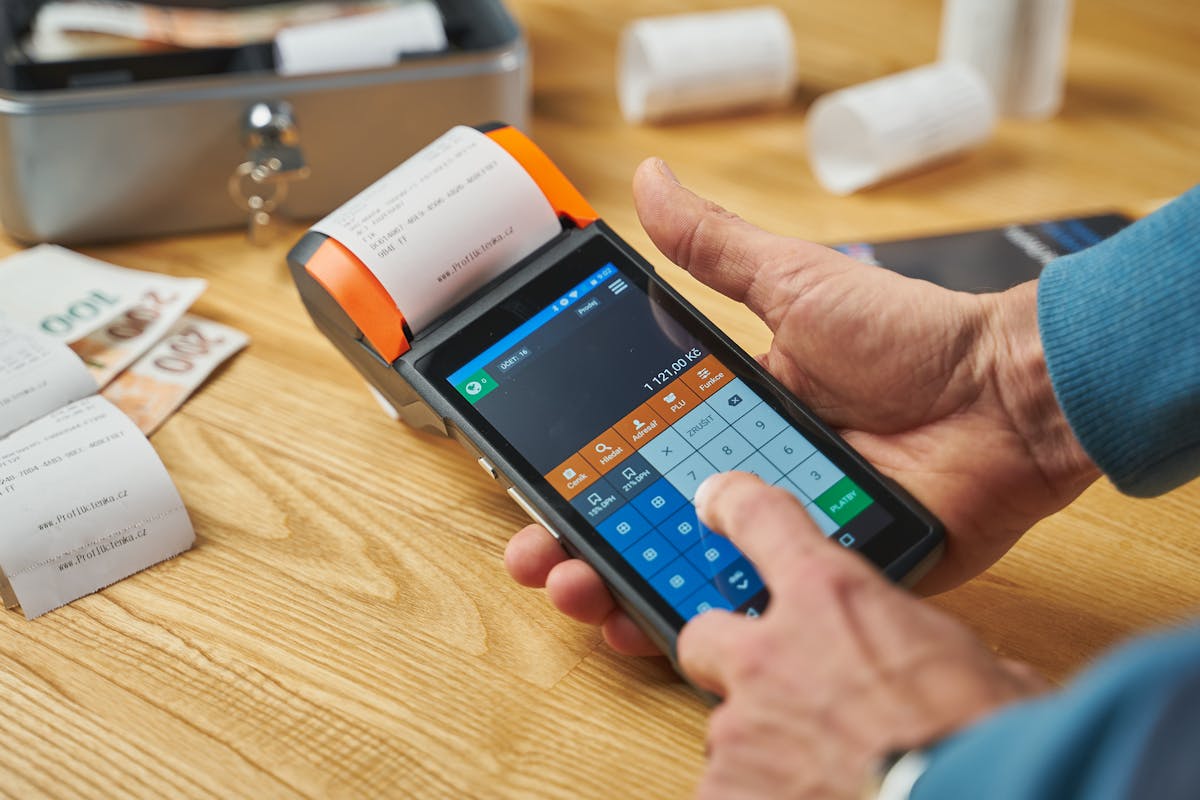
Also issue receipts immediately for cash deals or same-day payment. Pay by app, card, or cash now? Receipt now, not an invoice.
Email digital receipts. Many invoicing tools auto-generate receipts when payment shows as received. No manual lift.
Can You Combine Invoice and Receipt?
Some businesses merge them into one. “Invoice paid in full” or “cash receipt.” Shows work, cost, and payment in one spot.
Good for small shops or one-time deals. But it confuses people if payment hasn’t actually landed. Looks like they paid when they didn’t. Better to separate them and stay clear on payment status.
Most invoicing tools let you mark an invoice paid and auto-generate a receipt. Both docs, no extra work.
Invoices ask for money. Receipts prove you got it. Use both for clean records and easy accounting.
Invoice and Receipt for Tax Purposes
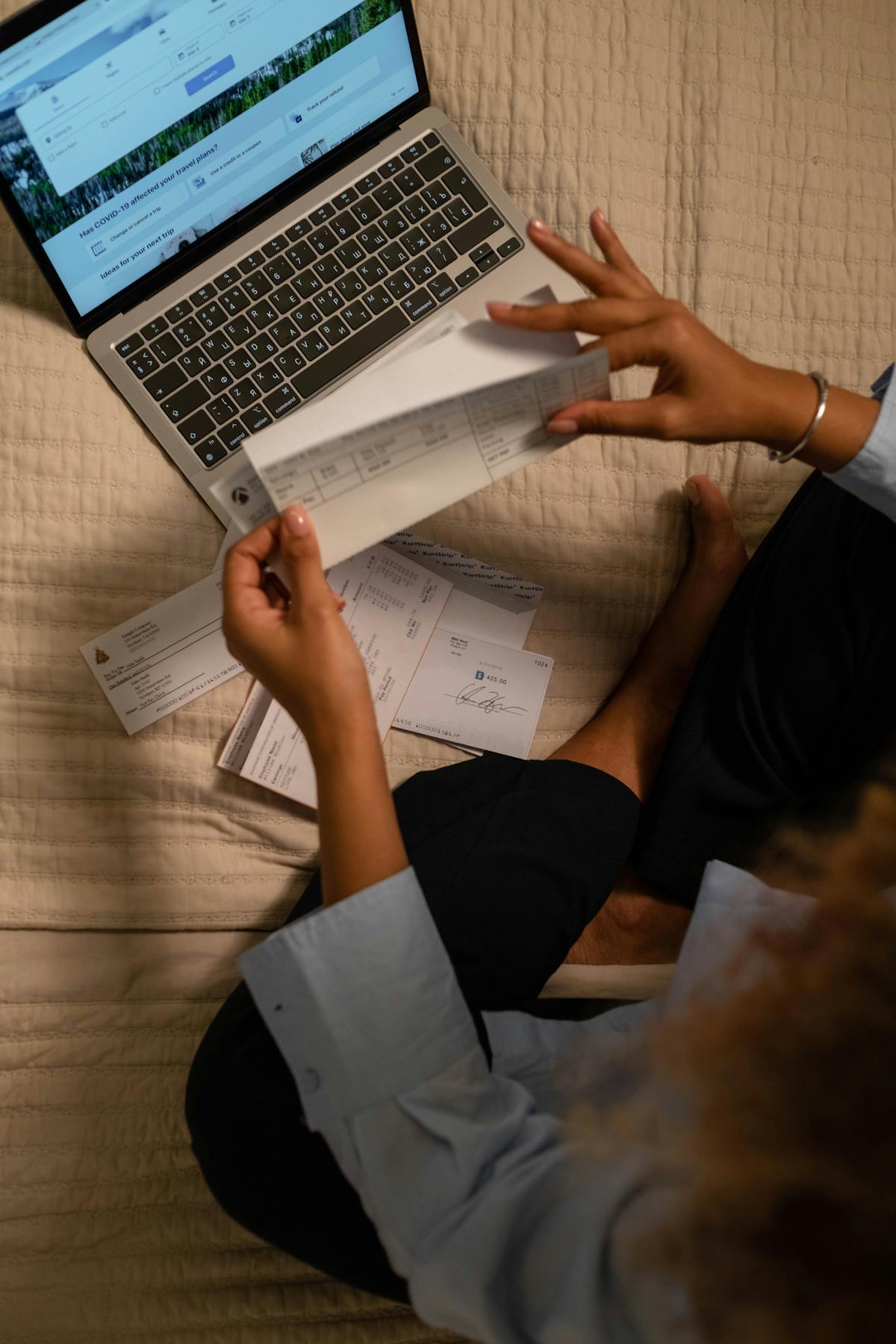
Both matter for taxes. Invoices show your yearly income and what you’ve charged. Receipts show which got paid. Together, your accountant sees cash flow clearly.
Accrual accounting records invoices as income when issued. Cash accounting records them when paid. Know which you use to understand your tax hit.
Keep both for seven years. Tax auditors want proof of income and payments. Solid records of both protect you in an audit.
Improving Your Invoice and Receipt Process
Use the same layout for all invoices and receipts. Clients spot them fast. Add your logo, name, and contact info. Make the invoice number and due date stand out, no confusion.
Waco3 handles invoices and receipts on autopilot. Client pays an invoice? The system records it and generates a receipt. No manual work, nothing forgotten.
Email them instead of printing. Faster, greener, clients see them right away and can file them in email. You get proof they opened it.
Ready to send stronger proposals?
Build, send, and track proposals in one place so follow-up is easier.
Start your free trial →